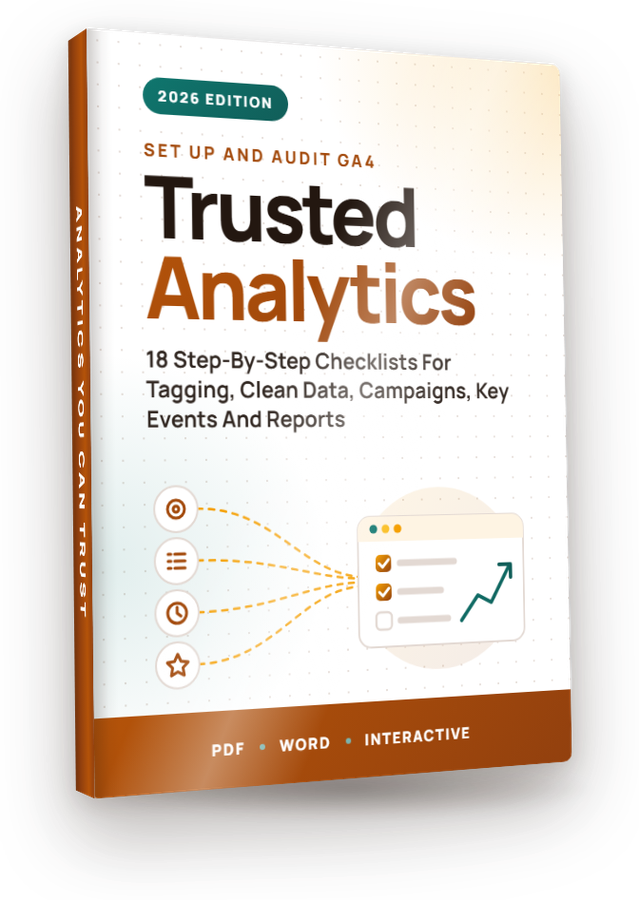
From “GA4 Account Audit” to “Adding GA4 To WordPress”, these 18 checklists take you through Google Analytics one step at a time, in the order that actually works, rewritten for 2026. Full private label rights, plus a done-for-you Profit Kit to grow your list with them or sell them as your own.

The GA4 Analytics Profit KitA squeeze page, download page, sales page, 5 follow-up emails, eCovers and a Quick Start guide, all unbranded and ready for your name.
Get Started →See everything in the kit ↓Most private label products hand you files and leave the rest to you. Volume 21 comes with everything around the checklists too: the pages, the emails, the covers and the plan. Put your name on it, upload it, and you can start building your list or taking orders the same day. Every page, email and cover is unbranded and ready for yours.
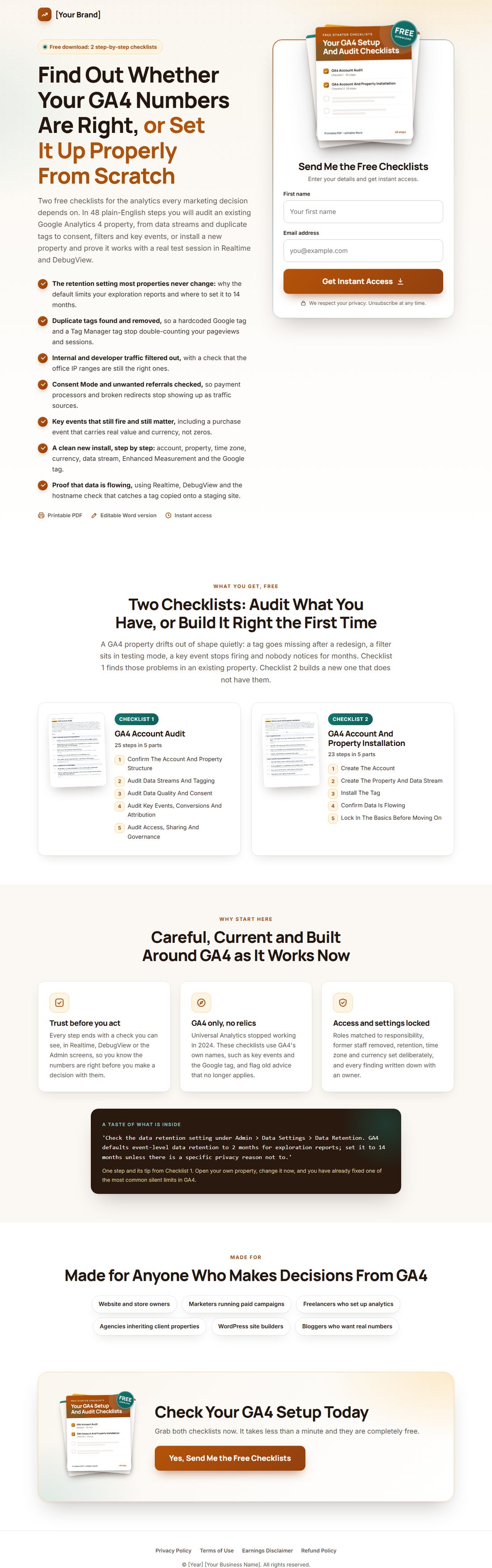
Gives away Checklists 1 and 2 and collects emails with any autoresponder.
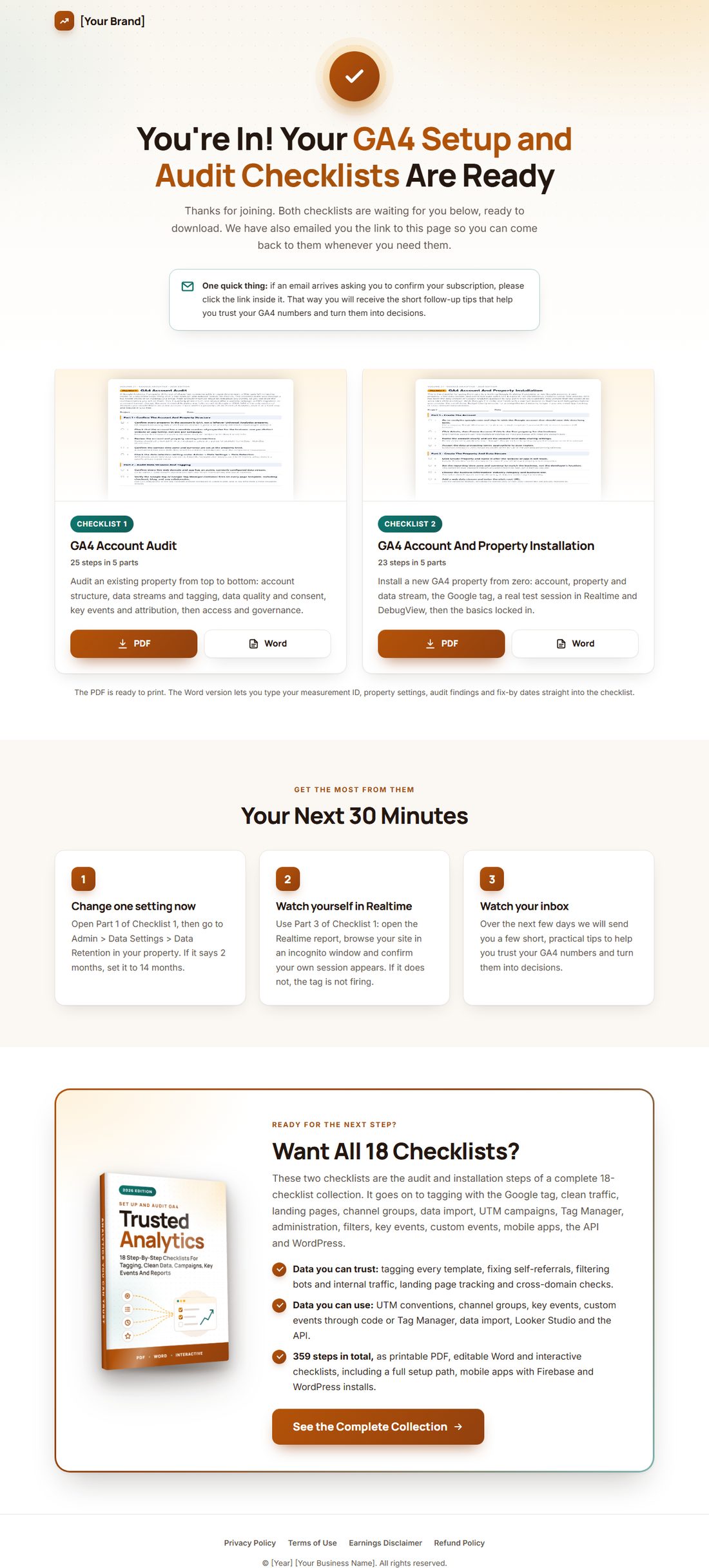
Delivers the free gift, then offers the full volume.
Sells all 18 checklists as your own product. Add your price and buy link.
Written, in order, ready to paste into your autoresponder.
A 3D cover, a flat cover and a free gift cover, with the source files.
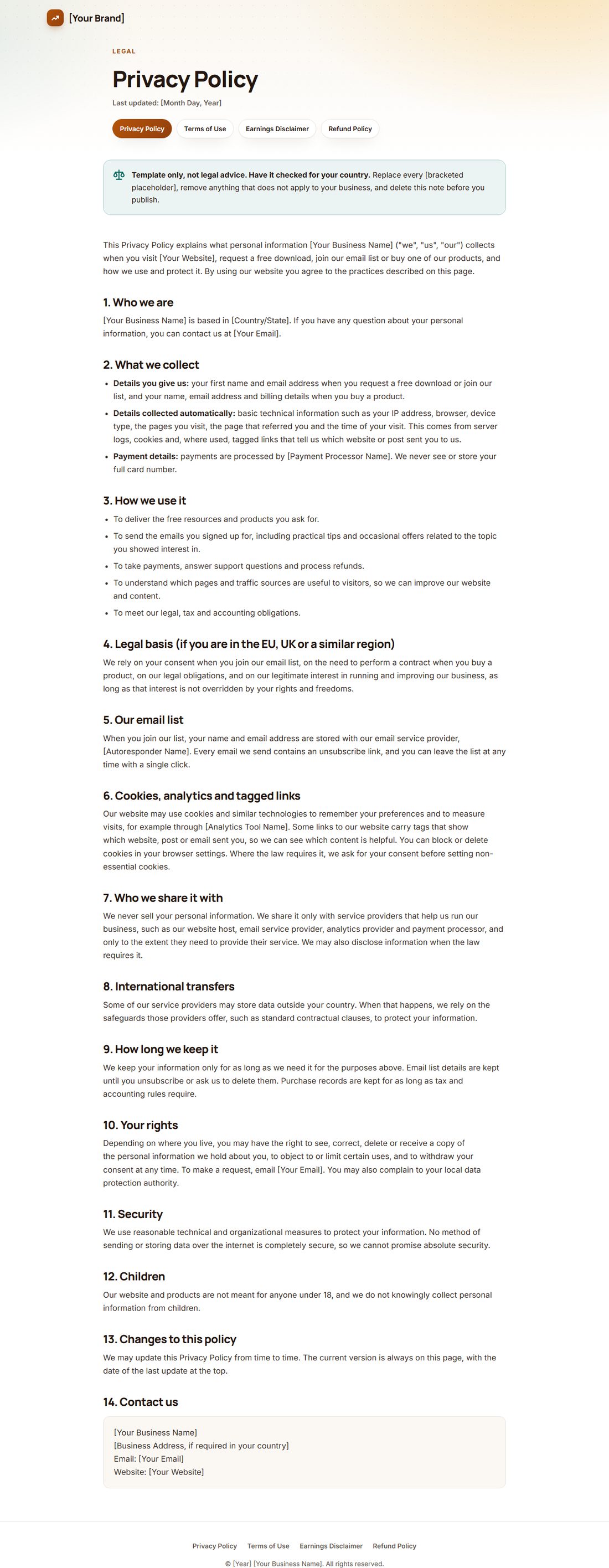
Privacy, terms, earnings disclaimer and refund policy templates.
Step by step: what to rebrand, where to upload, honest traffic ideas and a 7-day plan.
Checklists 1 and 2 as PDF and Word, ready for your name.


Upload the squeeze and download pages, connect your autoresponder and load the 5 emails. New subscribers on autopilot.
Put your name on the checklists, add your buy link to the sales page and keep 100% of every sale.
Give away two checklists, then offer the full volume to everyone who joins. The training shows you how.
Real pages from the kit. Hover any page to scroll it.


Checklists 1 and 2 become your free gift. A strong headline, benefit bullets, a 3D cover and an opt-in box that takes any autoresponder's form code.


New subscribers land here, download both checklists in PDF or Word, and see a friendly offer for the full volume. Your first sale can happen on your thank-you page.


A complete sales page: headline, problem, every checklist with its real step count, formats, FAQ and guarantee. Add your buy link and price and you are open for business.


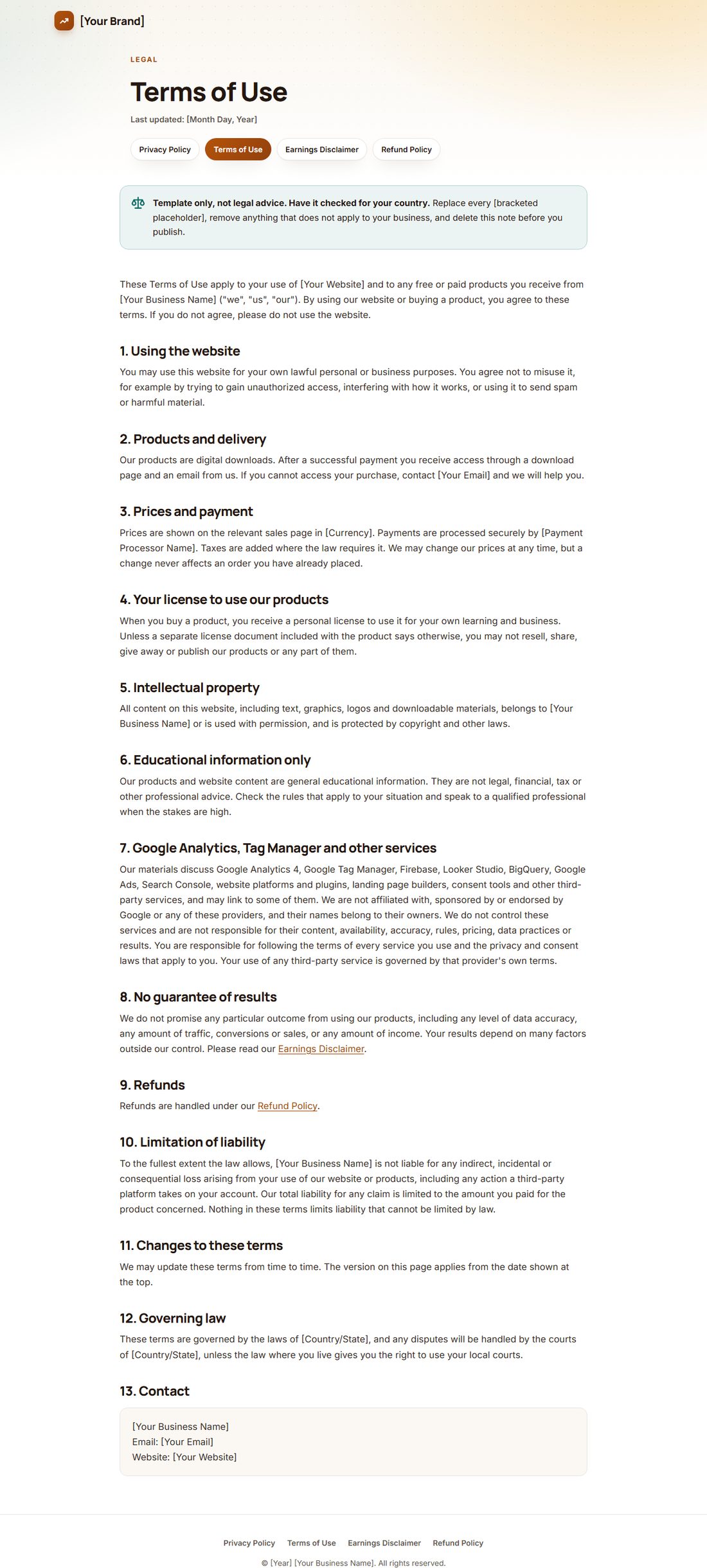
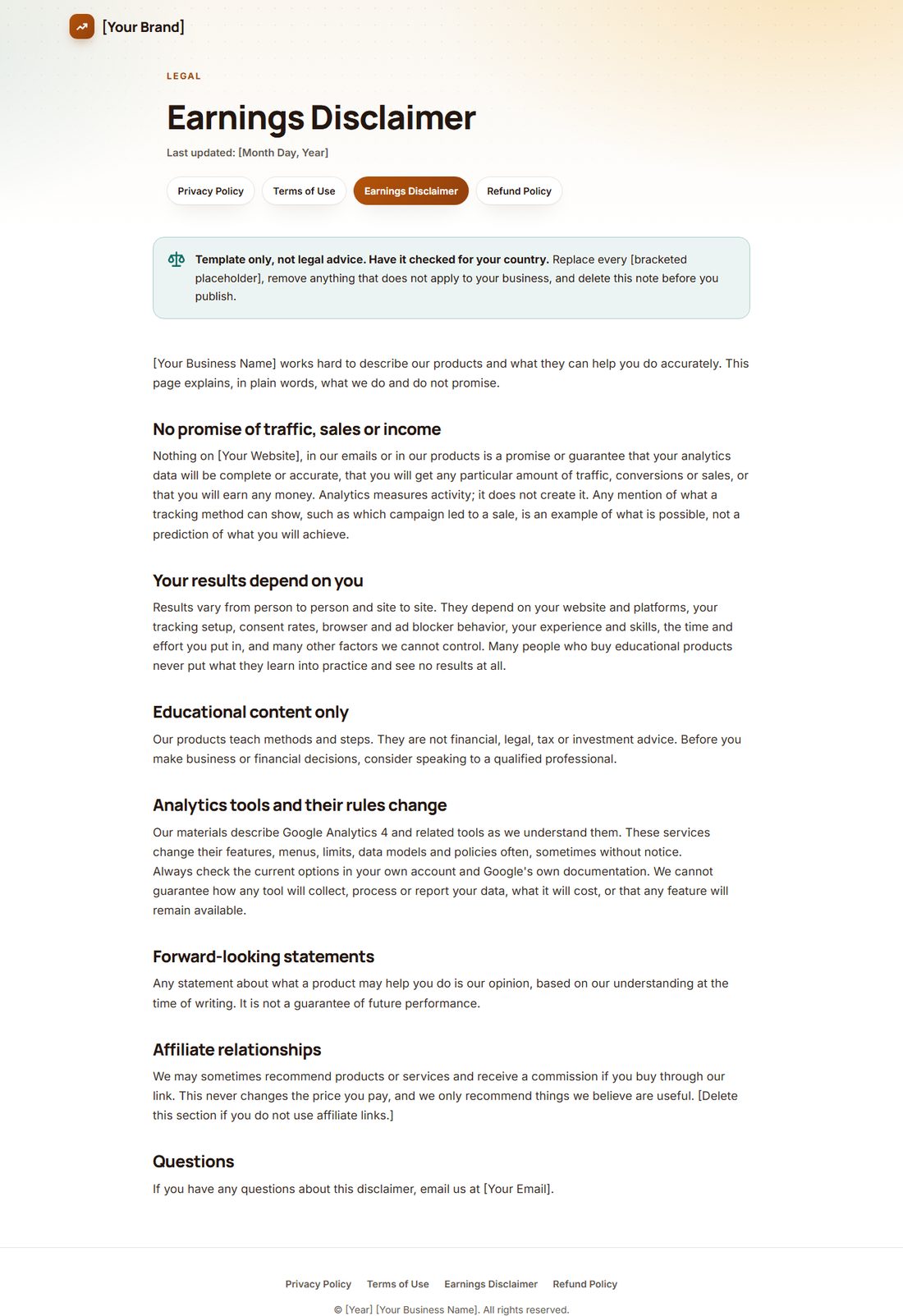
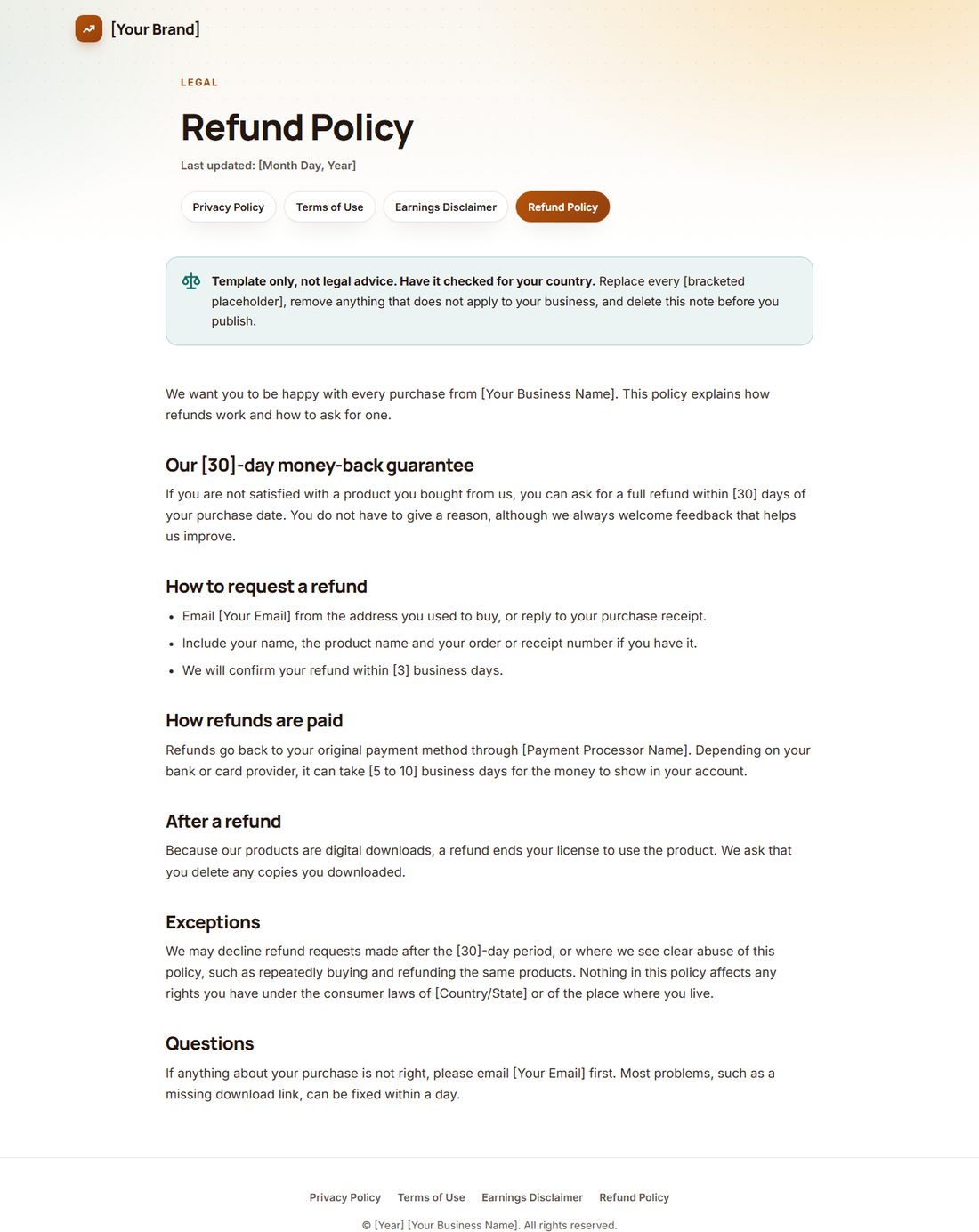
Privacy, terms, earnings disclaimer and refund policy, already linked from every page footer. Fill in your details, have them checked for your country, and you look like a real business from day one.


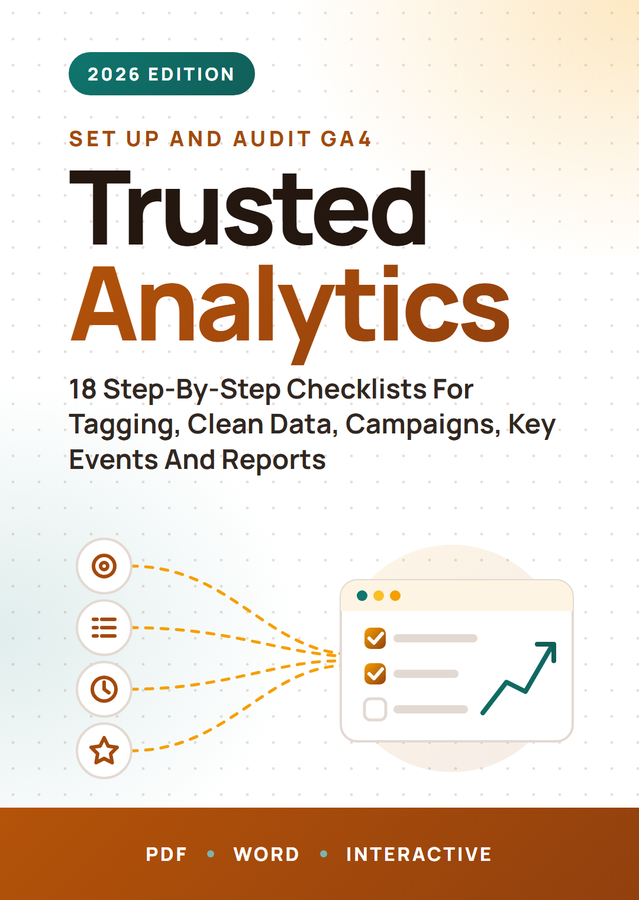
A 3D cover, a flat cover and a free gift cover, plus the source files so you can change the title or colors in minutes.
Hi [First Name],
Thanks for grabbing the GA4 setup and audit checklists. Here is your download page, in case you need it again:
[Link To Your Download Page]
You will find two checklists there, each as a printable PDF and an editable Word file. Checklist 1 is a full health check for an existing Google Analytics 4 property. Checklist 2 takes you from zero to a working property with data you have confirmed yourself.
If you already have GA4 running, give it ten minutes today and check three settings from Part 1 of Checklist 1:
- Data retention. Go to Admin > Data Settings > Data Retention. The default keeps event-level data for exploration reports for only 2 months. Unless you have a specific privacy reason, set it to 14 months.
- Time zone and currency. Check them at the property level. A mismatched time zone shifts the boundaries of every daily report.
- Leftover properties. If anything in the account is still a Universal Analytics property, it stopped processing data in 2024. Archive it so nobody mistakes it for live data.
Then open the Realtime report and browse your site in an incognito window. You should see your own visit appear within a minute or so. If you do not, the tag is not firing, and that is the first thing to fix.
Over the next few days I will send you a few short emails with the most practical ideas from the checklists, so the numbers you act on are numbers you can trust.
Talk soon,
[Your Name]
[Your Brand]
P.S. Setting up a new property instead? Get the time zone and currency right on day one. They cannot be bulk-corrected across your historical data later.

5 helpful emails that teach first and lead naturally to the full volume. Paste them into any autoresponder and swap the highlighted placeholders.


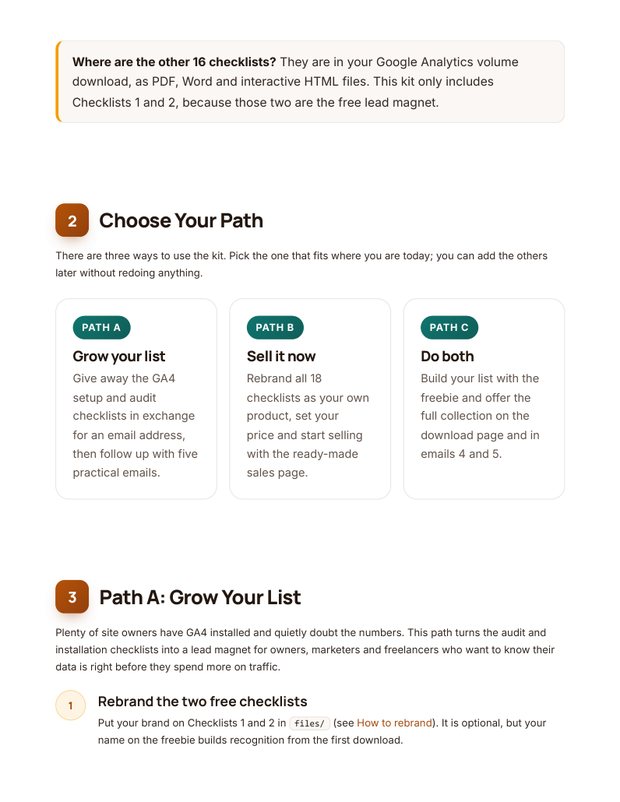
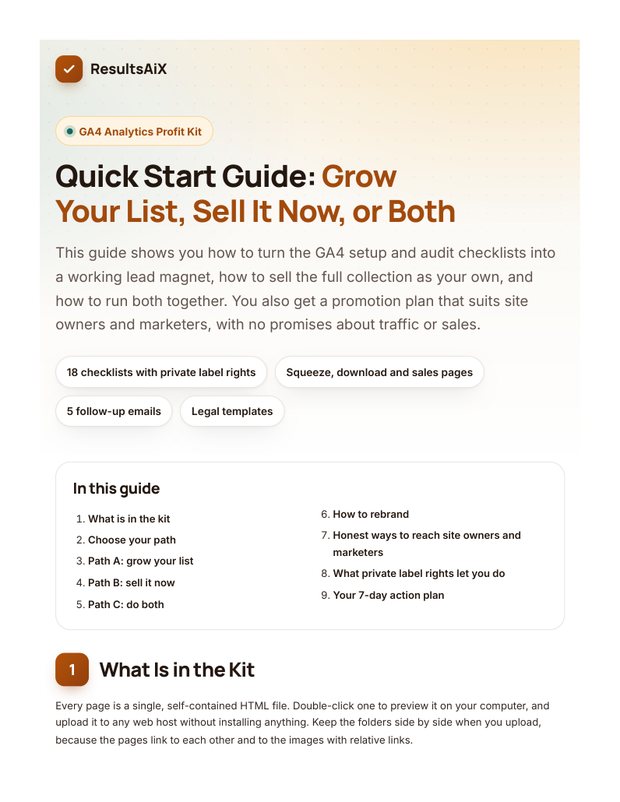
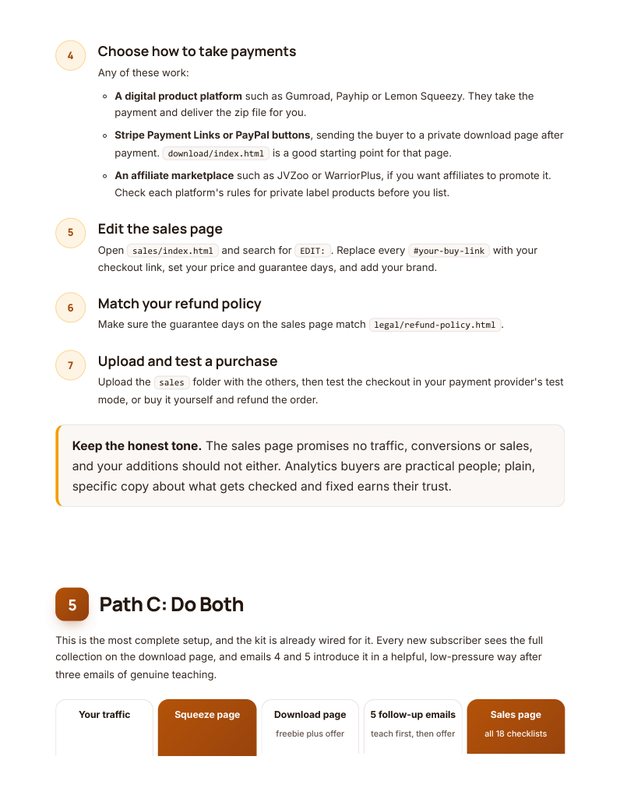
Grow your list, sell it now, or both: the guide walks you through each path, shows you what to rebrand, gives you honest traffic ideas and a simple 7-day action plan. Includes optional tool suggestions for faster results.
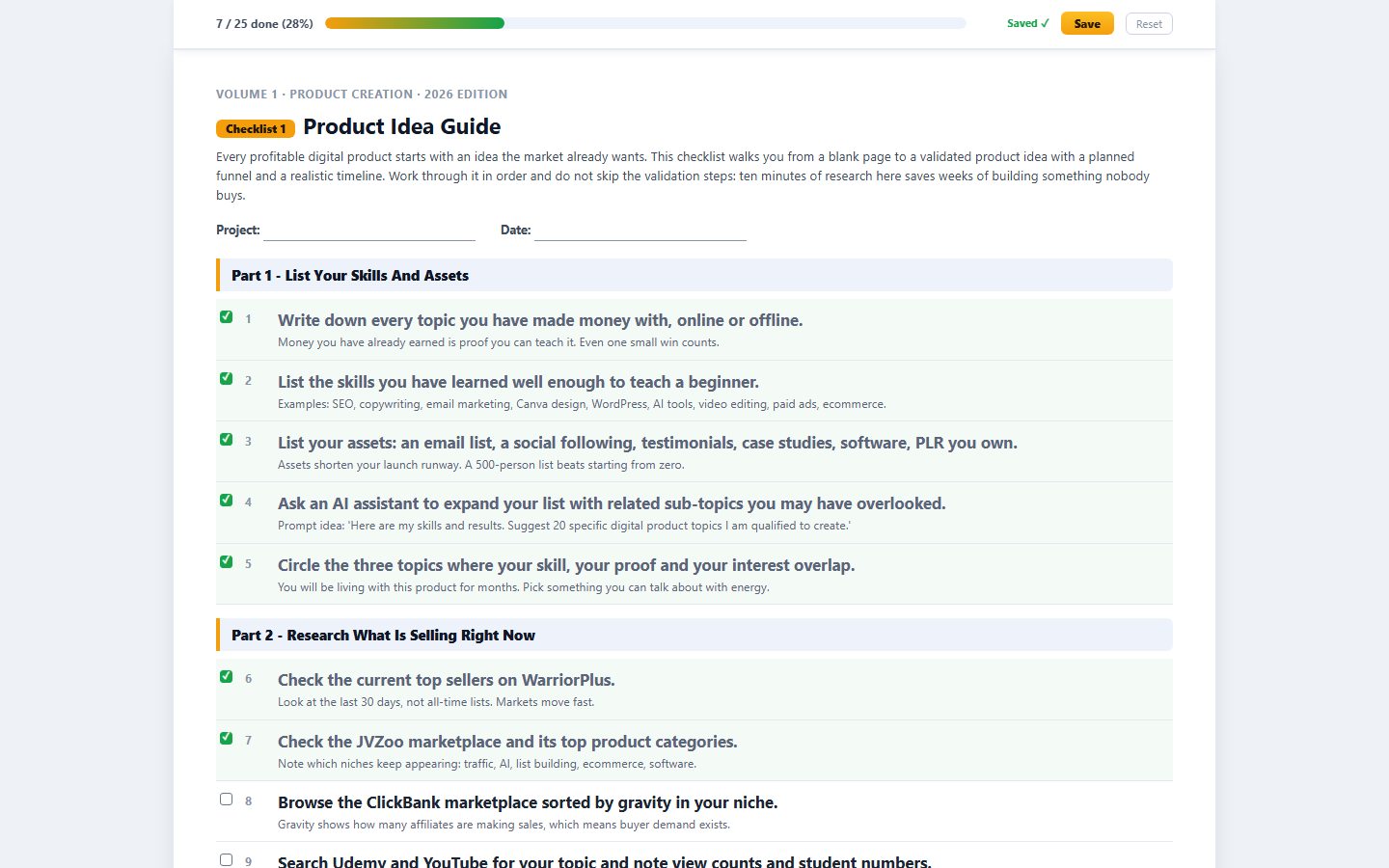
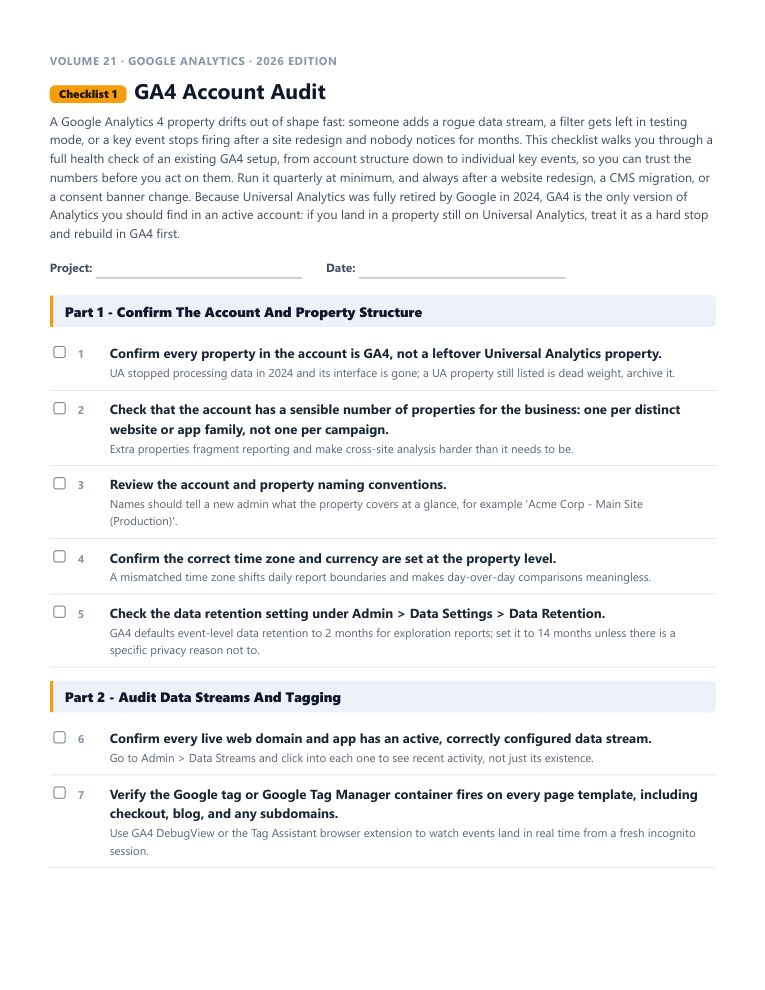
This is the real start of “GA4 Account Audit”, word for word. Tick the boxes and watch the progress bar move.
Every checklist works the same way: a short brief, the steps in the order that actually works, a practical tip under every step, and pro tips at the end.
18 checklists in this volume. 1,576 in the library. No forty-minute videos to decode.
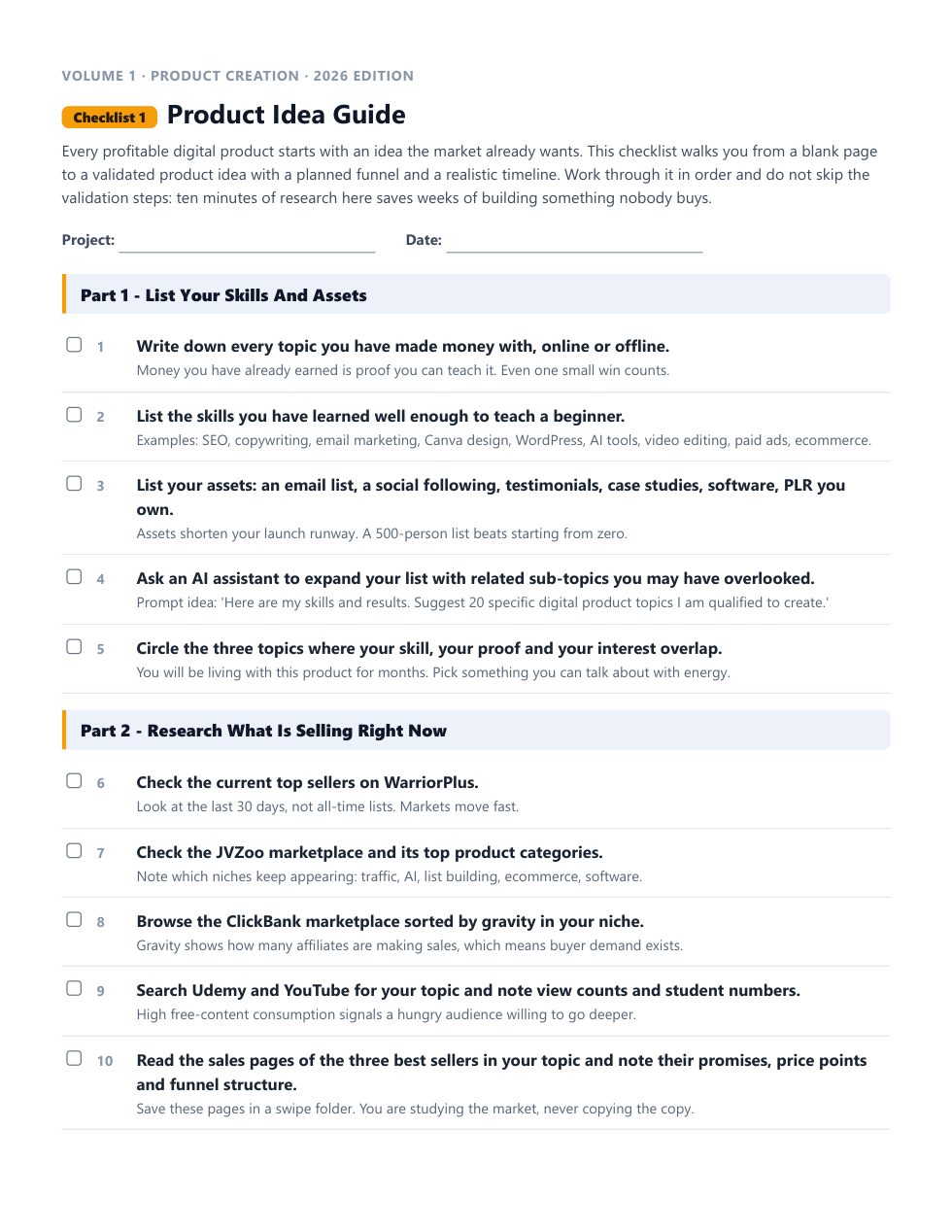
Each one is a complete, follow-along process. Open it, work through it, tick it off. Every checklist comes as an interactive checklist, a printable PDF and an editable Word document.
A Google Analytics 4 property drifts out of shape fast: someone adds a rogue data stream, a filter gets left in testing mode, or a key event stops firing after a site redesign and nobody notices for months.
This is the checklist for going from zero to a working Google Analytics 4 property: a new Google account, a new property, a live data stream, and confirmed data collection.
Tagging is the plumbing underneath every GA4 report: get it right once and every other checklist in this volume works, get it wrong and nothing downstream can be trusted.
Every decision made from GA4 data is only as good as the data underneath it, and a handful of common configuration gaps can quietly inflate traffic, misattribute sources, or mix your own team's activity into visitor numbers.
Landing page builders like Unbounce, Leadpages, and Instapage sit outside your main CMS, which means Google Analytics tracking has to be wired up deliberately or those pages vanish from your reporting entirely.
Channel groups are the rule sets that decide whether a session gets labeled Organic Search, Paid Social, Direct, or something else, and getting them right is the difference between a source/medium report you can act on and one that is mostly noise.
Data import lets you enrich GA4 with information that never touches the browser or app, product cost data for margin reporting, CRM lead scores, refund records, or offline sales, so it can be analyzed alongside the behavioral data GA4 collects natively.
UTM parameters are still the backbone of accurate campaign attribution in 2026, GA4 reads them exactly the way Universal Analytics did, so this part of the original checklist holds up well.
Google Tag Manager is the recommended way to manage GA4 tagging for any site beyond the simplest single-page install, letting marketers add and adjust tags without a developer touching code for every change.
Once a business already has one GA4 property running, most future work is administrative: adding a property for a new brand or region, adjusting settings on an existing one, or making sense of the Admin panel's many tabs.
Universal Analytics let you slice data by creating separate 'views' under a property: an unfiltered view, a test view, a view with internal traffic removed.
What Universal Analytics called Goals, GA4 calls Key Events, and the rename is more than cosmetic: instead of configuring separate goal logic layered on top of your data, you mark specific events, things GA4 was already measuring, as key, and GA4 treats them as your conversion metric everywhere in the interface.
GA4's entire data model is built on events: everything a user does, from a page view to a scroll to a purchase, is an event with parameters, there is no separate hit-type system the way Universal Analytics split pageviews from events from transactions.
GA4 for mobile apps runs on the Firebase SDK from the very first step, there is no separate mobile app tracking code the way older analytics tools implied; Firebase and GA4 are the same underlying data pipeline viewed from two different consoles.
This checklist is the fast-path overview for someone setting up Google Analytics for a business for the very first time in 2026: it pulls together the highlights of every other checklist in this volume into one sequential run-through, from account creation to a working dashboard.
Beyond the standard GA4 interface, a set of developer and analyst tools let you query, explore, and pull GA4 data programmatically, useful the moment you need a custom dashboard, an automated report, or data blended with sources GA4 cannot see on its own.
Once the basics are running correctly, a handful of habits and lesser-used features separate a GA4 setup that quietly serves the business from one that gets checked once and forgotten.
WordPress remains one of the most common platforms businesses run, and getting GA4 tagging onto it correctly comes down to three real options: a maintained plugin, a theme or functions file edit, or Google Tag Manager.
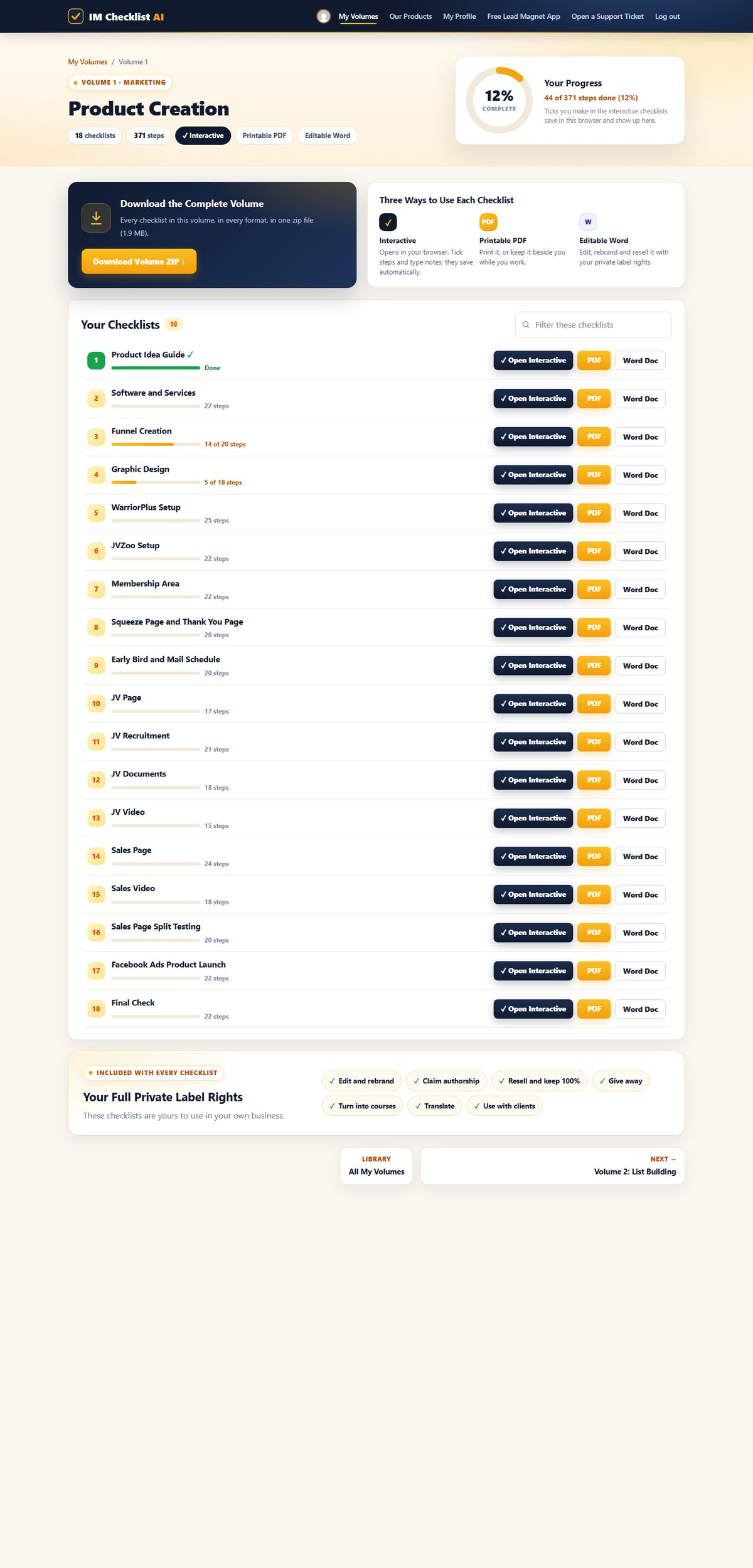
1,576 checklists. 86 volumes. Fully rebuilt for 2026. This is the brand new members area, exactly as you'll see it. Hover any screen to scroll it.
Every volume, one search box. All 86 volumes in one place. Search all 1,576 checklists by topic, tool or task, and pick up exactly where you left off.

Your progress on every checklist. Each volume shows every checklist with your progress, the interactive, PDF and Word versions side by side, and the whole volume as one zip download.

Tick it off, it saves itself. Open any checklist in your browser, tick each step and type notes as you go. The progress bar fills up and your place is saved for next time.

Find the right checklist in seconds. Type any task, tool or topic and every matching volume appears instantly, across all 1,576 checklists.

Print it, pin it, tick it. Every checklist comes as a clean printable PDF and an editable Word document you can rebrand.

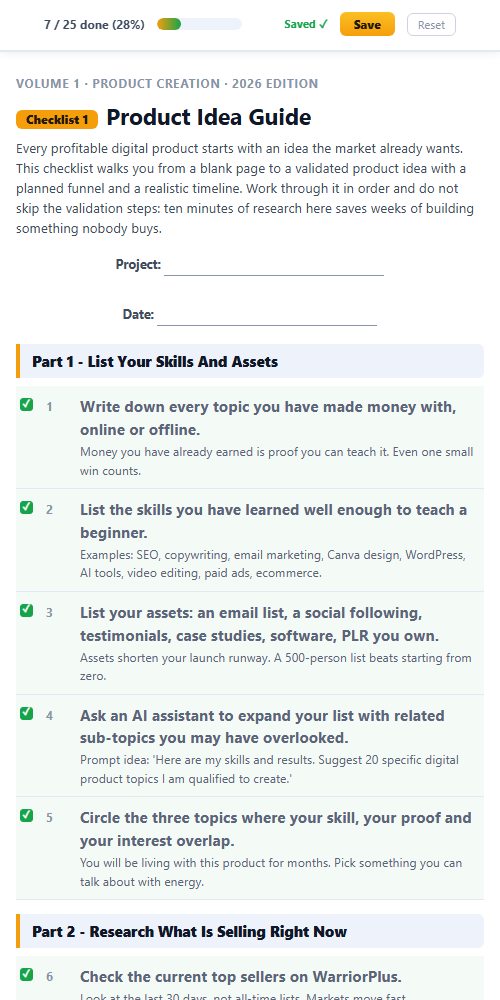
Works everywhere. The members area and every interactive checklist work on any phone, tablet or computer.

This isn't a collection of generic templates. It's a complete marketing operating system covering every task worth doing in your online business.
Product creation. List building. Paid ads. Social media. AI tools. YouTube. Affiliate marketing. Freelancing. PLR. Ecommerce. SEO. Copywriting. Funnels. Membership sites. All of it, step by step, ready to follow.
And it doesn't stop growing. A new volume lands every month, covering the latest strategies and tools, and it's already yours the day it drops.
Product creation, list building, affiliate marketing, YouTube, SEO, funnels, webinars, AI and much more. Every volume works the same way, with full private label rights. Search the library below, or hover any volume to see what’s inside.
Nothing matches that search. Try a broader word, like "traffic" or "social".
All 86 volumes. All 1,576 checklists. All yours today.
Every checklist comes as an editable Word document with full private label rights. Rebrand it, sell it as your own product, give it away, or use it with clients. With the membership that is not just the 18 Google Analytics checklists. It is all 1,576 checklists in all 86 volumes.

Every checklist downloads as a real, editable Word document. No locked PDFs, no special software.
Change the title, add your branding, add or remove steps. As far as your customers are concerned, you wrote it.
Sell it on your own site or a marketplace, use it as a lead magnet, or hand it to a client. Every dollar is yours.
Most products end where the download finishes. This one starts there. You don't just get to use these checklists. You get to own them.
List them as your own product tomorrow. Every dollar is yours. No split. No royalty. 100% profit.
Your name. Your logo. Your brand. Nobody sees "IM Checklist" anywhere unless you want them to.
You wrote these, as far as your customers are concerned. Put your name on the cover and publish them under your own business.
Need a lead magnet? This is the fastest one you'll ever "write". Trade it for an email address and start building your list today.
Every checklist is a real Word doc. Open it. Change it. Add your own steps or remove the ones you don't need.
One checklist becomes a blog post, an email series, a video script, a client deliverable or a content calendar.
Rebrand one checklist and sell it once for $17, and your first month is paid. Sell a bundle of 18 checklists for $47 or $97, or use them to land a client, and the whole year is covered with room to spare.
“IM Checklists allow you to get on with making money without the worry, fear and weight on your shoulders that you may have forgotten something. EVERYTHING is there in a clear and easy to consume format that can be checked off in seconds. A must have for all serious marketers.”
“These checklists have been a great asset in helping me set up my first launch, ensuring that I didn't miss any steps under tight time constraints. I highly recommend these checklists.”
“As a customer, just wanted to say thanks for creating IM Checklist. It's all in the worry of what I may forget. You have removed that fear. Many thanks.”
“The ability for someone to follow a proven method step by step like this is tantamount to their success with marketing.”
Own Volume 21 on its own, or open every volume in the library.
one payment
for 7 days, then $17.95 a month
one payment, every volume for good
🔒 Secure checkout · Instant access · 14-day money-back guarantee
Work through the checklists and use them in your business. If they are not worth far more than you paid, open a support ticket within 14 days and every cent comes back. No form, no questions.
Every volume in IM Checklist AI, 86 of them with 1,576 checklists, including all 18 Google Analytics checklists. Each one comes as an interactive checklist that saves your progress, a printable PDF and an editable Word document, and a new volume is added every month.
You pay $3 today and get every volume for 7 days. After that it is $17.95 a month. Cancel anytime, including during the trial.
Yes. Volume 21 on its own is $27, one time: all 18 checklists with full private label rights, plus the GA4 Analytics Profit Kit. Or start the $3 trial and get this volume together with every other one.
A squeeze page and download page that give away Checklists 1 and 2, a complete sales page for the whole volume, 5 follow-up emails, a 3D cover, a flat cover and a free gift cover, four legal page templates and a Quick Start guide with a 7-day plan. Every page, email and cover is unbranded and ready for your name.
No. Every checklist starts with a short brief, then tells you exactly what to do and in what order, with a practical tip under every step.
Yes. The whole library has been rewritten for 2026, and new volumes are added every month.
Yes. Full private label rights cover every checklist in every volume: edit them, rebrand them, claim authorship, resell them and keep 100%, give them away, or use them with clients.
Then every volume, including this one, is already in your members area at no extra cost. Log in and it is waiting for you.
Volume 21 on its own is $27 once: its 18 checklists with full private label rights and the GA4 Analytics Profit Kit. The membership is $3 for 7 days, then $17.95 a month, and opens every volume with every Profit Kit. Lifetime is $197 once for every volume, including every new one, with no renewals.
Yes. Everything you buy sits in the same members area, so you can add the membership or lifetime whenever you like.
Yes. Buy lifetime, then cancel your monthly subscription in Manage My Subscription, or open a support ticket and we will cancel it for you.
Instantly. Your login arrives by email with a one-click button, and every volume is waiting in the members area.
18 step-by-step checklists with full private label rights and the GA4 Analytics Profit Kit. Own Volume 21 on its own, or open all 86 volumes.