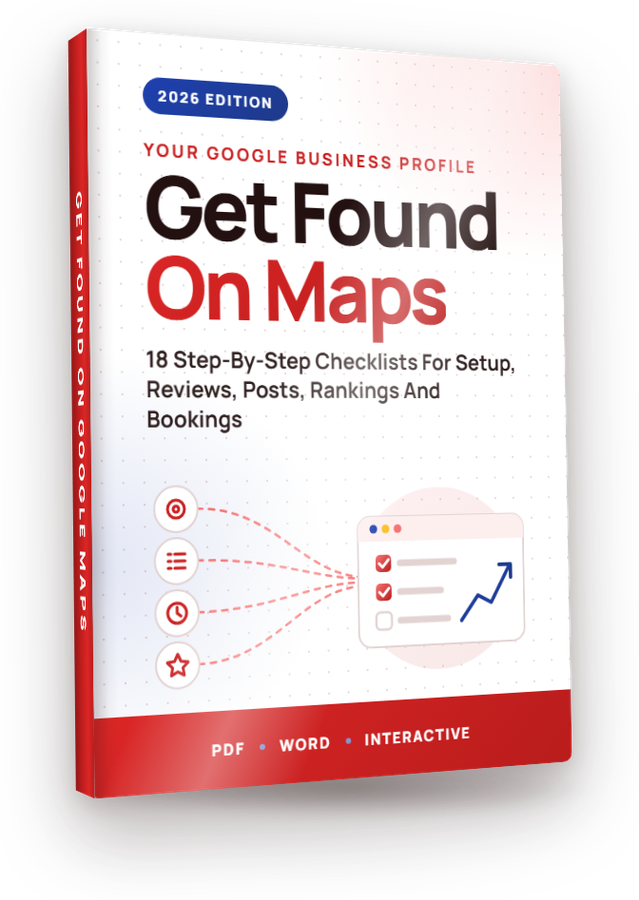
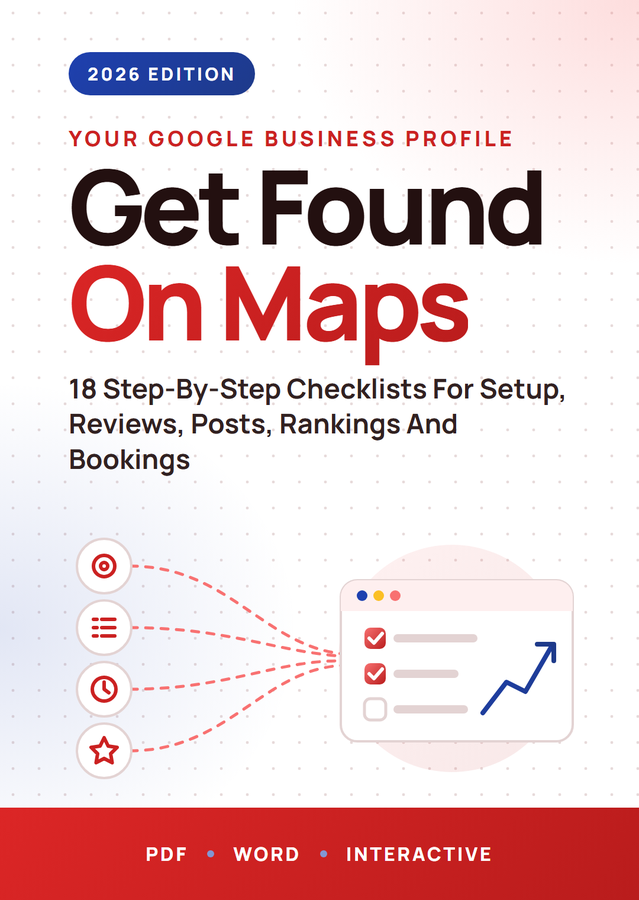
From “Setting Up A Google Business Profile Listing” to “Completing An Advanced Business Profile Optimization Pass”, these 18 checklists take you through Google My Business one step at a time, in the order that actually works, rewritten for 2026. Full private label rights, plus a done-for-you Profit Kit to grow your list with them or sell them as your own.

The Business Profile Profit KitA squeeze page, download page, sales page, 5 follow-up emails, eCovers and a Quick Start guide, all unbranded and ready for your name.
Get Started →See everything in the kit ↓Most private label products hand you files and leave the rest to you. Volume 46 comes with everything around the checklists too: the pages, the emails, the covers and the plan. Put your name on it, upload it, and you can start building your list or taking orders the same day. Every page, email and cover is unbranded and ready for yours.
Gives away Checklists 1 and 2 and collects emails with any autoresponder.
Delivers the free gift, then offers the full volume.
Sells all 18 checklists as your own product. Add your price and buy link.
Written, in order, ready to paste into your autoresponder.
A 3D cover, a flat cover and a free gift cover, with the source files.
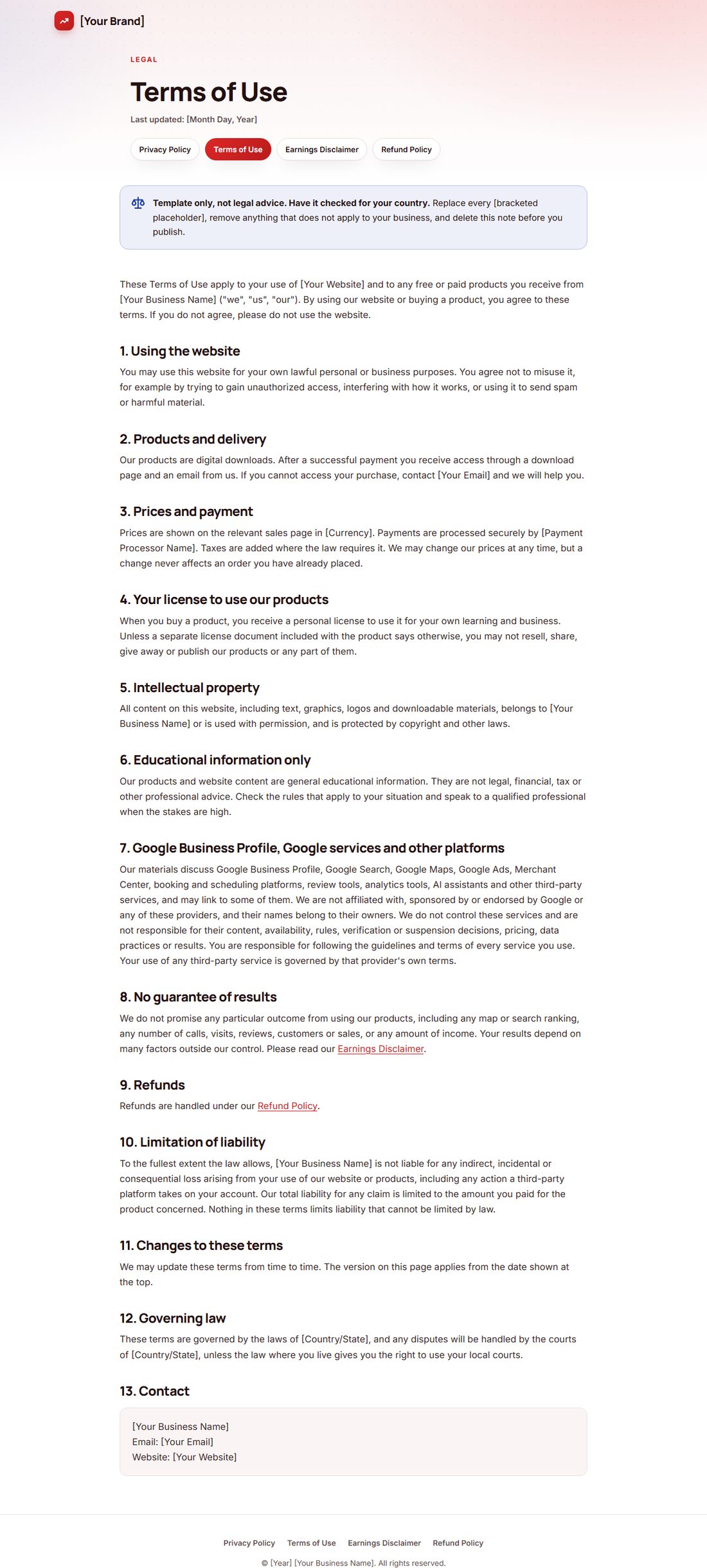
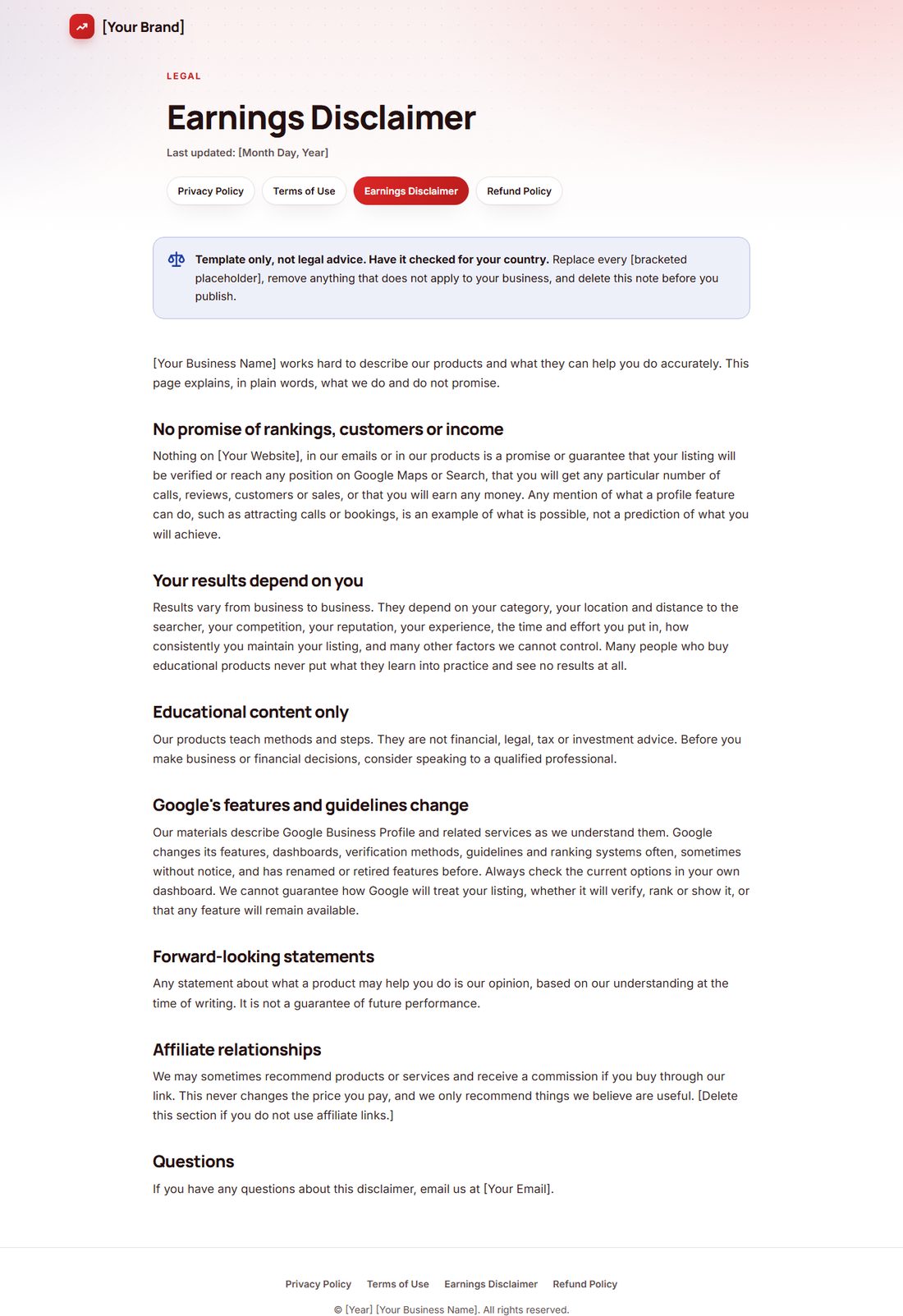
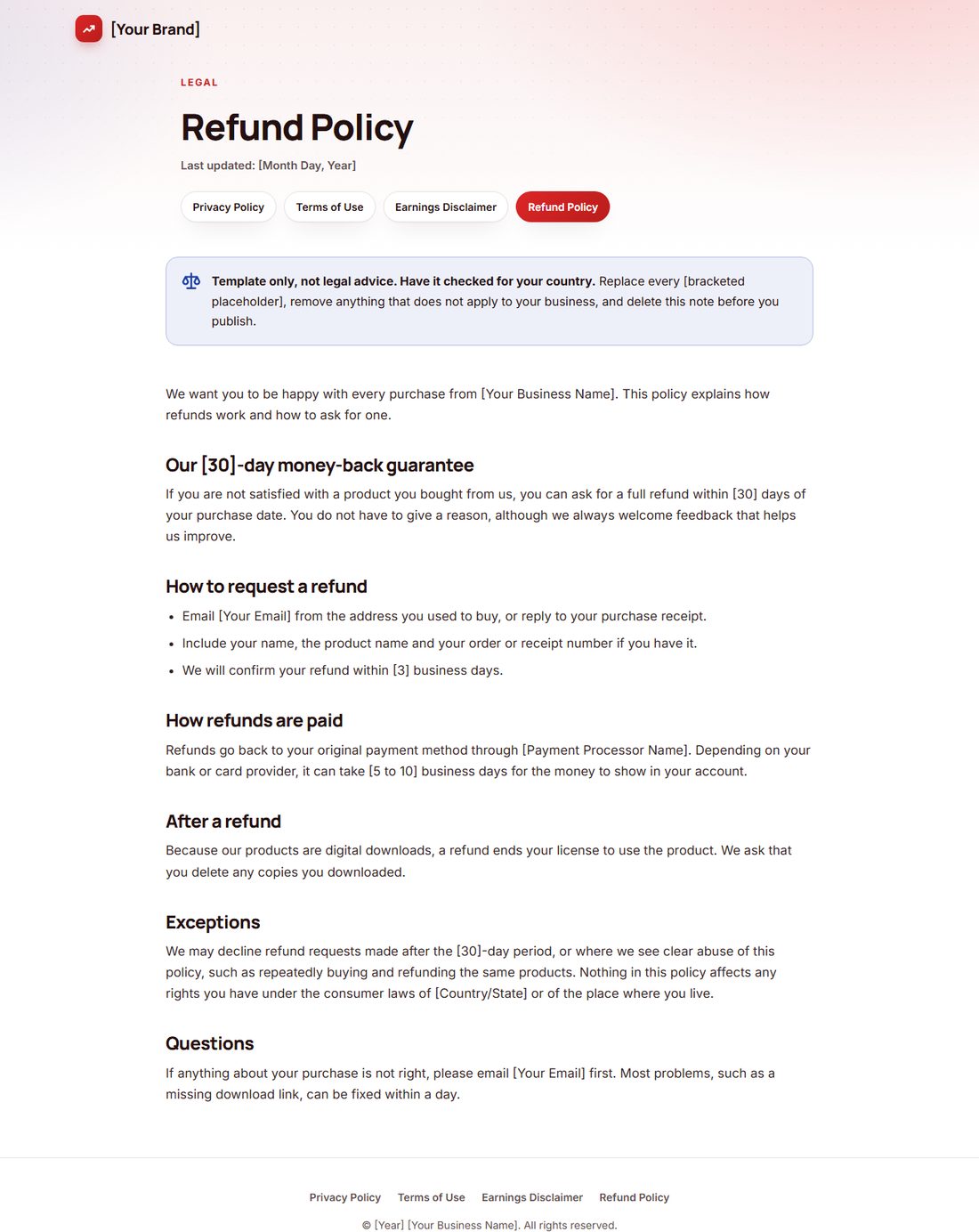
Privacy, terms, earnings disclaimer and refund policy templates.
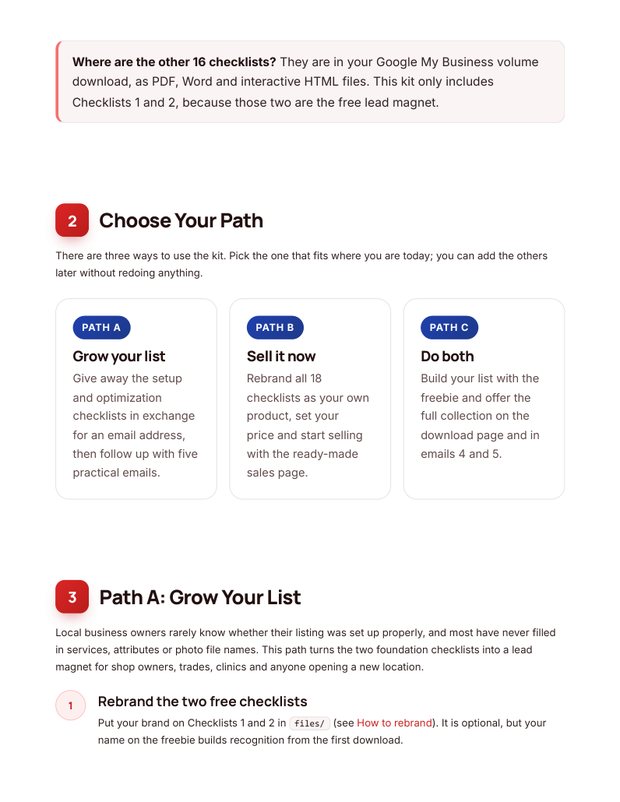
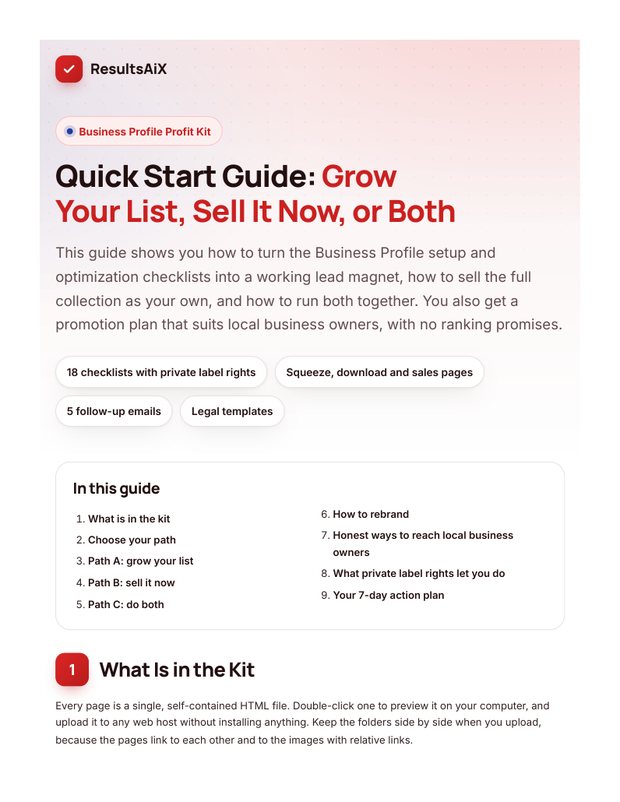
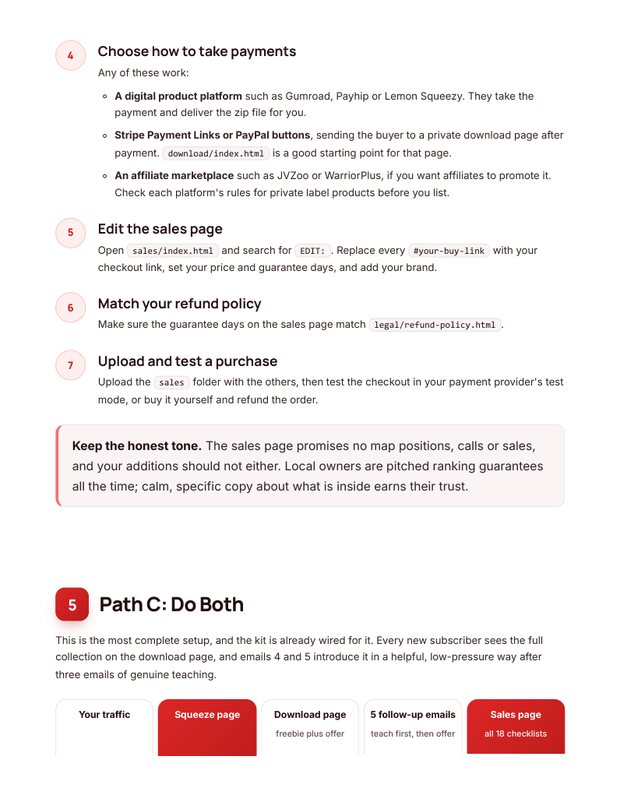
Step by step: what to rebrand, where to upload, honest traffic ideas and a 7-day plan.
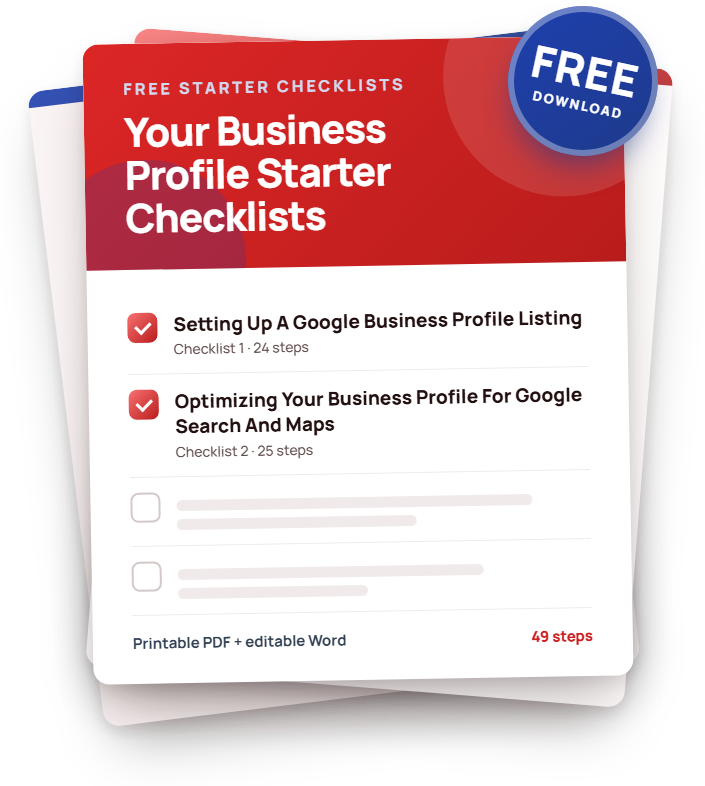
Checklists 1 and 2 as PDF and Word, ready for your name.


Upload the squeeze and download pages, connect your autoresponder and load the 5 emails. New subscribers on autopilot.
Put your name on the checklists, add your buy link to the sales page and keep 100% of every sale.
Give away two checklists, then offer the full volume to everyone who joins. The training shows you how.
Real pages from the kit. Hover any page to scroll it.


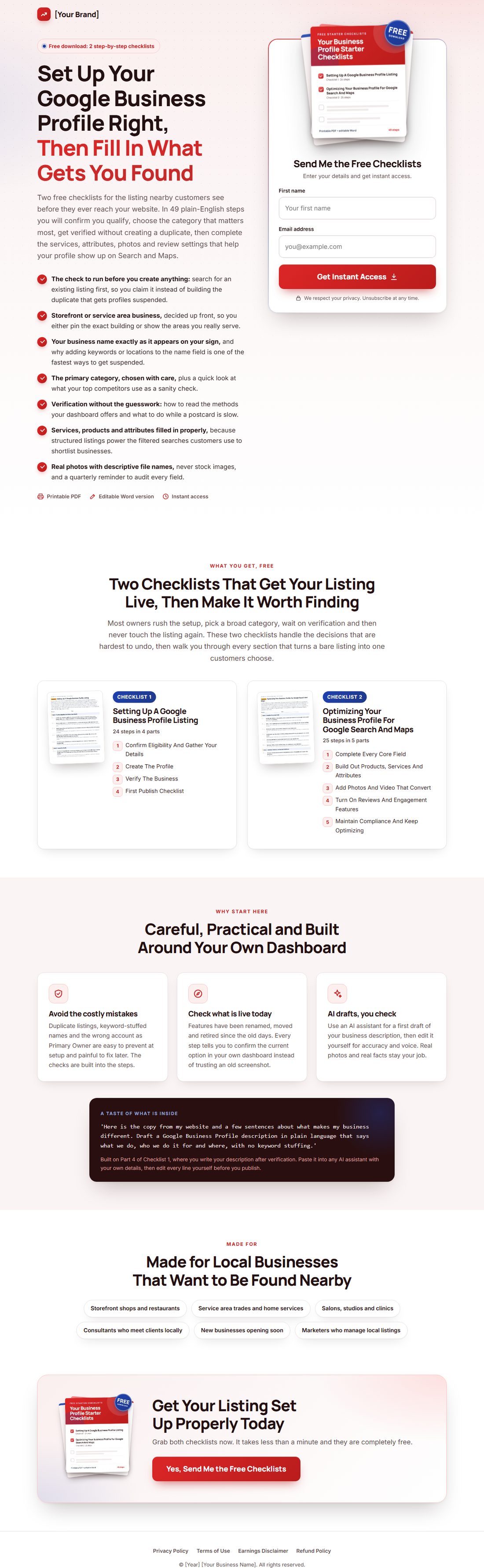
Checklists 1 and 2 become your free gift. A strong headline, benefit bullets, a 3D cover and an opt-in box that takes any autoresponder's form code.


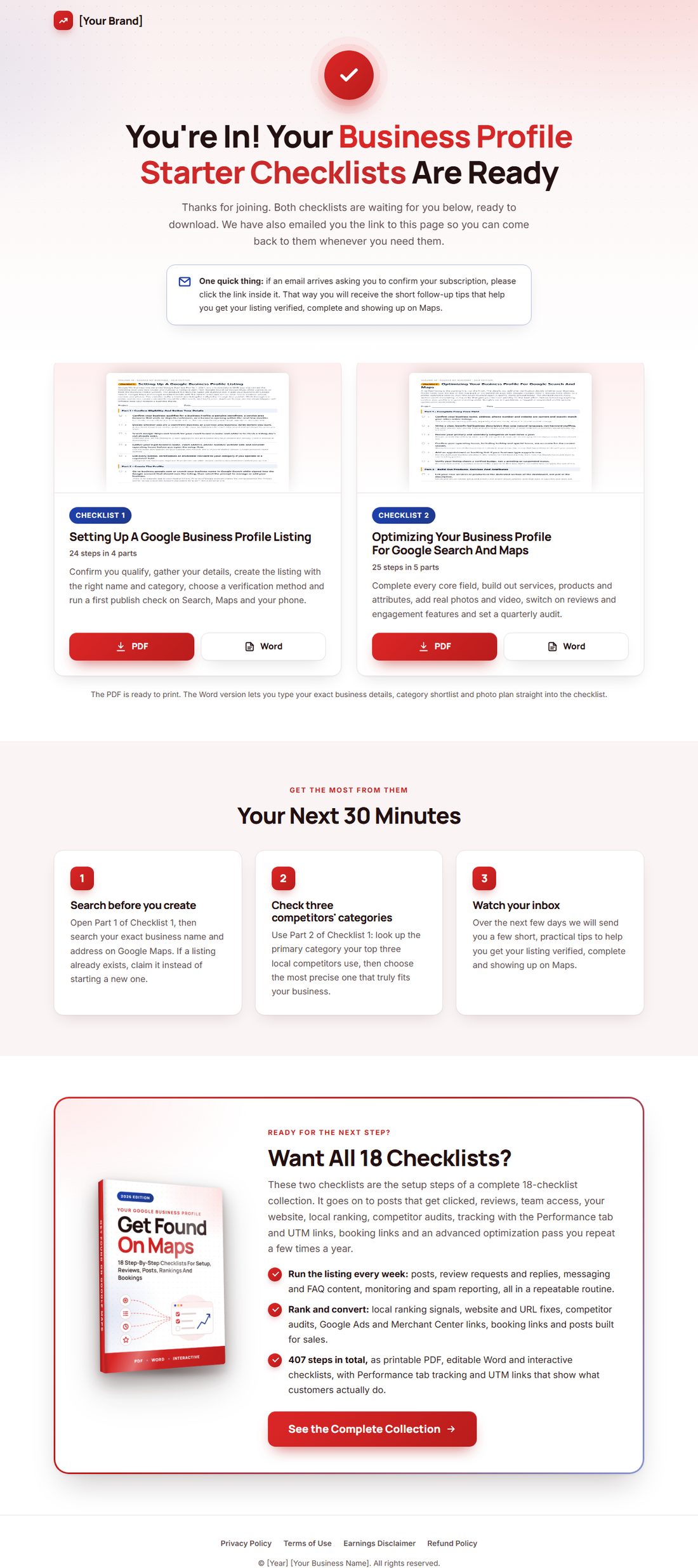
New subscribers land here, download both checklists in PDF or Word, and see a friendly offer for the full volume. Your first sale can happen on your thank-you page.


A complete sales page: headline, problem, every checklist with its real step count, formats, FAQ and guarantee. Add your buy link and price and you are open for business.


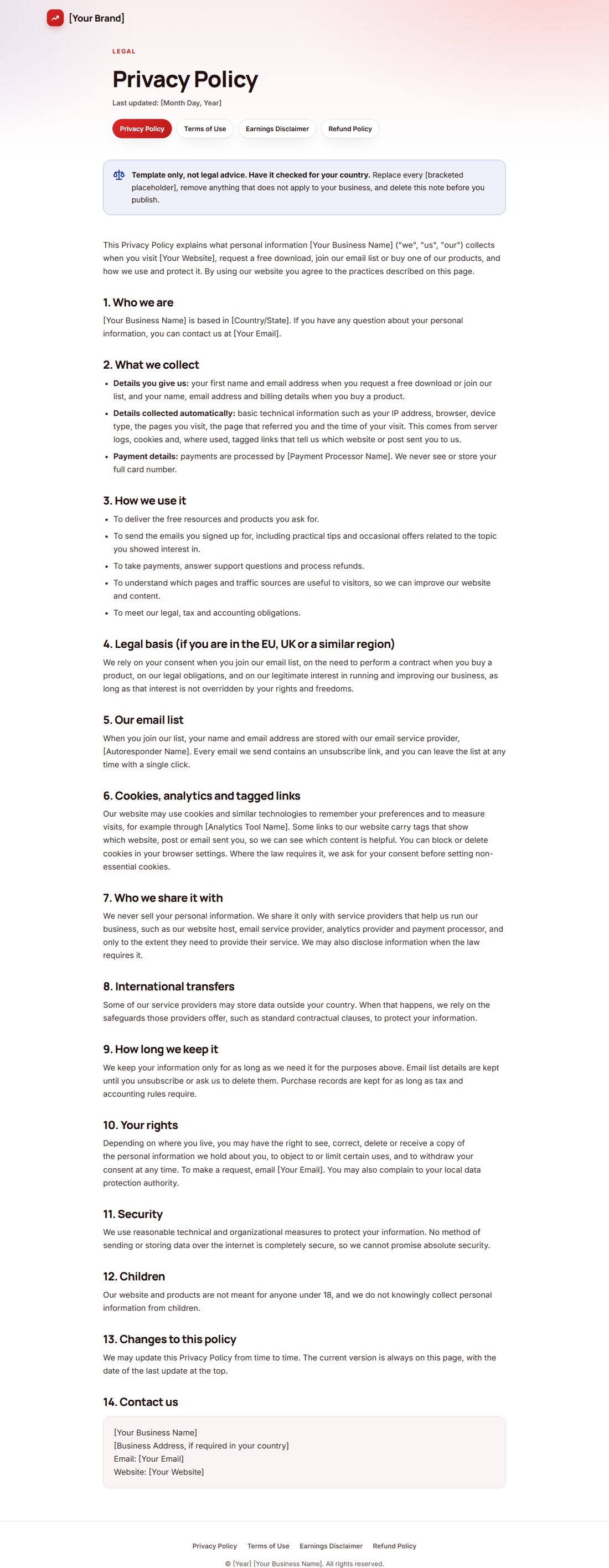
Privacy, terms, earnings disclaimer and refund policy, already linked from every page footer. Fill in your details, have them checked for your country, and you look like a real business from day one.


A 3D cover, a flat cover and a free gift cover, plus the source files so you can change the title or colors in minutes.
Hi [First Name],
Thanks for grabbing the Business Profile starter checklists. Here is your download page, in case you need it again:
[Link To Your Download Page]
You will find two checklists there, each as a printable PDF and an editable Word file. Checklist 1 takes you from eligibility to a verified, published listing. Checklist 2 walks you through every section that helps the listing show up on Search and Maps.
If you only have ten minutes today, do the check that prevents the most common self-inflicted problem: a duplicate listing.
Search your exact business name and address on Google Maps and on Google Search. A listing may already exist, created by a past owner, an old employee or a data source. If it does, claim it through the prompt on the listing instead of building a new one. Two listings for the same business can get one or both suspended.
While you are looking, check two more things:
- Your name. It should match your sign and your invoices exactly. Adding keywords or a city to the name field is against Google's guidelines and a fast way to get suspended.
- Your primary category. It is one of the biggest factors in which searches you appear for. Look at what your top three competitors use, then choose the most precise category that truly fits you.
That is most of Parts 1 and 2 of Checklist 1, done before you change anything.
Over the next few days I will send you a few short emails with the most practical ideas from the checklists, so your listing gets found and chosen.
Talk soon,
[Your Name]
[Your Brand]
P.S. If verification is slow, wait it out. Creating a second listing while the first is still being verified is exactly how duplicates happen.
5 helpful emails that teach first and lead naturally to the full volume. Paste them into any autoresponder and swap the highlighted placeholders.


Grow your list, sell it now, or both: the guide walks you through each path, shows you what to rebrand, gives you honest traffic ideas and a simple 7-day action plan. Includes optional tool suggestions for faster results.
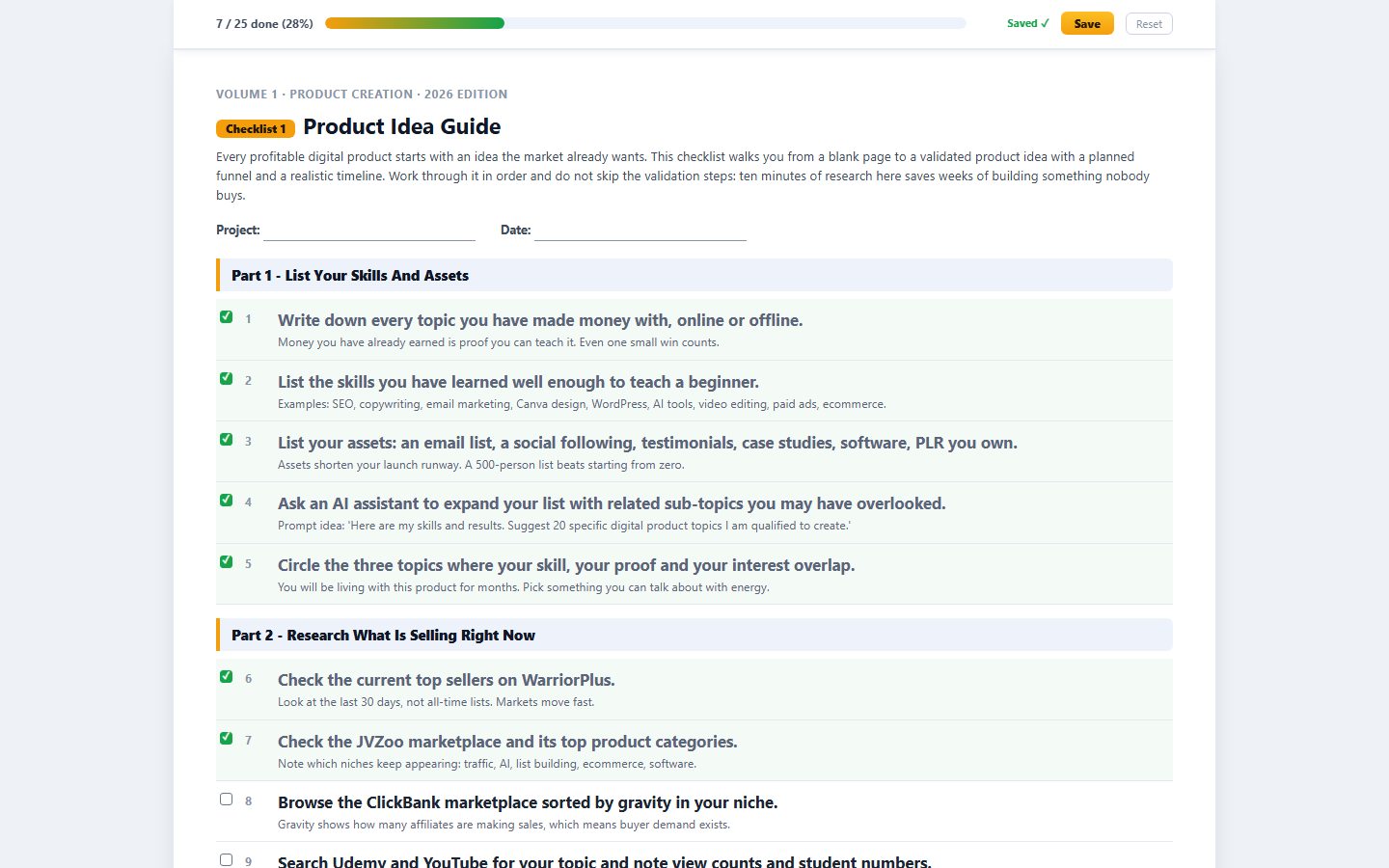
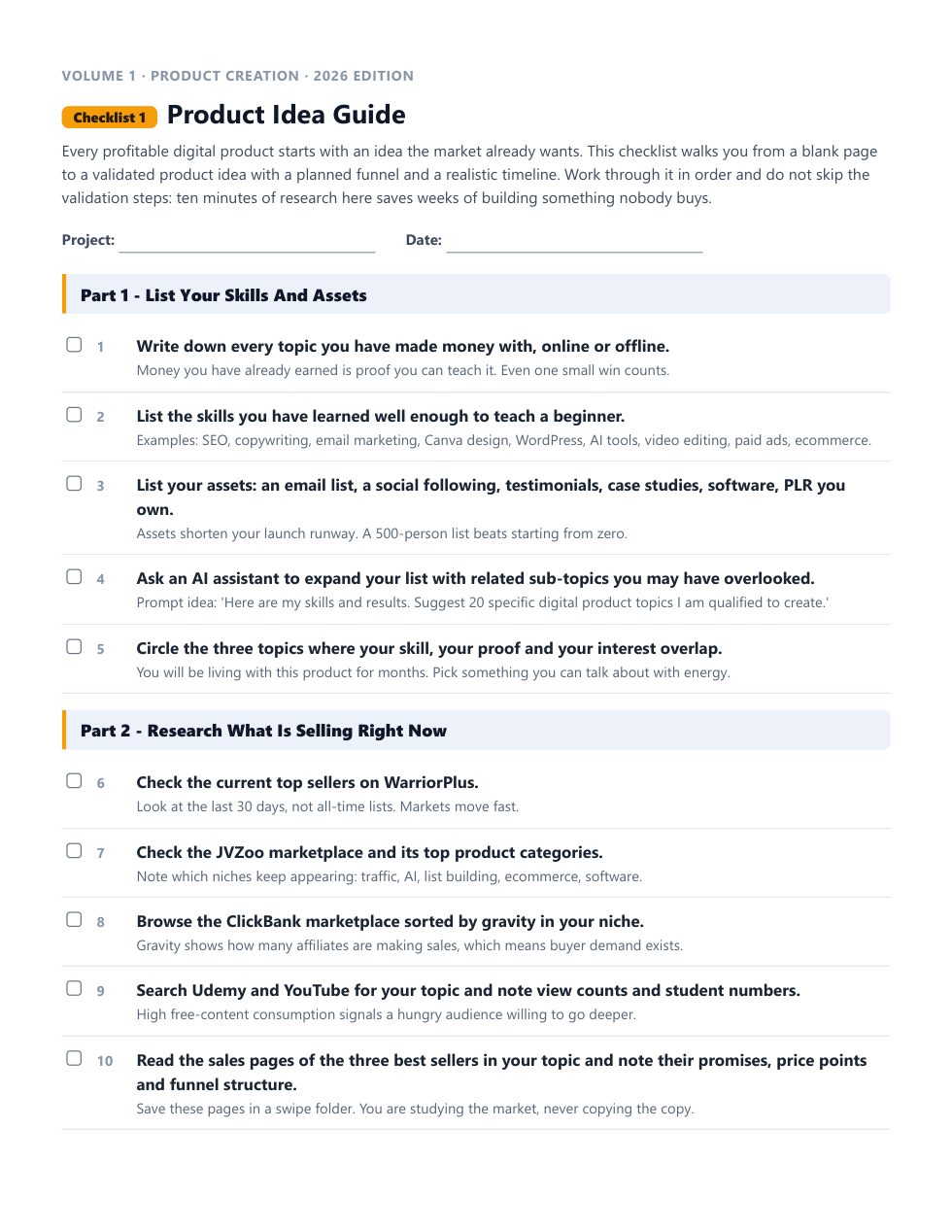
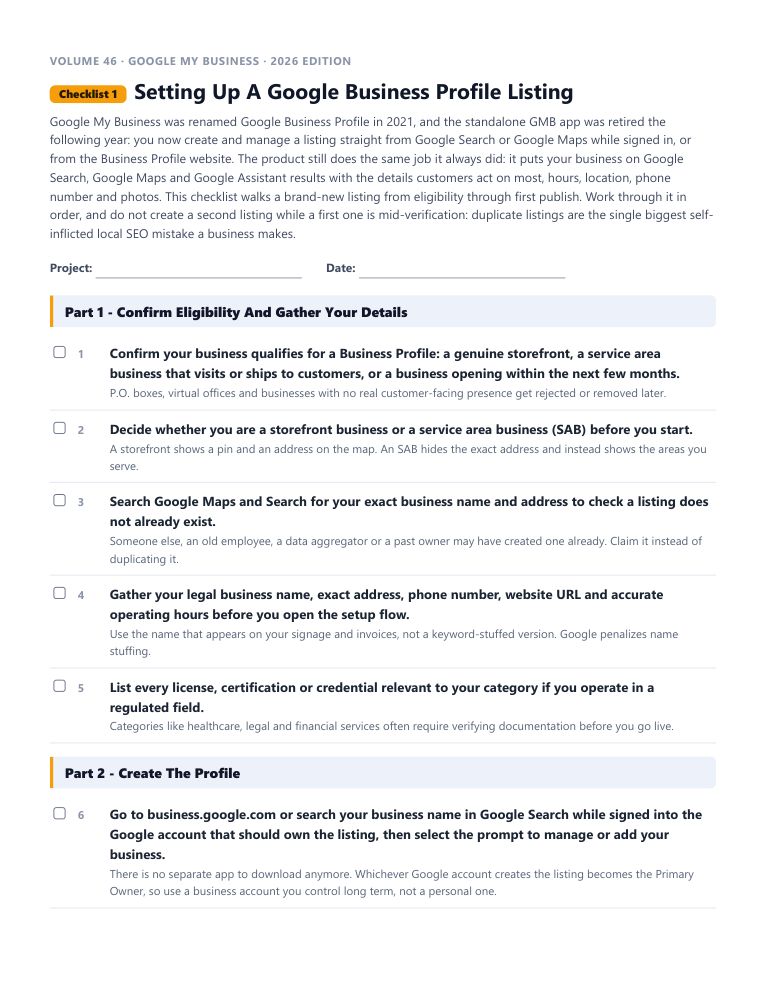
This is the real start of “Setting Up A Google Business Profile Listing”, word for word. Tick the boxes and watch the progress bar move.
Every checklist works the same way: a short brief, the steps in the order that actually works, a practical tip under every step, and pro tips at the end.
18 checklists in this volume. 1,576 in the library. No forty-minute videos to decode.
Each one is a complete, follow-along process. Open it, work through it, tick it off. Every checklist comes as an interactive checklist, a printable PDF and an editable Word document.
Google My Business was renamed Google Business Profile in 2021, and the standalone GMB app was retired the following year: you now create and manage a listing straight from Google Search or Google Maps while signed in, or from the Business Profile website.
A verified listing is the starting line, not the finish. The details you add after verification decide whether your Business Profile ranks near the top of the map pack or sits buried on page two.
Google Posts remain one of the few genuinely free advertising placements Google offers, letting you push updates, offers and announcements directly into your listing on Search and Maps.
Connecting your Business Profile to Google Ads and Google Merchant Center turns a passive listing into an active sales channel: your location shows on ads, your products can appear in shopping results, and your reviews and stock information travel with your campaigns.
As soon as your Business Profile is verified, Google lets you bring your team in to help manage it without ever sharing your login. Google has trimmed and renamed these access levels more than once since the Google My Business era, so treat the exact role names as something to confirm in your own dashboard rather than take on faith from an old screenshot.
Your Business Profile does not rank in isolation: Google's local algorithm looks at the quality, structure and consistency of your website and every other URL connected to your listing.
Nothing hurts a local business quite like discovering their listing simply is not showing up when a nearby customer searches. Google's local ranking still comes down to the same three pillars it has used for years, relevance, distance and prominence, but how those pillars are measured keeps evolving, especially as AI-generated summaries now sit above the traditional map pack in many searches.
Getting your Business Profile set up and verified was only step one. Google renamed the old Insights tab to Performance a while back and has continued refining what it shows, but the underlying job is the same: understand how customers are finding you, what they do once they arrive, and where the gaps are.
Spam listings quietly poison local search results: fake businesses, keyword-stuffed names, duplicate verifications and fabricated reviews all crowd out legitimate businesses and confuse customers.
Once the basics are in place, the next real gains come from a structured audit: studying what is actually working for the businesses outranking you, then closing the specific gaps between their profile and yours.
An increasing share of local buying decisions start with a search, and a fully optimized Business Profile is one of the few genuinely free tools capable of turning that search directly into a customer.
Reviews remain one of the strongest local ranking and trust signals a Business Profile has, and they are the one section of your profile customers actually read before making a decision.
This checklist originally covered Google Business Profile's built-in messaging and its public Q&A section together, since both let customers get quick answers before contacting you directly.
Google Business Profile's built-in analytics tab, originally called Insights, was rebuilt and renamed Performance a while back, and it remains the single best free window into how customers actually interact with your listing.
A Google Post is not just a status update, it is a small piece of on-demand advertising that sits directly inside the search result or map card where a customer is already deciding whether to choose you.
GMB was always a location-driven tool, and Google Business Profile keeps that same core strength: when fully optimized, it puts your business in front of nearby people who are actively searching, which is about as close to a warm lead as free traffic gets.
This checklist originally covered Google's own 'Reserve with Google' booking system alongside a customer service channel. Google has scaled back and, for many categories, retired its own consumer booking experience, so the current, reliable approach is connecting your profile to a booking link hosted by an approved third-party scheduling partner instead of expecting a native Google-run booking flow.
This final checklist in the volume is a comprehensive pass meant to be run after the fundamentals in earlier checklists are already in place: it pulls together the smaller, easy-to-forget details that separate a good profile from a genuinely excellent one.
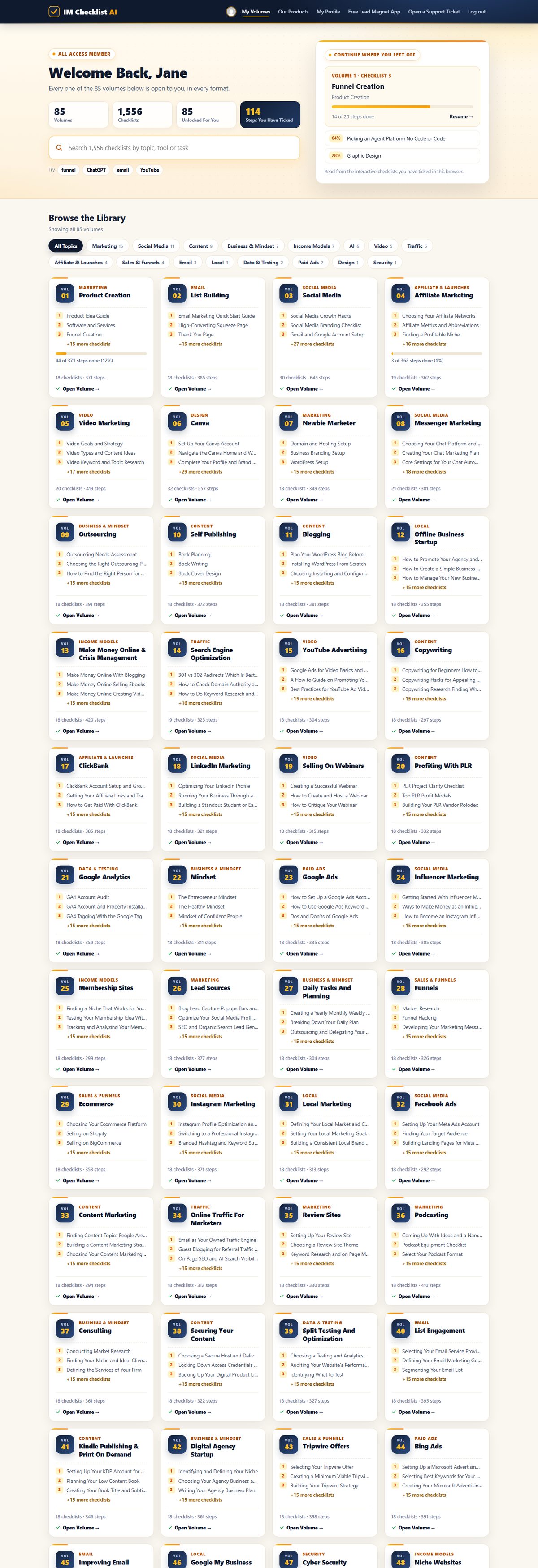
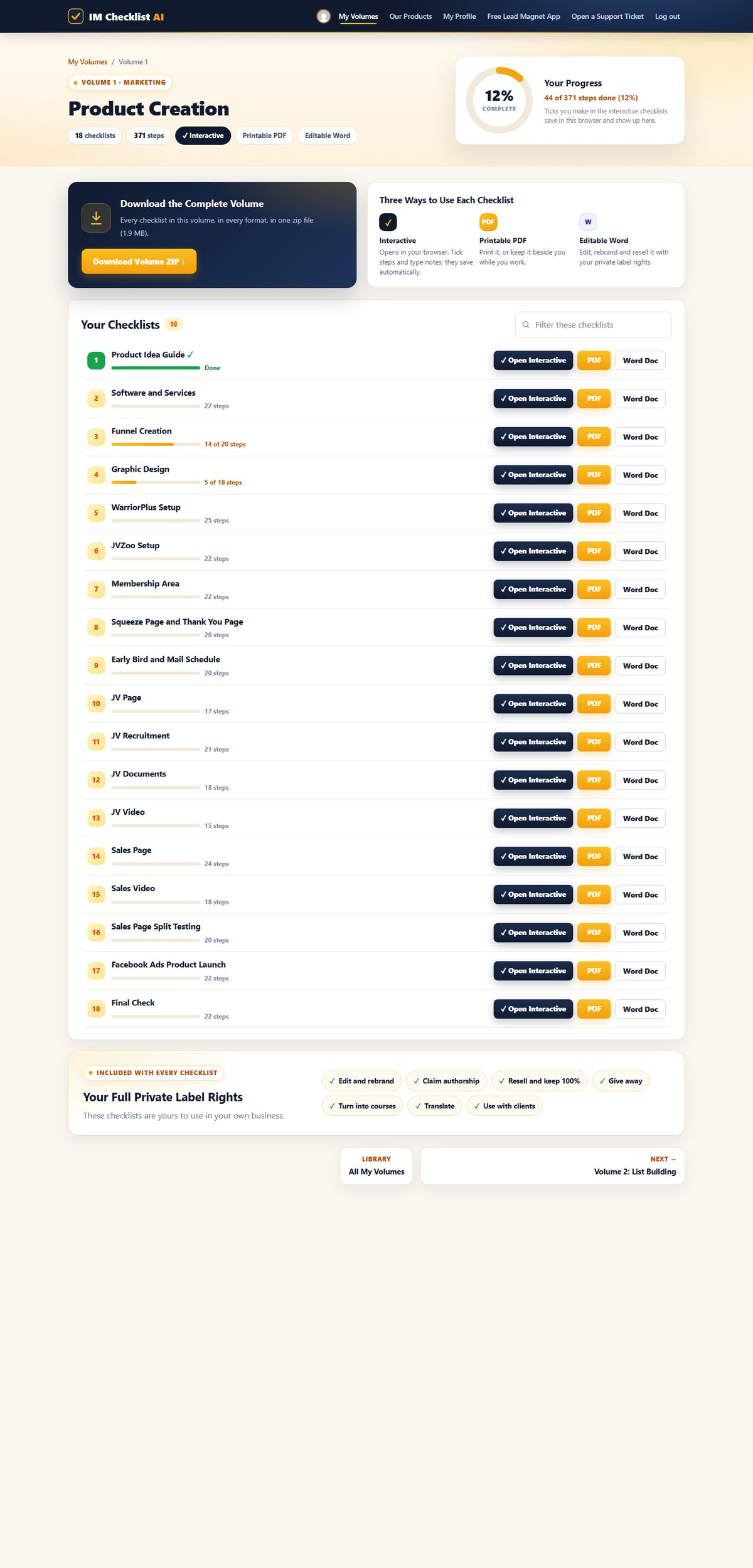
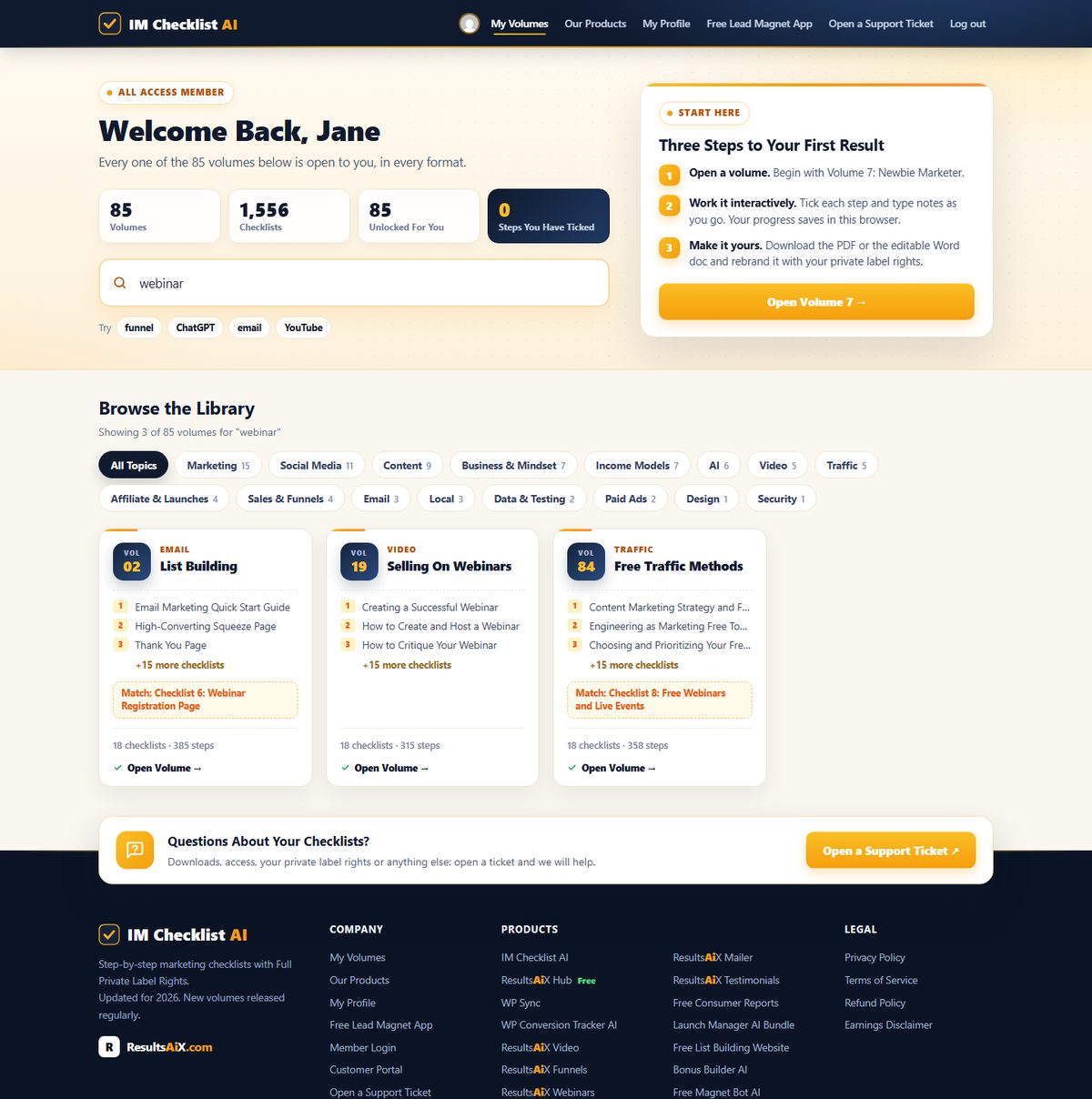
1,576 checklists. 86 volumes. Fully rebuilt for 2026. This is the brand new members area, exactly as you'll see it. Hover any screen to scroll it.
Every volume, one search box. All 86 volumes in one place. Search all 1,576 checklists by topic, tool or task, and pick up exactly where you left off.

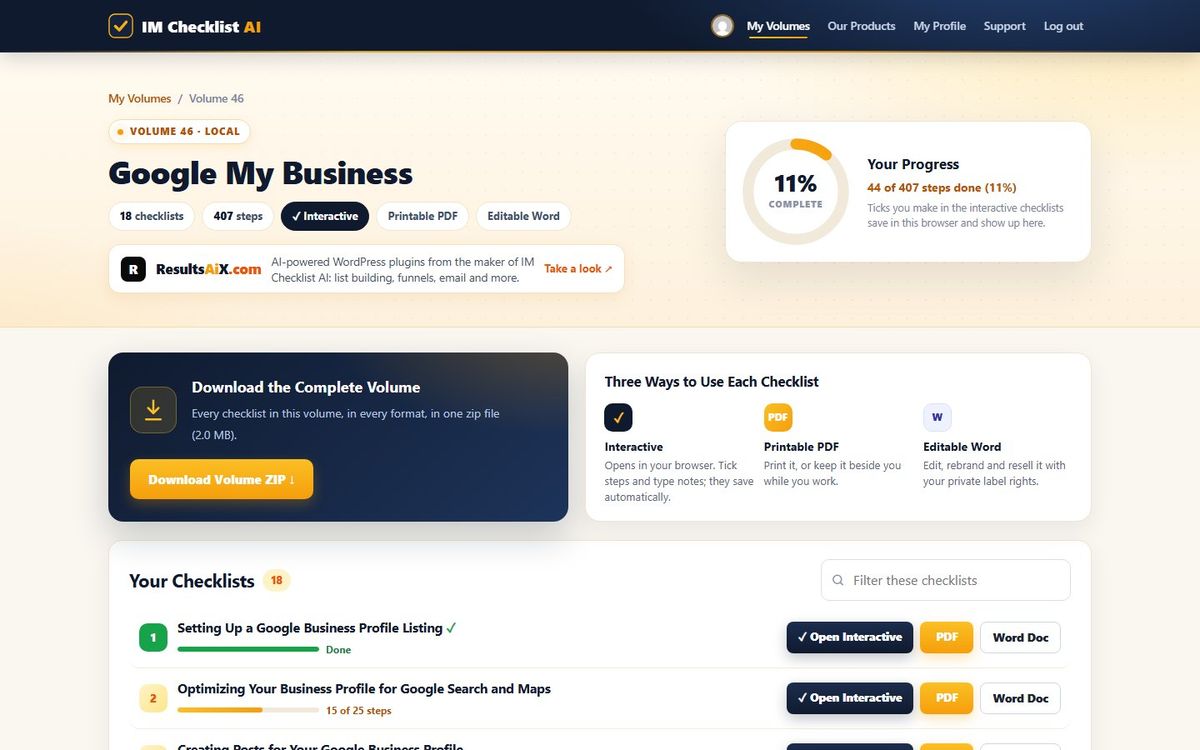
Your progress on every checklist. Each volume shows every checklist with your progress, the interactive, PDF and Word versions side by side, and the whole volume as one zip download.

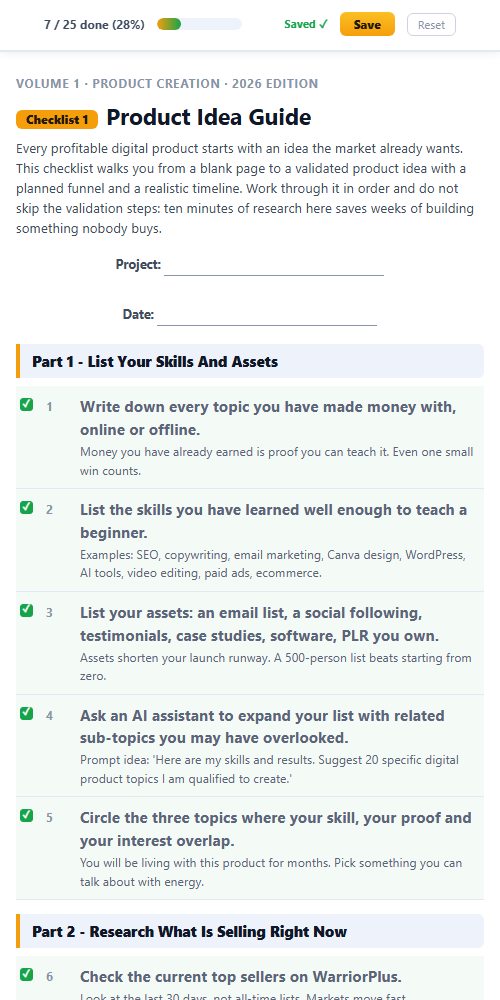
Tick it off, it saves itself. Open any checklist in your browser, tick each step and type notes as you go. The progress bar fills up and your place is saved for next time.

Find the right checklist in seconds. Type any task, tool or topic and every matching volume appears instantly, across all 1,576 checklists.

Print it, pin it, tick it. Every checklist comes as a clean printable PDF and an editable Word document you can rebrand.

Works everywhere. The members area and every interactive checklist work on any phone, tablet or computer.

This isn't a collection of generic templates. It's a complete marketing operating system covering every task worth doing in your online business.
Product creation. List building. Paid ads. Social media. AI tools. YouTube. Affiliate marketing. Freelancing. PLR. Ecommerce. SEO. Copywriting. Funnels. Membership sites. All of it, step by step, ready to follow.
And it doesn't stop growing. A new volume lands every month, covering the latest strategies and tools, and it's already yours the day it drops.
Product creation, list building, affiliate marketing, YouTube, SEO, funnels, webinars, AI and much more. Every volume works the same way, with full private label rights. Search the library below, or hover any volume to see what’s inside.
Nothing matches that search. Try a broader word, like "traffic" or "social".
All 86 volumes. All 1,576 checklists. All yours today.
Every checklist comes as an editable Word document with full private label rights. Rebrand it, sell it as your own product, give it away, or use it with clients. With the membership that is not just the 18 Google My Business checklists. It is all 1,576 checklists in all 86 volumes.

Every checklist downloads as a real, editable Word document. No locked PDFs, no special software.
Change the title, add your branding, add or remove steps. As far as your customers are concerned, you wrote it.
Sell it on your own site or a marketplace, use it as a lead magnet, or hand it to a client. Every dollar is yours.
Most products end where the download finishes. This one starts there. You don't just get to use these checklists. You get to own them.
List them as your own product tomorrow. Every dollar is yours. No split. No royalty. 100% profit.
Your name. Your logo. Your brand. Nobody sees "IM Checklist" anywhere unless you want them to.
You wrote these, as far as your customers are concerned. Put your name on the cover and publish them under your own business.
Need a lead magnet? This is the fastest one you'll ever "write". Trade it for an email address and start building your list today.
Every checklist is a real Word doc. Open it. Change it. Add your own steps or remove the ones you don't need.
One checklist becomes a blog post, an email series, a video script, a client deliverable or a content calendar.
Rebrand one checklist and sell it once for $17, and your first month is paid. Sell a bundle of 18 checklists for $47 or $97, or use them to land a client, and the whole year is covered with room to spare.
“IM Checklists allow you to get on with making money without the worry, fear and weight on your shoulders that you may have forgotten something. EVERYTHING is there in a clear and easy to consume format that can be checked off in seconds. A must have for all serious marketers.”
“These checklists have been a great asset in helping me set up my first launch, ensuring that I didn't miss any steps under tight time constraints. I highly recommend these checklists.”
“As a customer, just wanted to say thanks for creating IM Checklist. It's all in the worry of what I may forget. You have removed that fear. Many thanks.”
“The ability for someone to follow a proven method step by step like this is tantamount to their success with marketing.”
Own Volume 46 on its own, or open every volume in the library.
one payment
for 7 days, then $17.95 a month
one payment, every volume for good
🔒 Secure checkout · Instant access · 14-day money-back guarantee
Work through the checklists and use them in your business. If they are not worth far more than you paid, open a support ticket within 14 days and every cent comes back. No form, no questions.
Every volume in IM Checklist AI, 86 of them with 1,576 checklists, including all 18 Google My Business checklists. Each one comes as an interactive checklist that saves your progress, a printable PDF and an editable Word document, and a new volume is added every month.
You pay $3 today and get every volume for 7 days. After that it is $17.95 a month. Cancel anytime, including during the trial.
Yes. Volume 46 on its own is $27, one time: all 18 checklists with full private label rights, plus the Business Profile Profit Kit. Or start the $3 trial and get this volume together with every other one.
A squeeze page and download page that give away Checklists 1 and 2, a complete sales page for the whole volume, 5 follow-up emails, a 3D cover, a flat cover and a free gift cover, four legal page templates and a Quick Start guide with a 7-day plan. Every page, email and cover is unbranded and ready for your name.
No. Every checklist starts with a short brief, then tells you exactly what to do and in what order, with a practical tip under every step.
Yes. The whole library has been rewritten for 2026, and new volumes are added every month.
Yes. Full private label rights cover every checklist in every volume: edit them, rebrand them, claim authorship, resell them and keep 100%, give them away, or use them with clients.
Then every volume, including this one, is already in your members area at no extra cost. Log in and it is waiting for you.
Volume 46 on its own is $27 once: its 18 checklists with full private label rights and the Business Profile Profit Kit. The membership is $3 for 7 days, then $17.95 a month, and opens every volume with every Profit Kit. Lifetime is $197 once for every volume, including every new one, with no renewals.
Yes. Everything you buy sits in the same members area, so you can add the membership or lifetime whenever you like.
Yes. Buy lifetime, then cancel your monthly subscription in Manage My Subscription, or open a support ticket and we will cancel it for you.
Instantly. Your login arrives by email with a one-click button, and every volume is waiting in the members area.
18 step-by-step checklists with full private label rights and the Business Profile Profit Kit. Own Volume 46 on its own, or open all 86 volumes.