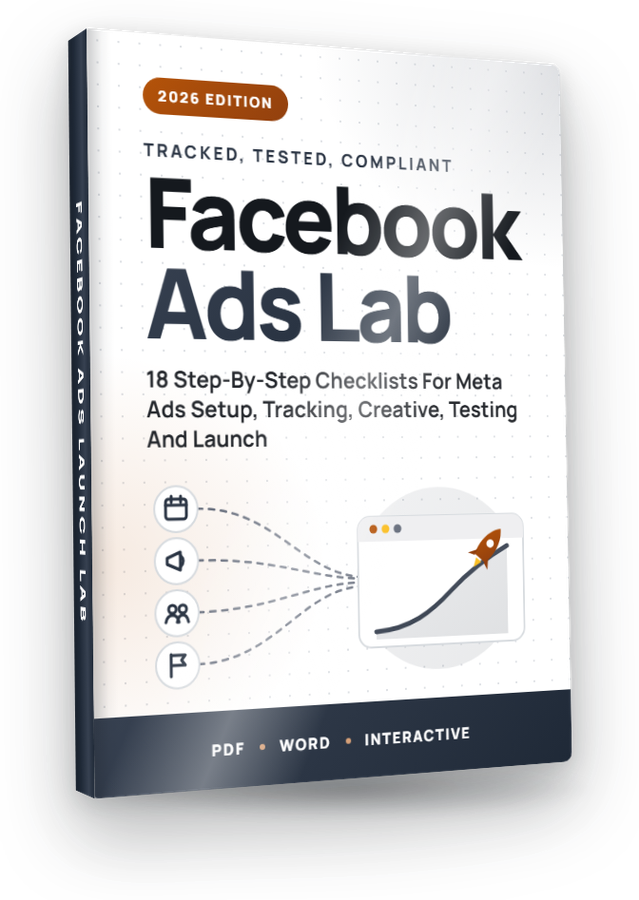
From “Setting Up Your Meta Ads Account” to “The Complete Meta Ads Launch Checklist”, these 18 checklists take you through Facebook Ads one step at a time, in the order that actually works, rewritten for 2026. Full private label rights, plus a done-for-you Profit Kit to grow your list with them or sell them as your own.

The Facebook Ads Profit KitA squeeze page, download page, sales page, 5 follow-up emails, eCovers and a Quick Start guide, all unbranded and ready for your name.
Get Started →See everything in the kit ↓Most private label products hand you files and leave the rest to you. Volume 32 comes with everything around the checklists too: the pages, the emails, the covers and the plan. Put your name on it, upload it, and you can start building your list or taking orders the same day. Every page, email and cover is unbranded and ready for yours.
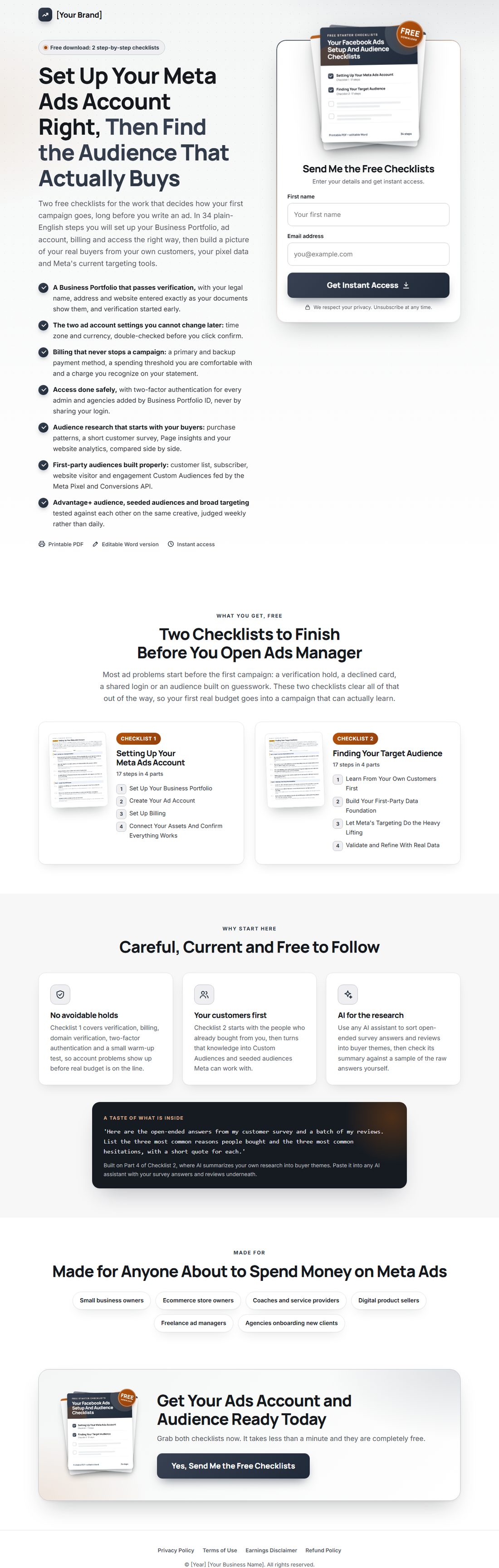
Gives away Checklists 1 and 2 and collects emails with any autoresponder.
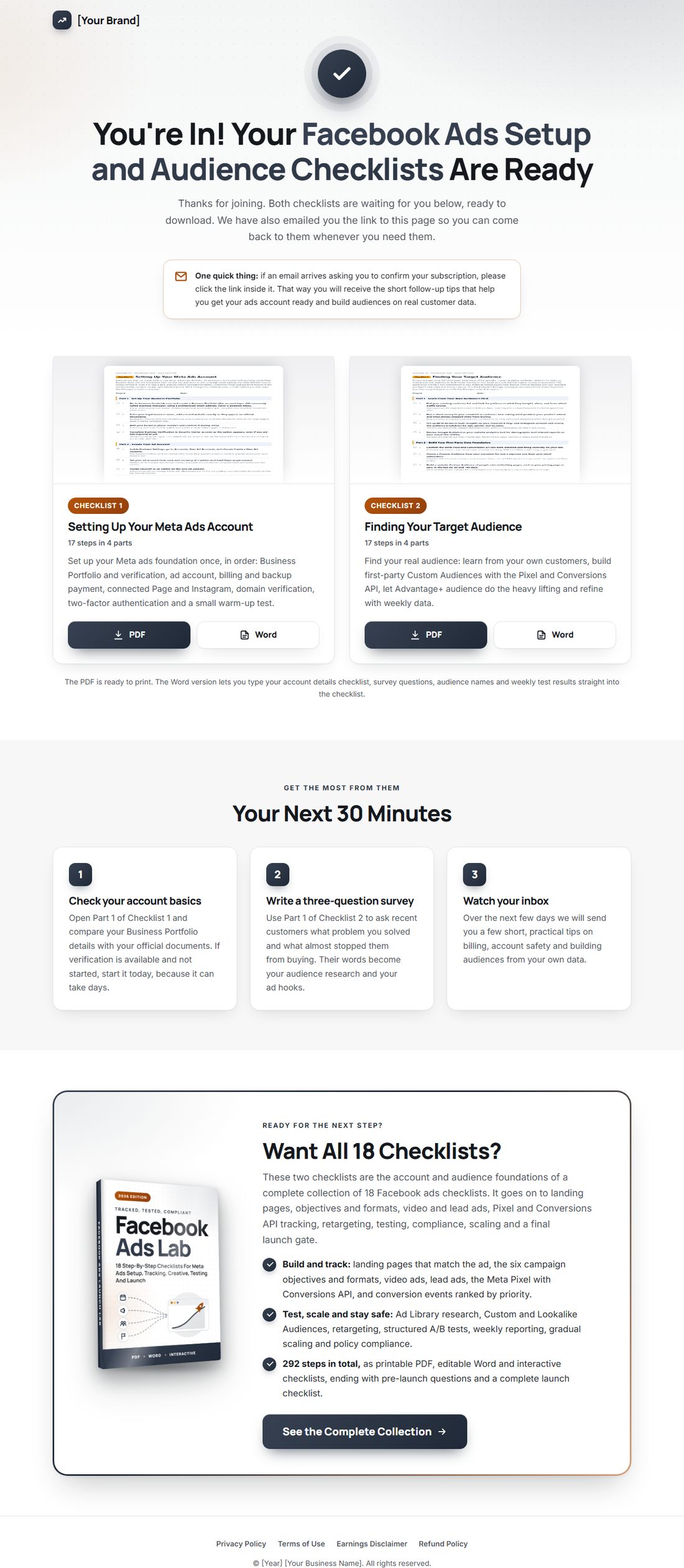
Delivers the free gift, then offers the full volume.
Sells all 18 checklists as your own product. Add your price and buy link.
Written, in order, ready to paste into your autoresponder.
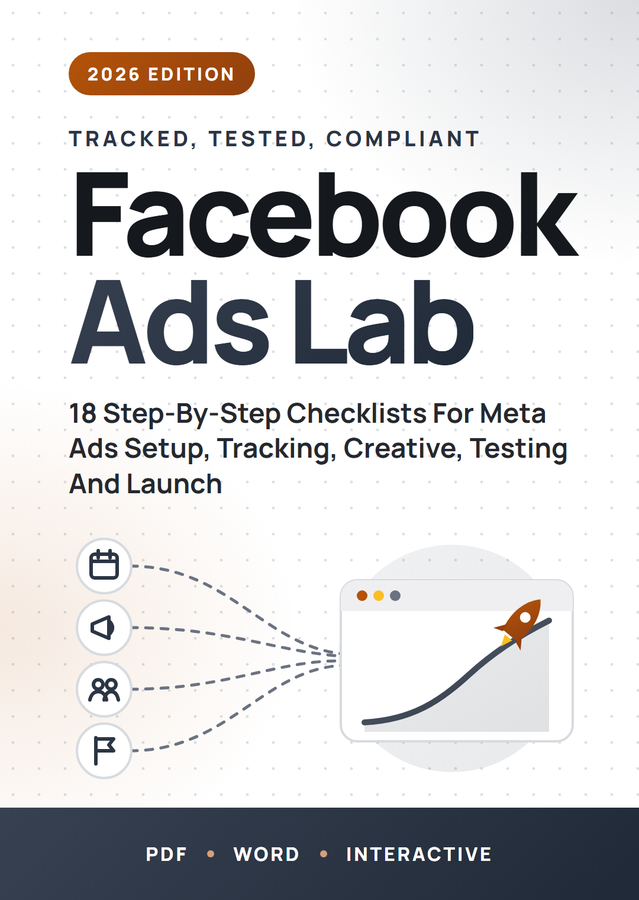
A 3D cover, a flat cover and a free gift cover, with the source files.
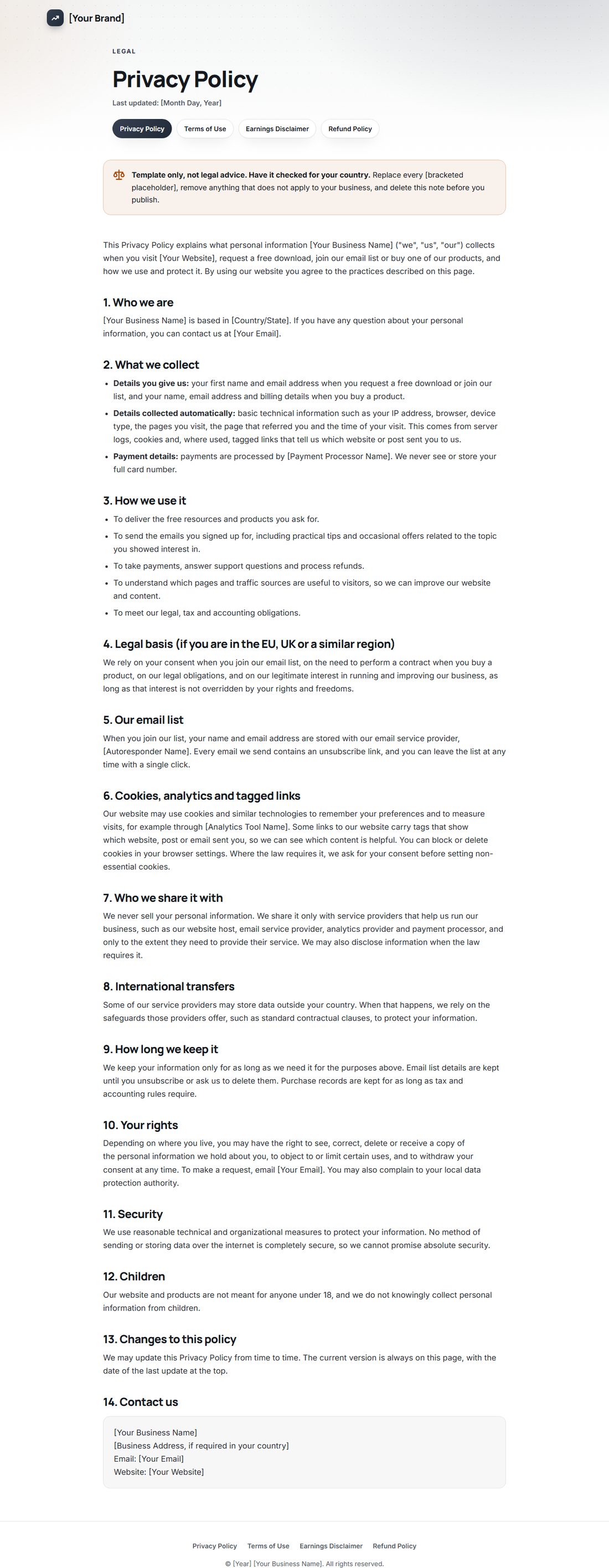
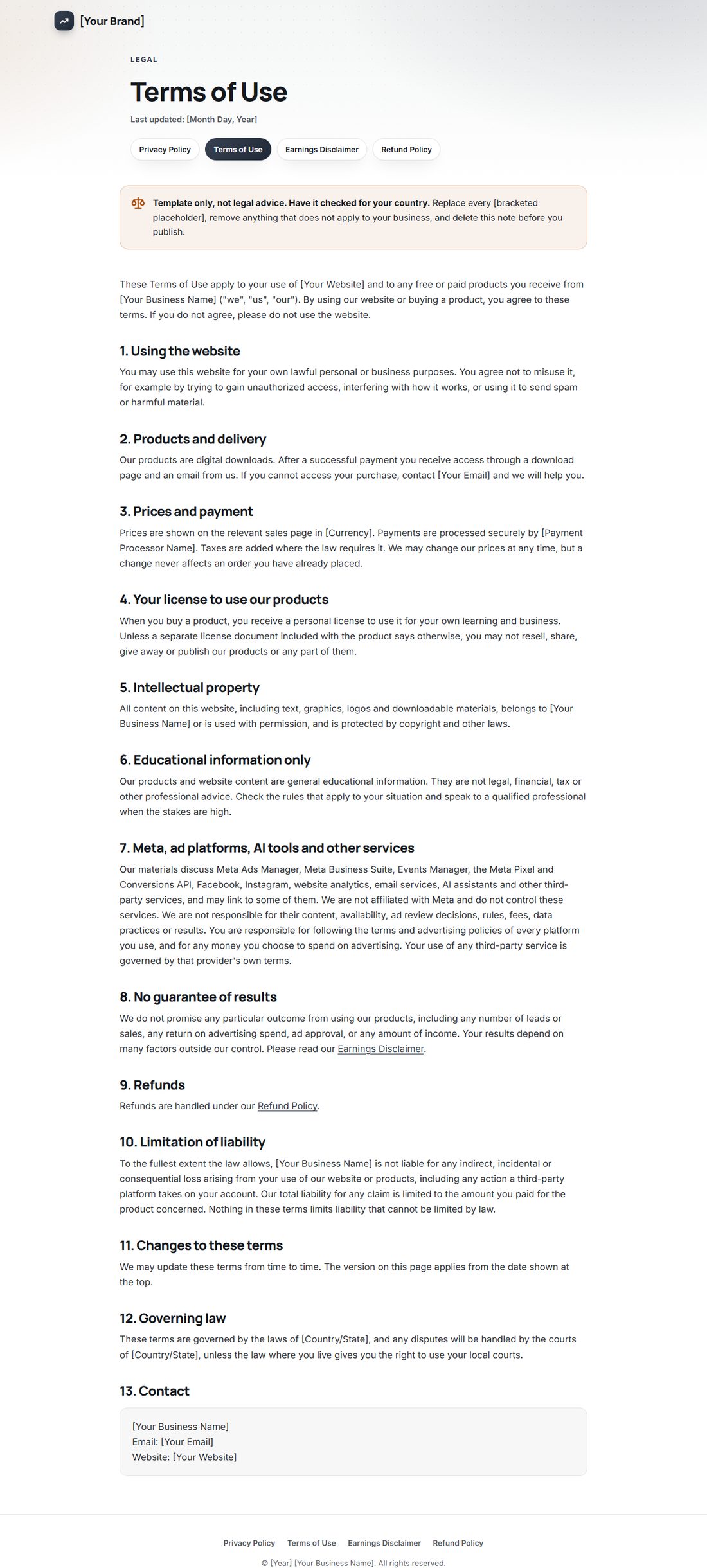
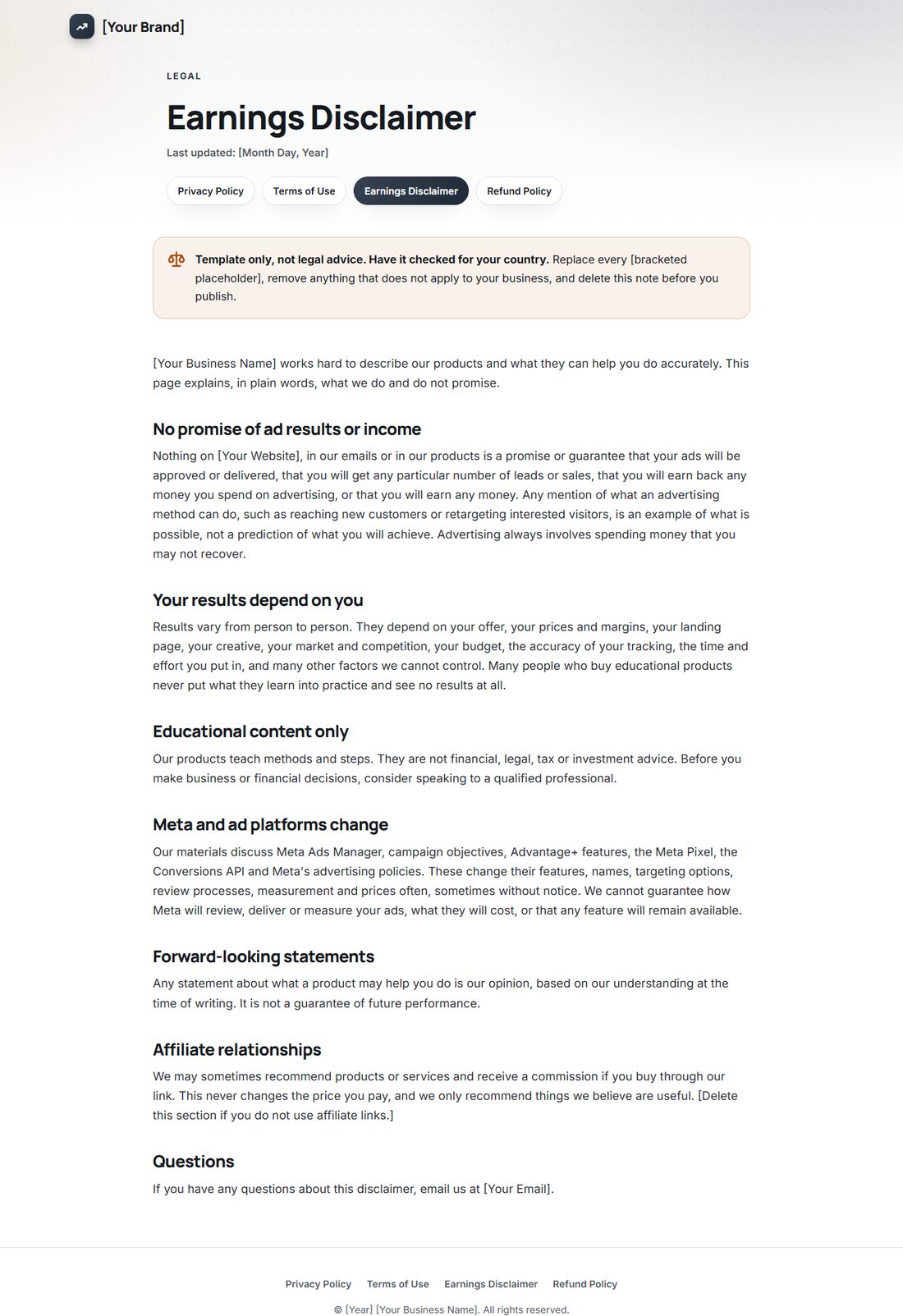
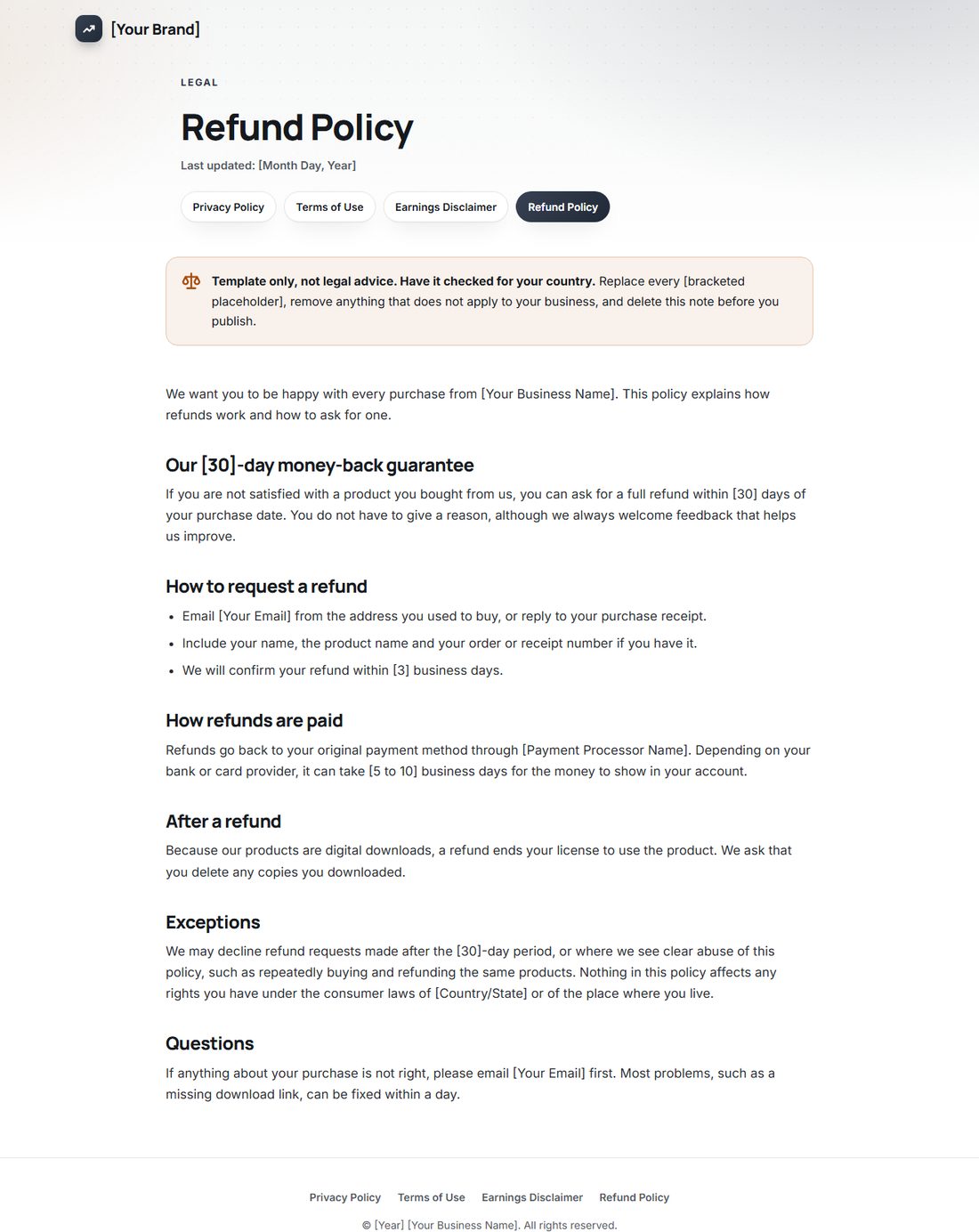
Privacy, terms, earnings disclaimer and refund policy templates.
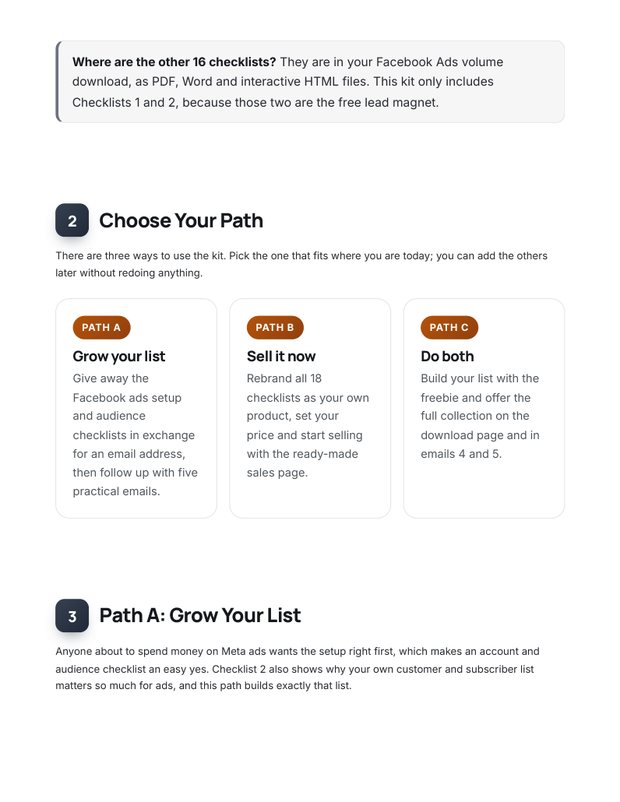
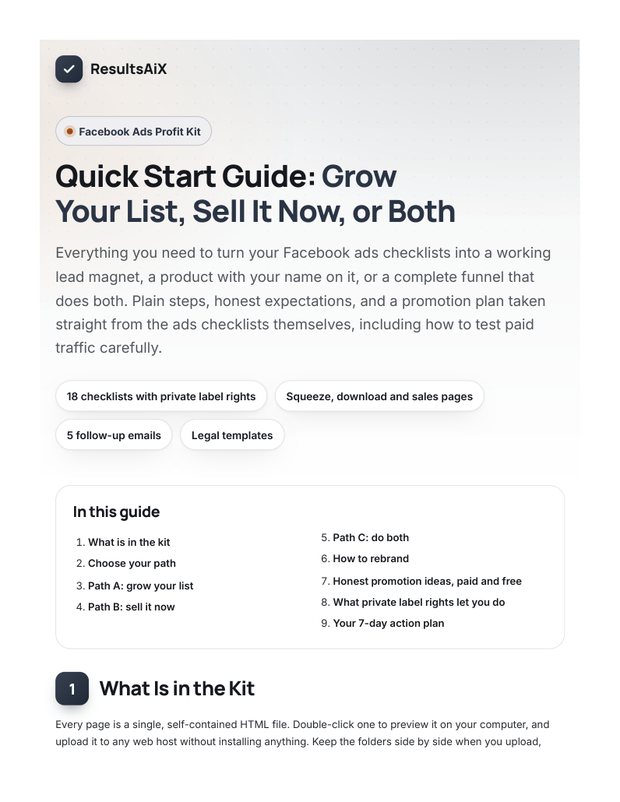
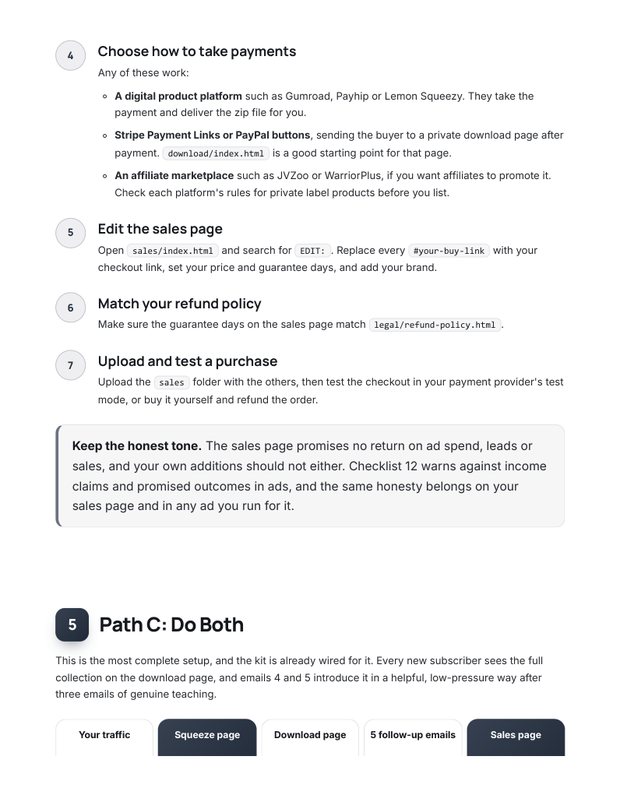
Step by step: what to rebrand, where to upload, honest traffic ideas and a 7-day plan.
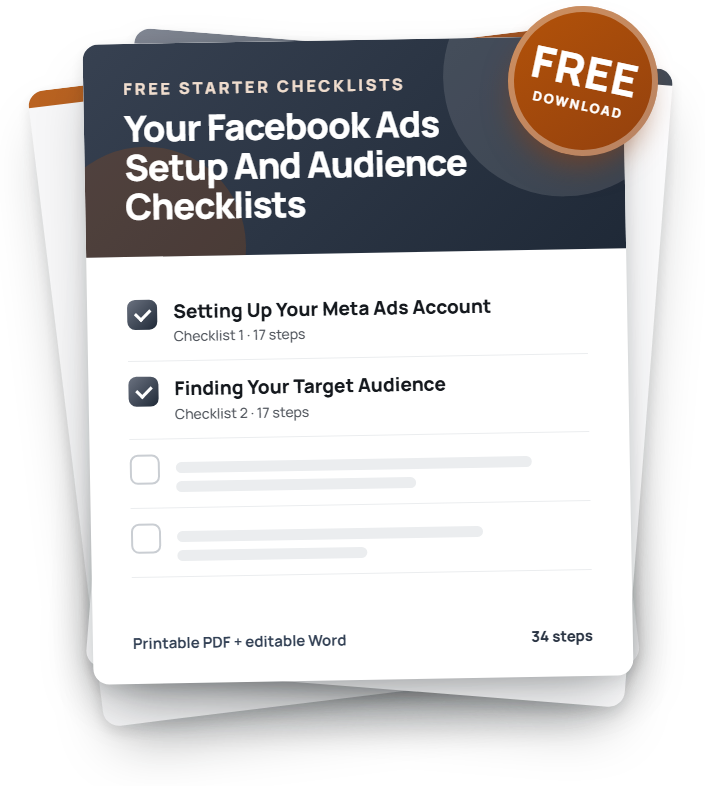
Checklists 1 and 2 as PDF and Word, ready for your name.


Upload the squeeze and download pages, connect your autoresponder and load the 5 emails. New subscribers on autopilot.
Put your name on the checklists, add your buy link to the sales page and keep 100% of every sale.
Give away two checklists, then offer the full volume to everyone who joins. The training shows you how.
Real pages from the kit. Hover any page to scroll it.


Checklists 1 and 2 become your free gift. A strong headline, benefit bullets, a 3D cover and an opt-in box that takes any autoresponder's form code.


New subscribers land here, download both checklists in PDF or Word, and see a friendly offer for the full volume. Your first sale can happen on your thank-you page.


A complete sales page: headline, problem, every checklist with its real step count, formats, FAQ and guarantee. Add your buy link and price and you are open for business.


Privacy, terms, earnings disclaimer and refund policy, already linked from every page footer. Fill in your details, have them checked for your country, and you look like a real business from day one.


A 3D cover, a flat cover and a free gift cover, plus the source files so you can change the title or colors in minutes.
Hi [First Name],
Thanks for grabbing the Facebook ads setup and audience checklists. Here is your download page, in case you need it again:
[Link To Your Download Page]
You will find two checklists there, each as a printable PDF and an editable Word file. Checklist 1 sets up your Meta ads account, billing and access correctly, once and in order. Checklist 2 helps you find your real audience from your own customers and the data Meta can use.
If you only have ten minutes today, check three things in your Business Portfolio:
- Your legal business name, address and website match your official documents exactly. Mismatches are a common reason verification stalls.
- Business Verification is started in Security Center if the option is available to you. It can take days, so start it long before you need it.
- Your login email is a professional address on your own domain, not a personal inbox.
If you are about to create a new ad account, add one more check: the time zone and the currency. Neither can be changed later without closing the account and starting again, so confirm both before you click create.
All of this sits in Parts 1 and 2 of Checklist 1, so you will already be ahead when you open it.
Over the next few days I will send you a few short emails with the most useful ideas from the checklists, so your first real budget goes into a campaign that is set up to learn.
Talk soon,
[Your Name]
[Your Brand]
P.S. Keep separate brands or clients in separate ad accounts inside one Business Portfolio. Mixing them in one account makes reporting and audiences messy very quickly.
5 helpful emails that teach first and lead naturally to the full volume. Paste them into any autoresponder and swap the highlighted placeholders.


Grow your list, sell it now, or both: the guide walks you through each path, shows you what to rebrand, gives you honest traffic ideas and a simple 7-day action plan. Includes optional tool suggestions for faster results.
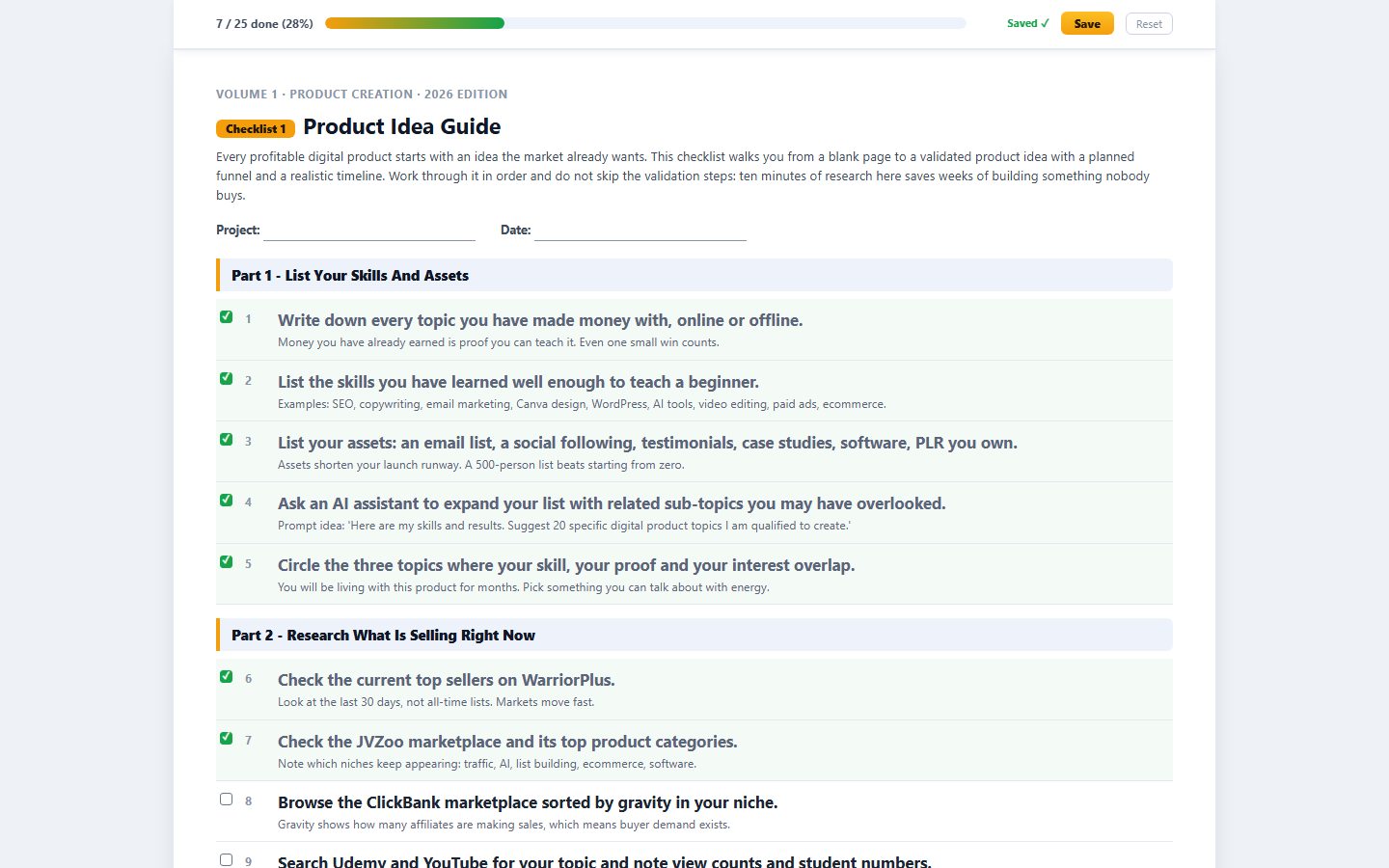
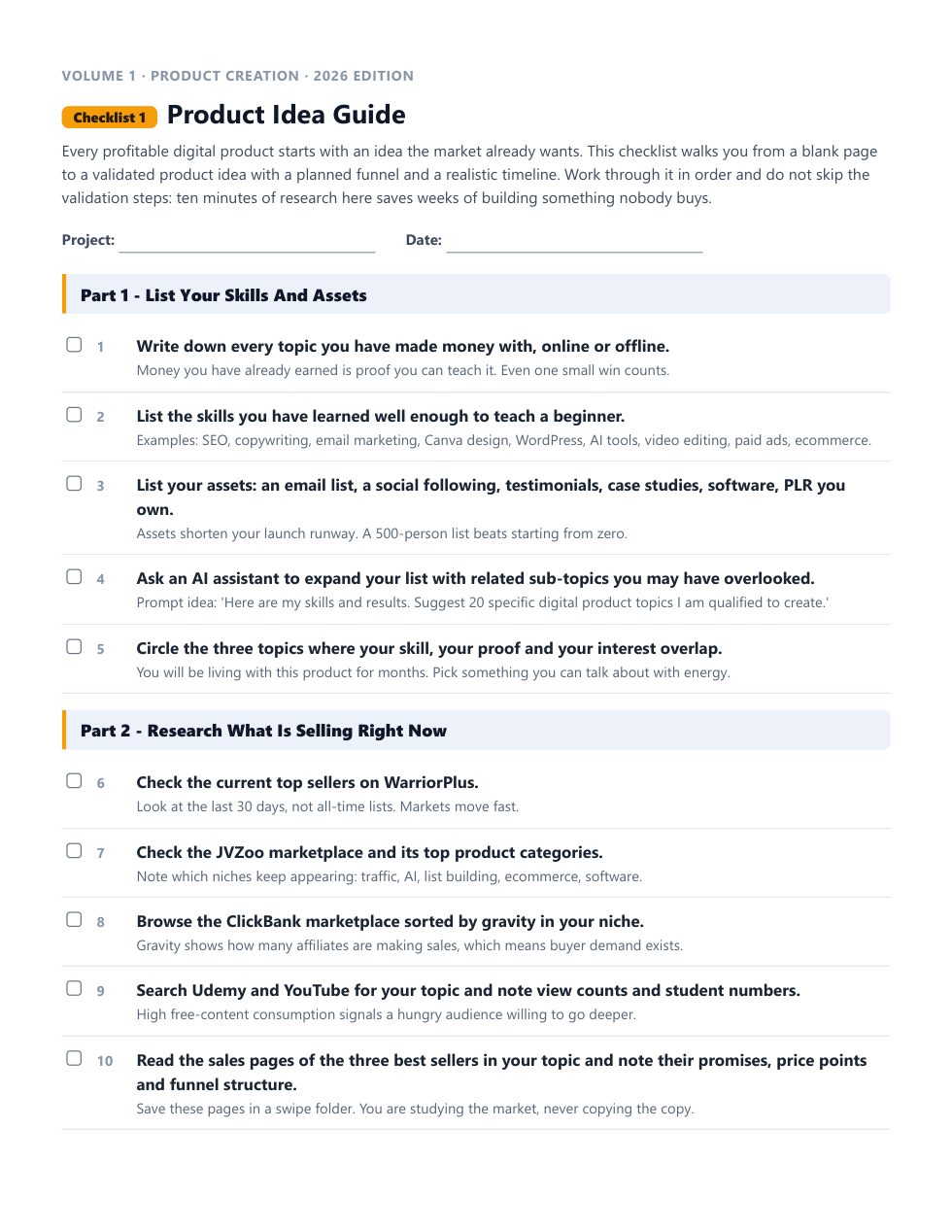
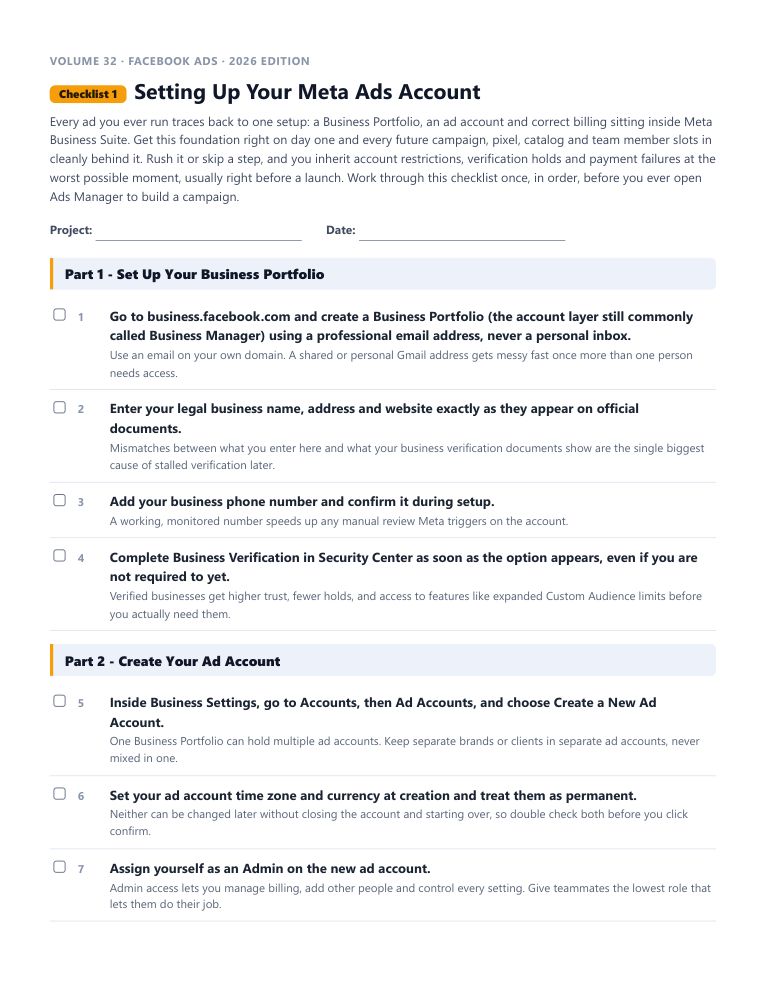
This is the real start of “Setting Up Your Meta Ads Account”, word for word. Tick the boxes and watch the progress bar move.
Every checklist works the same way: a short brief, the steps in the order that actually works, a practical tip under every step, and pro tips at the end.
18 checklists in this volume. 1,576 in the library. No forty-minute videos to decode.
Each one is a complete, follow-along process. Open it, work through it, tick it off. Every checklist comes as an interactive checklist, a printable PDF and an editable Word document.
Every ad you ever run traces back to one setup: a Business Portfolio, an ad account and correct billing sitting inside Meta Business Suite. Get this foundation right on day one and every future campaign, pixel, catalog and team member slots in cleanly behind it.
Privacy changes since iOS 14 stripped away much of the granular interest targeting marketers relied on for years, so finding your real audience in 2026 means leaning on first-party data and platform signals instead of guesswork.
The ad only gets the click. The landing page gets the conversion, and a mismatch between the two wastes every dollar you spend.
Meta simplified its long list of campaign objectives down to six outcome-based choices, and understanding what each one actually optimizes for is the difference between an efficient campaign and wasted spend.
Video now drives the majority of attention across Facebook, Instagram and Threads, and Reels-style vertical video is the default viewing experience rather than a niche placement.
Lead ads remove the biggest source of drop-off in any opt-in funnel: leaving the platform. An Instant Form pre-fills a person's contact details from their own Meta profile, which keeps completion friction close to zero, but only if the form, the follow-up and the tracking behind it are all set up correctly.
A real Meta ads strategy is more than picking an objective and writing an ad. It is a repeatable system for setting goals, structuring accounts, feeding the algorithm clean data, and testing creative on a schedule, so results compound instead of resetting every campaign.
The Meta Pixel, paired with the Conversions API, is the tracking foundation every retargeting audience and every optimization decision depends on.
Having the Meta Pixel installed is only step one. Conversion tracking means telling Meta exactly which actions on your site count as results, in what priority order, and with what value, so the algorithm knows what to optimize toward.
Launching a campaign is the easy part. Knowing whether it is actually working, and catching a problem before it burns through your budget, depends on checking the right numbers at the right frequency inside Meta Ads Manager.
A campaign that works at a small budget does not automatically keep working when you triple the spend overnight. Scaling on Meta in 2026 means working with Advantage+ campaign budget and the platform's learning phase rather than against them, using gradual increases, horizontal expansion and disciplined duplication instead of sudden jumps.
A disapproved ad is a minor annoyance. A pattern of policy violations is how an entire ad account gets restricted or permanently disabled, taking every campaign, pixel and audience with it.
You no longer have to hope a competitor's ad shows up in your own feed to study it. The Meta Ad Library is a free, public tool that shows every active ad any Page is running across Meta's platforms, which makes competitive research faster and far more complete than the old method of manually digging through your own news feed.
Custom Audiences turn your own data, whether that is a customer list, website visitors or engaged followers, into a targetable group inside Meta Ads Manager.
Retargeting reaches people who already showed real interest, whether that was visiting your site, watching a video or opening a cart without buying, and it consistently converts at multiples of cold prospecting traffic.
Guessing which ad works better is a waste of a perfectly good testing tool. Meta's built-in A/B Test feature splits your audience cleanly and reports statistical confidence, which is a meaningfully more reliable way to compare ads than eyeballing two live ad sets running side by side.
The moments right before you click publish are the cheapest time to catch a mistake. Once a campaign is live and spending, every hour a tracking gap, a wrong objective or a compliance issue goes unnoticed costs real budget.
This final checklist pulls the entire volume together into one straight run from a blank Ads Manager account to a live, tracked, compliant campaign.
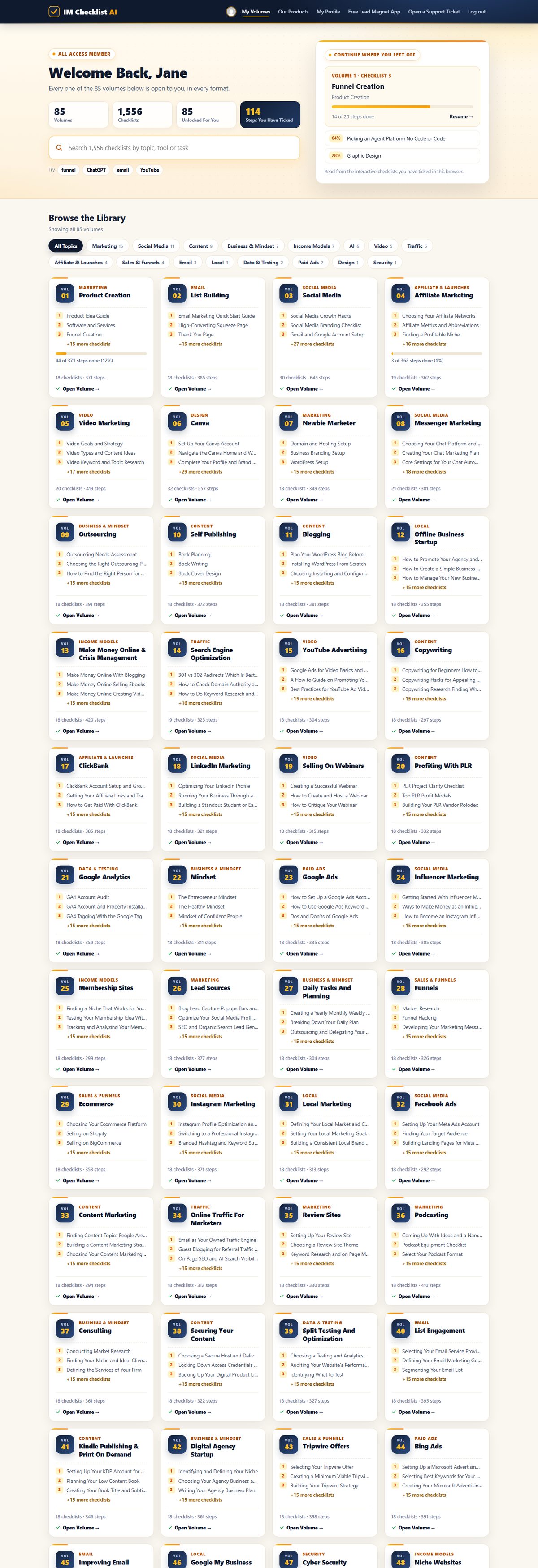
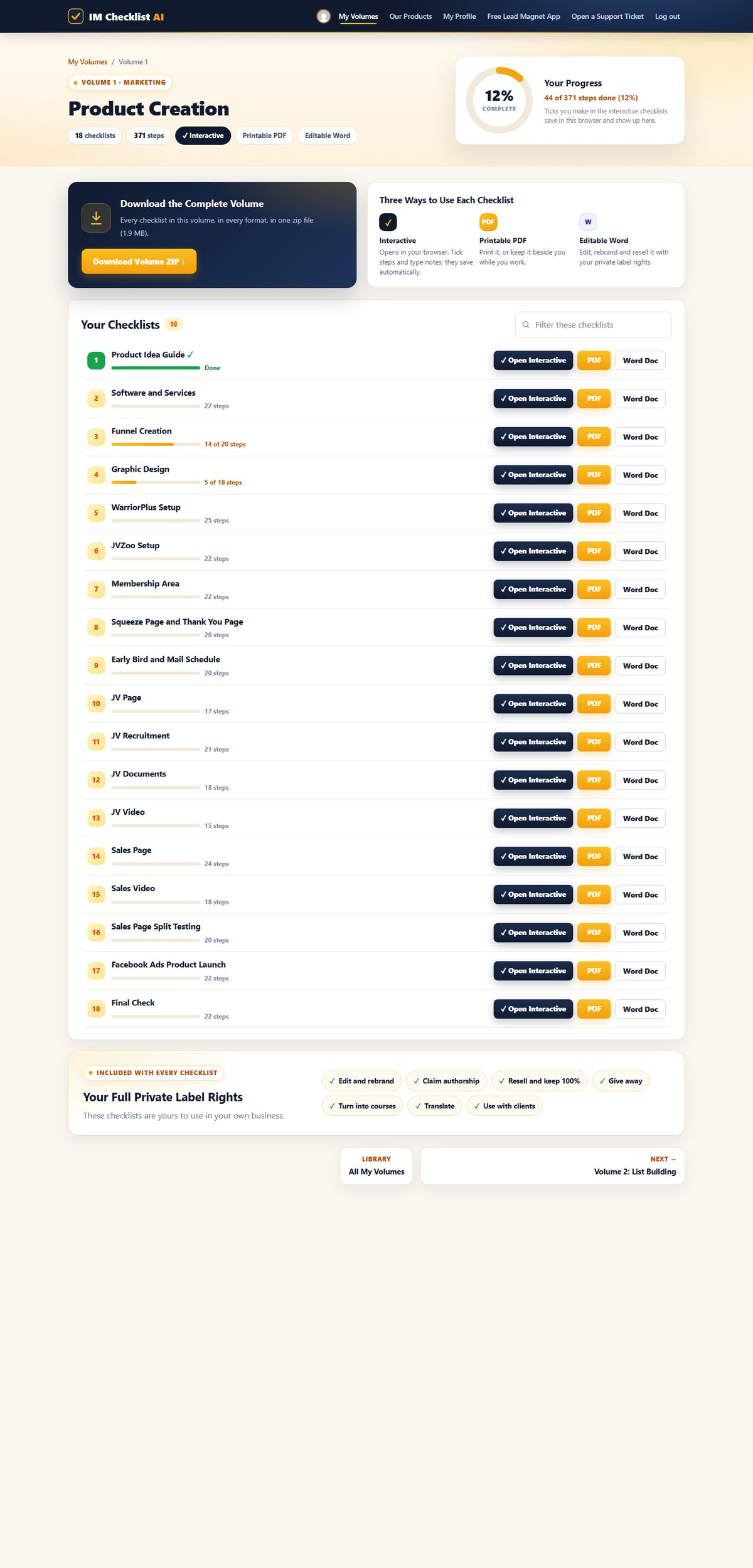
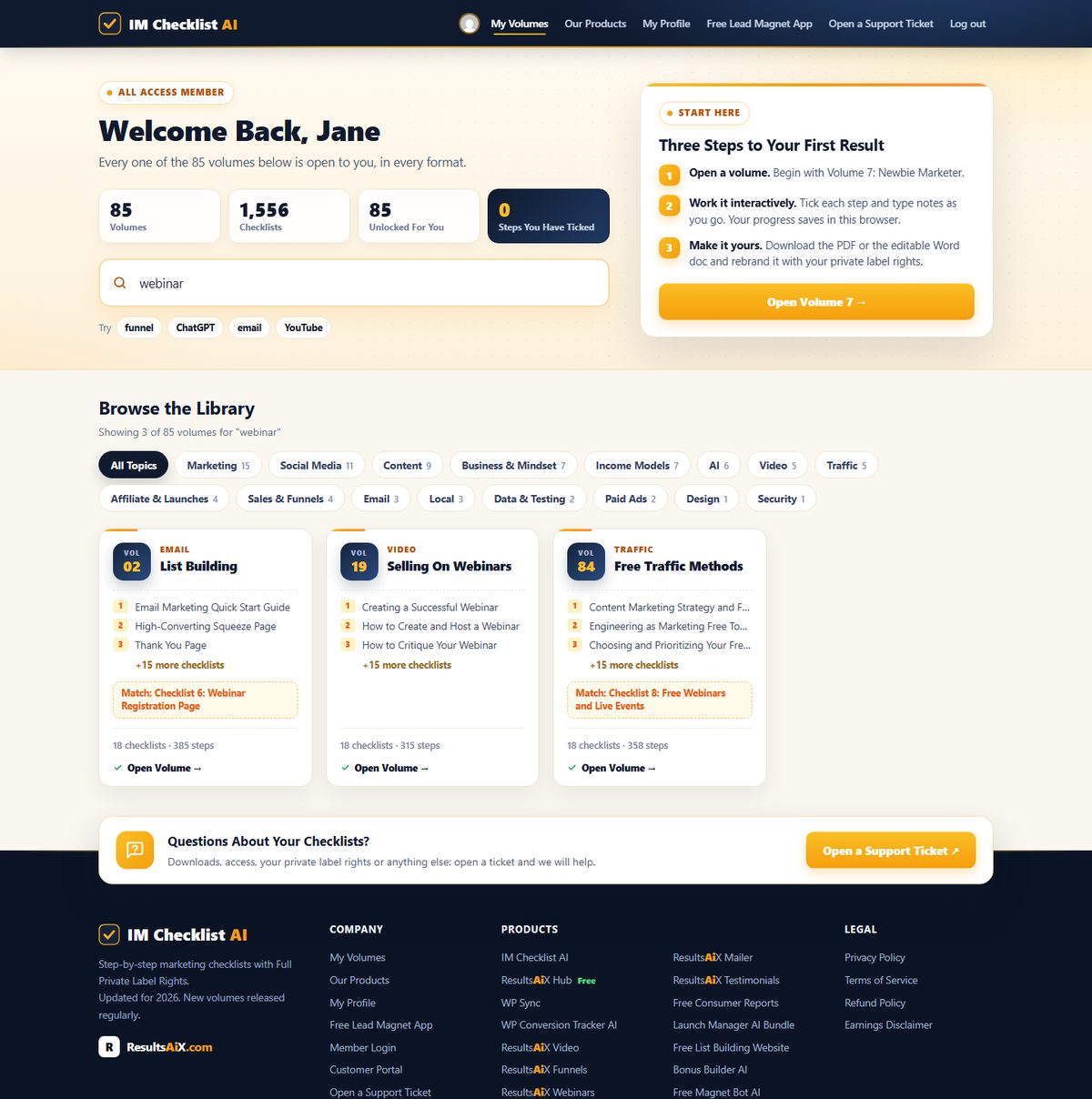
1,576 checklists. 86 volumes. Fully rebuilt for 2026. This is the brand new members area, exactly as you'll see it. Hover any screen to scroll it.
Every volume, one search box. All 86 volumes in one place. Search all 1,576 checklists by topic, tool or task, and pick up exactly where you left off.

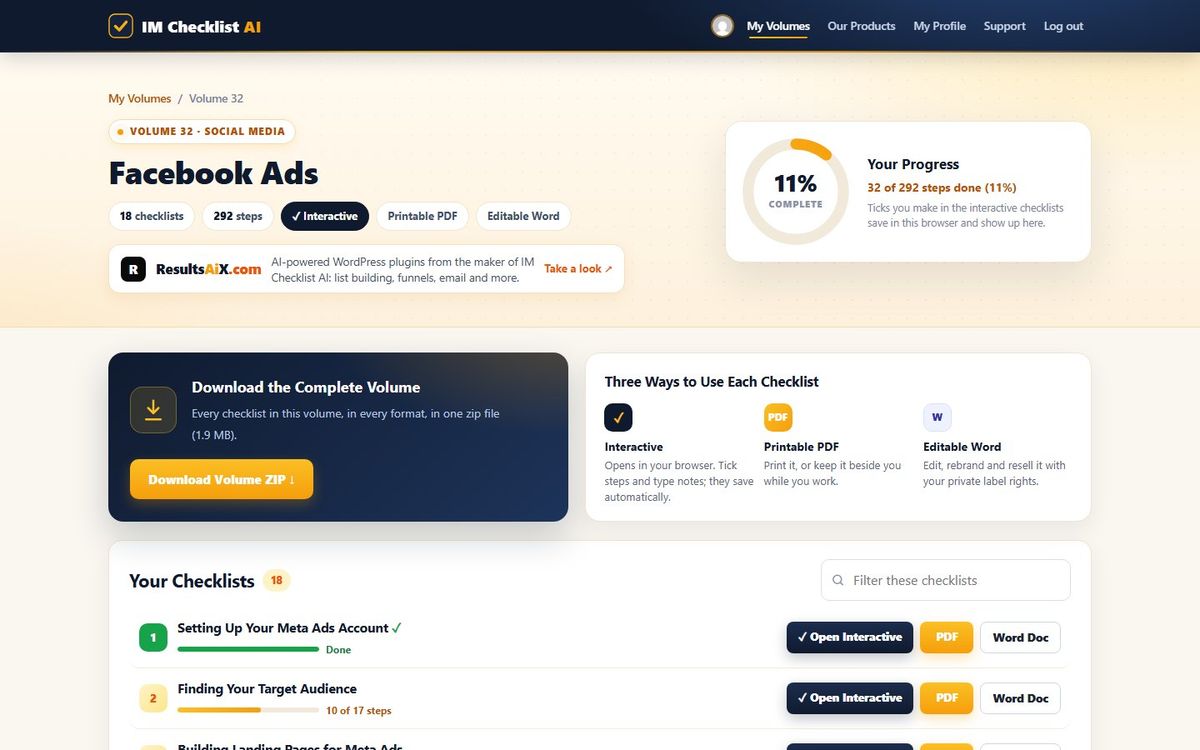
Your progress on every checklist. Each volume shows every checklist with your progress, the interactive, PDF and Word versions side by side, and the whole volume as one zip download.

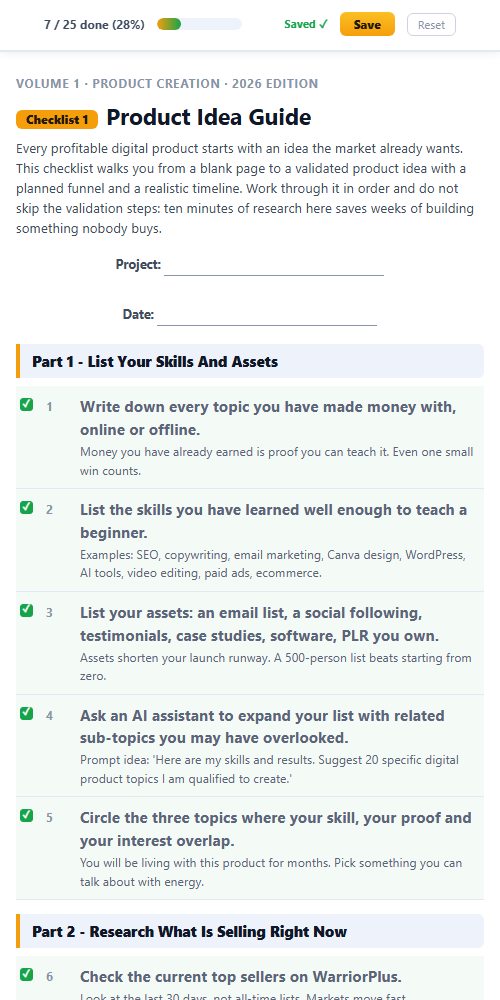
Tick it off, it saves itself. Open any checklist in your browser, tick each step and type notes as you go. The progress bar fills up and your place is saved for next time.

Find the right checklist in seconds. Type any task, tool or topic and every matching volume appears instantly, across all 1,576 checklists.

Print it, pin it, tick it. Every checklist comes as a clean printable PDF and an editable Word document you can rebrand.

Works everywhere. The members area and every interactive checklist work on any phone, tablet or computer.

This isn't a collection of generic templates. It's a complete marketing operating system covering every task worth doing in your online business.
Product creation. List building. Paid ads. Social media. AI tools. YouTube. Affiliate marketing. Freelancing. PLR. Ecommerce. SEO. Copywriting. Funnels. Membership sites. All of it, step by step, ready to follow.
And it doesn't stop growing. A new volume lands every month, covering the latest strategies and tools, and it's already yours the day it drops.
Product creation, list building, affiliate marketing, YouTube, SEO, funnels, webinars, AI and much more. Every volume works the same way, with full private label rights. Search the library below, or hover any volume to see what’s inside.
Nothing matches that search. Try a broader word, like "traffic" or "social".
All 86 volumes. All 1,576 checklists. All yours today.
Every checklist comes as an editable Word document with full private label rights. Rebrand it, sell it as your own product, give it away, or use it with clients. With the membership that is not just the 18 Facebook Ads checklists. It is all 1,576 checklists in all 86 volumes.

Every checklist downloads as a real, editable Word document. No locked PDFs, no special software.
Change the title, add your branding, add or remove steps. As far as your customers are concerned, you wrote it.
Sell it on your own site or a marketplace, use it as a lead magnet, or hand it to a client. Every dollar is yours.
Most products end where the download finishes. This one starts there. You don't just get to use these checklists. You get to own them.
List them as your own product tomorrow. Every dollar is yours. No split. No royalty. 100% profit.
Your name. Your logo. Your brand. Nobody sees "IM Checklist" anywhere unless you want them to.
You wrote these, as far as your customers are concerned. Put your name on the cover and publish them under your own business.
Need a lead magnet? This is the fastest one you'll ever "write". Trade it for an email address and start building your list today.
Every checklist is a real Word doc. Open it. Change it. Add your own steps or remove the ones you don't need.
One checklist becomes a blog post, an email series, a video script, a client deliverable or a content calendar.
Rebrand one checklist and sell it once for $17, and your first month is paid. Sell a bundle of 18 checklists for $47 or $97, or use them to land a client, and the whole year is covered with room to spare.
“IM Checklists allow you to get on with making money without the worry, fear and weight on your shoulders that you may have forgotten something. EVERYTHING is there in a clear and easy to consume format that can be checked off in seconds. A must have for all serious marketers.”
“These checklists have been a great asset in helping me set up my first launch, ensuring that I didn't miss any steps under tight time constraints. I highly recommend these checklists.”
“As a customer, just wanted to say thanks for creating IM Checklist. It's all in the worry of what I may forget. You have removed that fear. Many thanks.”
“The ability for someone to follow a proven method step by step like this is tantamount to their success with marketing.”
Own Volume 32 on its own, or open every volume in the library.
one payment
for 7 days, then $17.95 a month
one payment, every volume for good
🔒 Secure checkout · Instant access · 14-day money-back guarantee
Work through the checklists and use them in your business. If they are not worth far more than you paid, open a support ticket within 14 days and every cent comes back. No form, no questions.
Every volume in IM Checklist AI, 86 of them with 1,576 checklists, including all 18 Facebook Ads checklists. Each one comes as an interactive checklist that saves your progress, a printable PDF and an editable Word document, and a new volume is added every month.
You pay $3 today and get every volume for 7 days. After that it is $17.95 a month. Cancel anytime, including during the trial.
Yes. Volume 32 on its own is $27, one time: all 18 checklists with full private label rights, plus the Facebook Ads Profit Kit. Or start the $3 trial and get this volume together with every other one.
A squeeze page and download page that give away Checklists 1 and 2, a complete sales page for the whole volume, 5 follow-up emails, a 3D cover, a flat cover and a free gift cover, four legal page templates and a Quick Start guide with a 7-day plan. Every page, email and cover is unbranded and ready for your name.
No. Every checklist starts with a short brief, then tells you exactly what to do and in what order, with a practical tip under every step.
Yes. The whole library has been rewritten for 2026, and new volumes are added every month.
Yes. Full private label rights cover every checklist in every volume: edit them, rebrand them, claim authorship, resell them and keep 100%, give them away, or use them with clients.
Then every volume, including this one, is already in your members area at no extra cost. Log in and it is waiting for you.
Volume 32 on its own is $27 once: its 18 checklists with full private label rights and the Facebook Ads Profit Kit. The membership is $3 for 7 days, then $17.95 a month, and opens every volume with every Profit Kit. Lifetime is $197 once for every volume, including every new one, with no renewals.
Yes. Everything you buy sits in the same members area, so you can add the membership or lifetime whenever you like.
Yes. Buy lifetime, then cancel your monthly subscription in Manage My Subscription, or open a support ticket and we will cancel it for you.
Instantly. Your login arrives by email with a one-click button, and every volume is waiting in the members area.
18 step-by-step checklists with full private label rights and the Facebook Ads Profit Kit. Own Volume 32 on its own, or open all 86 volumes.