Built by 4,900+ marketers before you · Rebuilt from scratch for 2026 · New volume every month

The Exact 18 Bing Ads Checklists Behind My 7-Figure Launches, Now Yours To Rebrand And Sell

No theory. No 40-hour course to sit through. Just the steps, in order, with the reasoning behind each one, so you stop guessing and start shipping. Your $3 trial unlocks this volume plus all 84 others: 1,536 checklists, ready to work from today.

Cuts weeks down to hoursNothing falls through the cracksRefreshed for 2026Hand it straight to your team
Full Private Label Rights included: put your name on every checklist, sell it, keep every dollar

Full access to all 84 volumes for 7 days, then $17.95 per month. Cancel anytime.

14 Backed by a 14-day, 100% money back guarantee
84
Volumes
1,536
Checklists
3
Formats
100%
PLR Rights
Monthly
New Volumes
From The Desk Of Kevin Fahey, Creator Of IM Checklist

Dear friend,

I have spent well over a decade in online marketing, and most of it has been spent doing the same unglamorous thing on repeat: watching a business struggle, finding the one broken process underneath it, and fixing that one thing.

Almost every time, it comes down to the same root cause: no real system. Just guesswork dressed up as a strategy.

The businesses that turn it around are not the ones with more hustle. They are the ones who finally get a process they can follow the exact same way every single time, and get the exact same result.

That is the whole idea behind this page. Building that process yourself is slow. Months of testing, half of it wasted. I already did that part. This hands it to you finished.

You Know The Feeling

  • Another course bought, another one half-finished, sitting in a folder you do not open anymore.
  • A strategy you know should work, but somewhere between "learn it" and "do it" the wheels come off.
  • So much conflicting advice, so many new AI tools, that picking the next step feels harder than doing the work.

If any of that sounds familiar, the problem was never you. It was never having a process specific enough to just follow.

These Are The Same Systems That Pay My Bills

I am not describing theory here. These are the processes I run my own business on.

One month, email marketing alone brought in over $30,000, using the exact sequence laid out in our List Building volume. Our membership sites clear $20,000 in profit most months, built on the same process that is laid out, step by step, in our Membership Sites volume.

Whatever I am using in my own business right now goes into IM Checklist AI. Not the version I used three years ago. The current one.

Think of it as looking over my shoulder while I work, except every step is written down for you to follow at your own pace.

Introducing IM Checklist AI: 84 Volumes, Fully Rebuilt For 2026

1,536 checklists, covering every marketing task worth doing, every one rewritten this year so it reflects how marketing actually works in 2026, AI workflows included. And it does not stop growing: a new volume lands every month, and it is already yours the day it does.

Checklists beat courses for one reason: there is nowhere to get lost. No forty-minute video to decode into three actual steps. Open it, follow it in order, tick the box, move to the next one.

And because every checklist ships with Full Private Label Rights, you are not just getting a process to follow. You are getting a finished product to sell. Rebrand it, resell it, give it away to grow your list, whatever you want. It is yours.

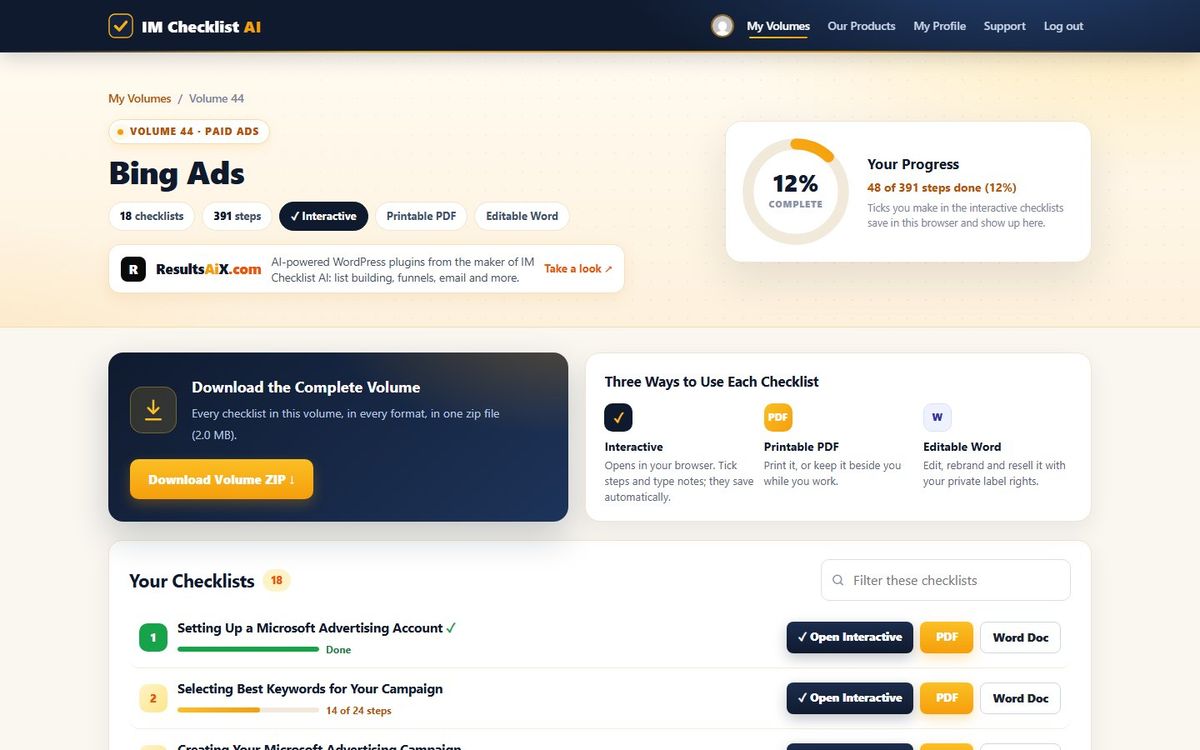
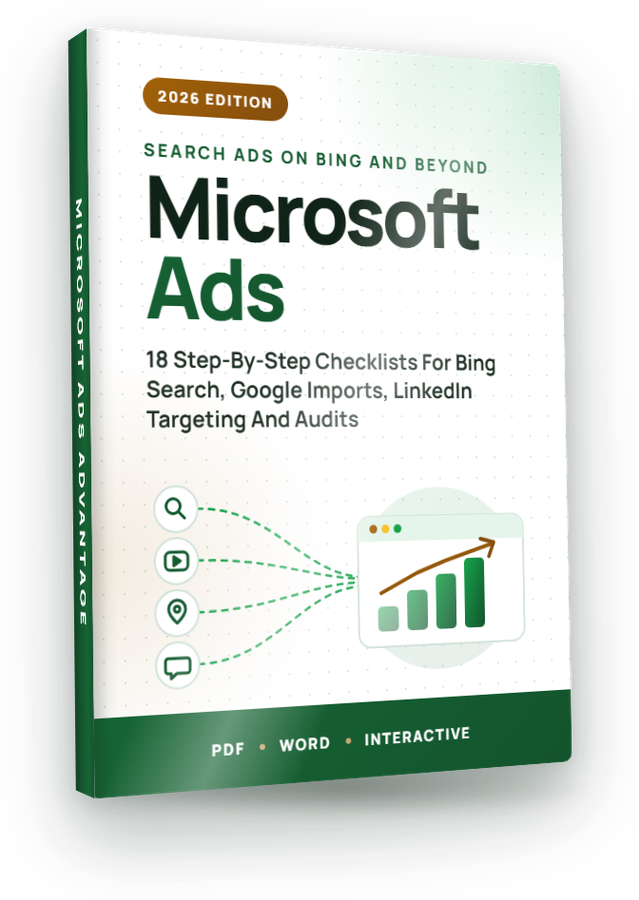
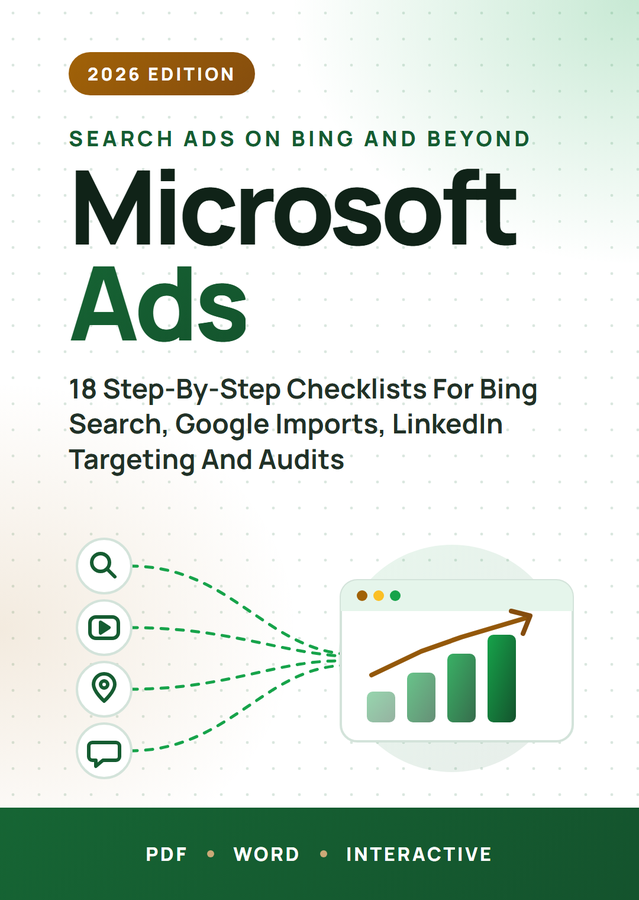
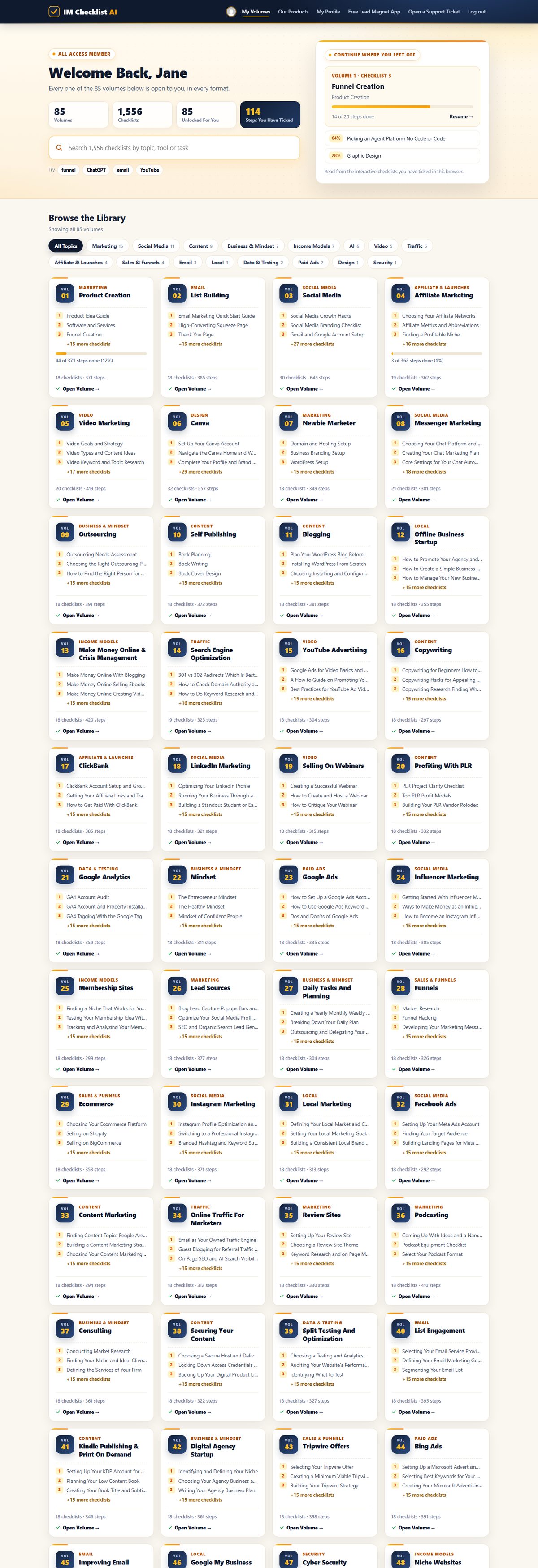
This page covers Volume 44: Bing Ads. But your $3 trial does not stop at this one volume. It opens every single one of the 84, starting today.

Editable Word Version
Setting Up A Microsoft Advertising Account.docx
The same checklist as a fully editable Word document. Rebrand it, adapt it, make it yours.
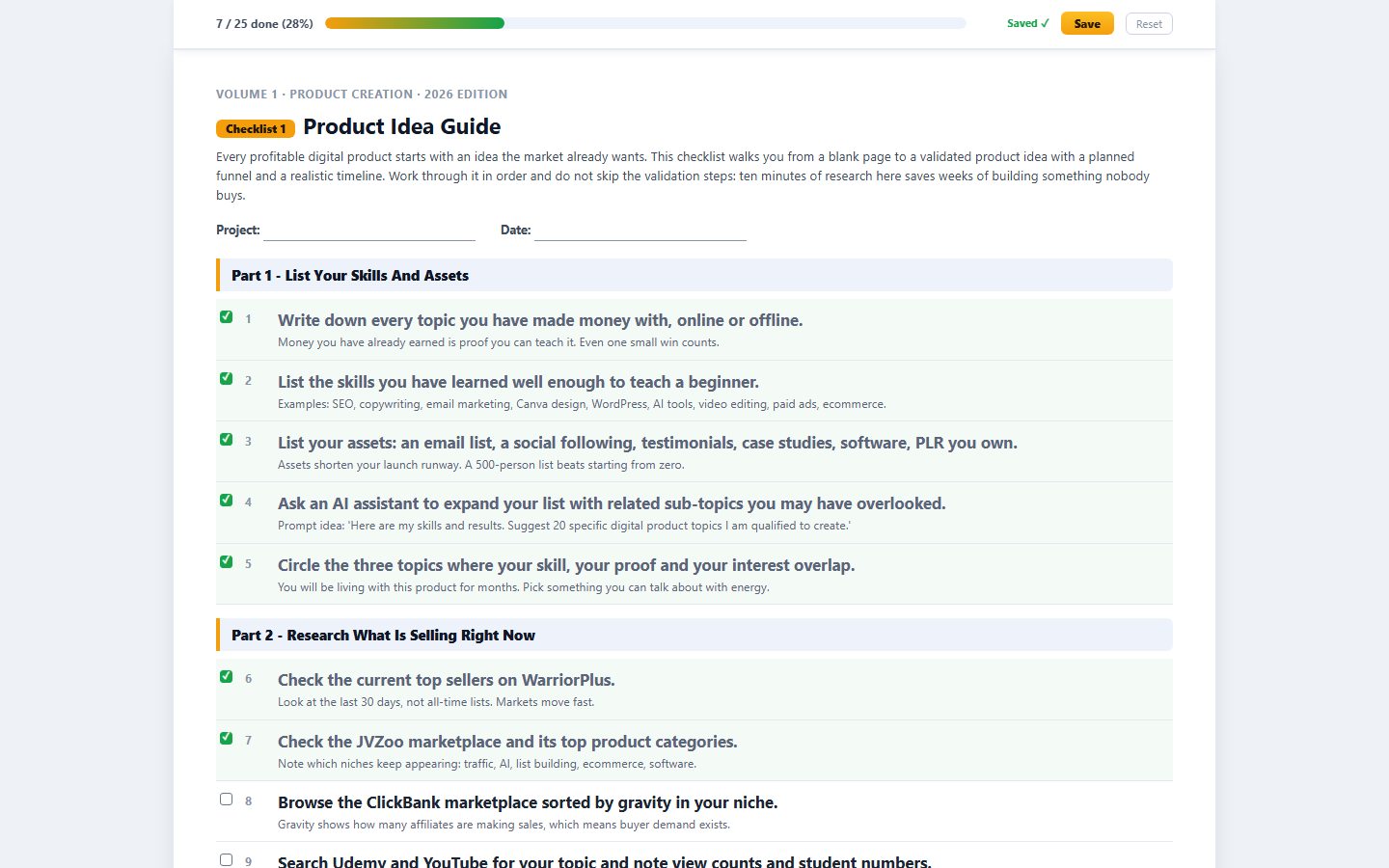
Part 1 - Create Your Microsoft Advertising Account
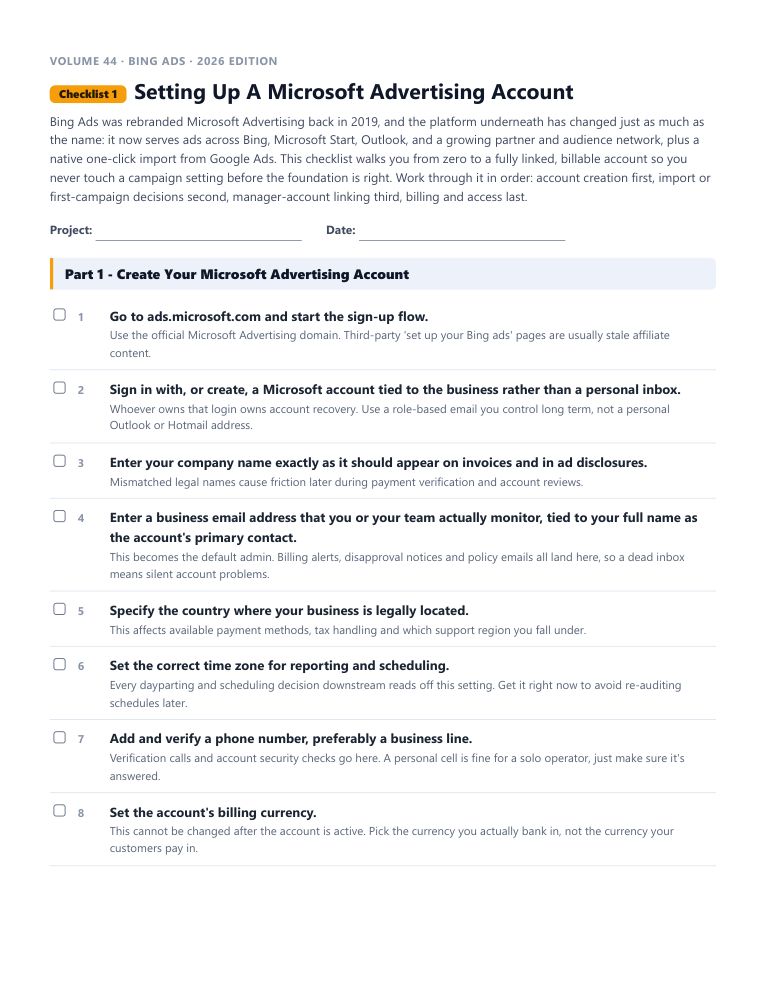
Volume 44 · Bing Ads · 2026 Edition
Checklist 1Setting Up A Microsoft Advertising Account
Bing Ads was rebranded Microsoft Advertising back in 2019, and the platform underneath has changed just as much as the name: it now serves ads across Bing, Microsoft Star...
Part 1 - Create Your Microsoft Advertising Account
Go to ads.microsoft.com and start the sign-up flow.
Use the official Microsoft Advertising domain. Third-party 'set up your Bing ads' pages are usually stale affiliate content.
Sign in with, or create, a Microsoft account tied to the business rather than a personal inbox.
Whoever owns that login owns account recovery. Use a role-based email you control long term, not a personal Outlook or Hotmail address.
Enter your company name exactly as it should appear on invoices and in ad disclosures.
Mismatched legal names cause friction later during payment verification and account reviews.

Here Is Exactly What You Are Getting

Not a checklist app. Not fifty bullet points with no context. A real, finished document you can start using in the next five minutes.

  • A short brief before you start What this checklist gets you, and why the order matters.
  • Steps with the reasoning attached Not just what to do. Why it works, and what to watch for.
  • Pro tips at the end of every one The shortcuts that only show up after you have done it wrong once.
  • PDF to print, Word doc to rebrand One is for using it. The other is for owning it.
  • Rewritten for 2026, not recycled Every tool, platform and workflow reflects how it actually works today.

Work Through Them However You Actually Work

📄

Printable PDF

Print it, pin it above your desk, and physically tick each box as you go. Some processes stick better on paper.

✏️

Editable Word Docs

This is where the PLR rights actually happen. Open the file, swap in your name, and it is yours to sell.

Interactive Checklists

Tick boxes right in your browser and watch a progress bar fill up. No spreadsheet, no separate tracker, no losing your place.

Full Private Label Rights Included

Most products end where the download finishes. This one starts there. You do not just get to use these checklists. You get to own them.

💰

Resell Them

List them as your own product tomorrow. Every dollar is yours, no split, no royalty.

🏷️

Rebrand Them

Your name, your logo, your brand. Nobody sees IM Checklist anywhere.

✍️

Claim Ownership

You wrote these, as far as the law and your customers are concerned.

🎁

Give Them Away

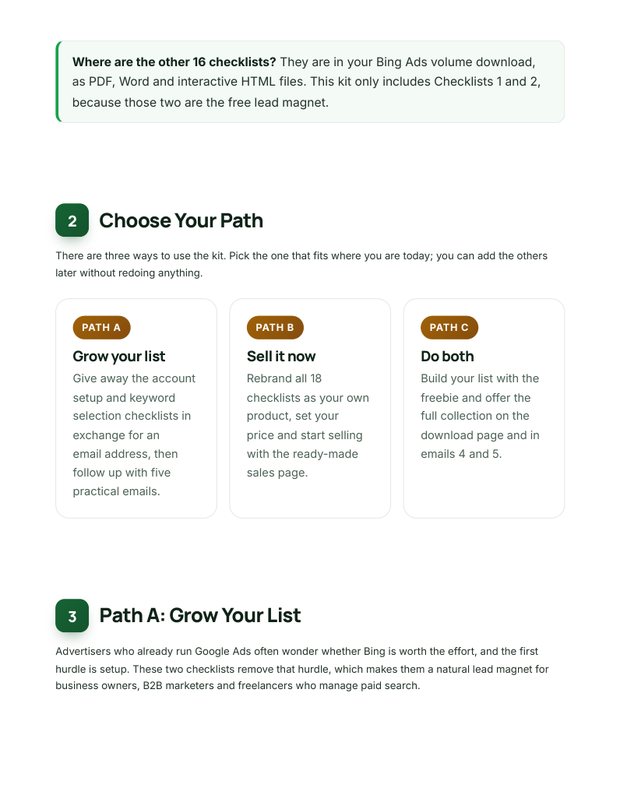
The fastest lead magnet you will ever "write." Trade it for an email address.

✏️

Edit Everything

Every checklist is a real Word doc. Open it, change it, done in minutes.

📦

Repurpose Freely

One checklist becomes a blog post, an email, a video script, or a client deliverable.

Do anything you want with these. Sell them and keep every dollar. Slap your logo on them. Edit them, translate them, bundle them, give them away, build a course out of them, hand them to a client and bill for it, put your name on the cover. Nobody is checking. The Word versions make any of it a ten-minute job.

12 Smart Ways To Learn And Profit

Rebrand and sell them over and over again
Turn them into a video product of your own
Rebrand and use as an upsell in your funnel
Turn them into high quality unique blog posts
Use them as bonuses for your promotions
Use them as content for your membership site
Use them to build your email list
Increase the value of your existing product
Turn them into webinar presentations
Use them in your coaching program
Translate them into different languages
Educate yourself and profit from every checklist

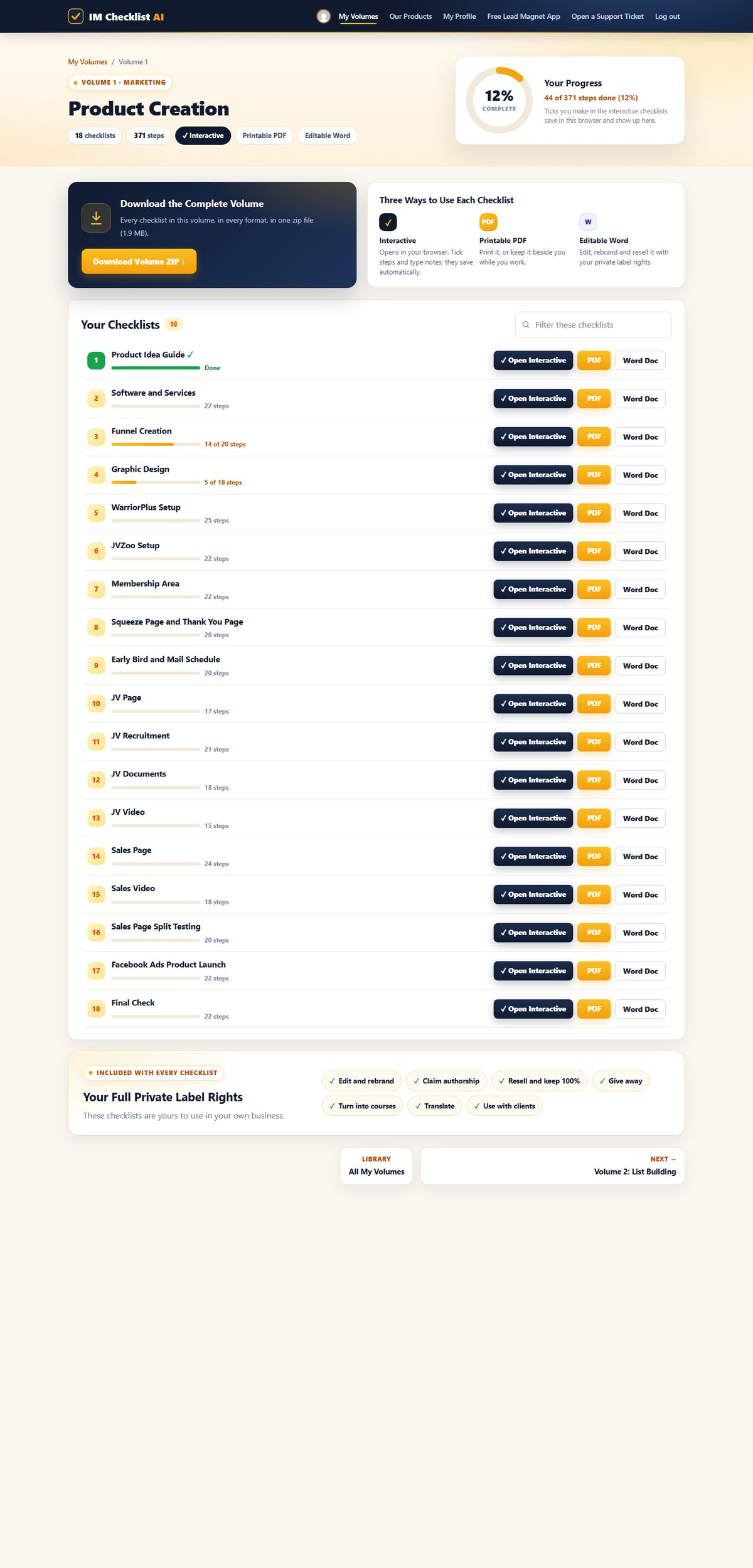
Every Checklist In Volume 44 (Bing Ads)

Each one is a complete, follow-along process. Open it, work through it, tick it off.

1

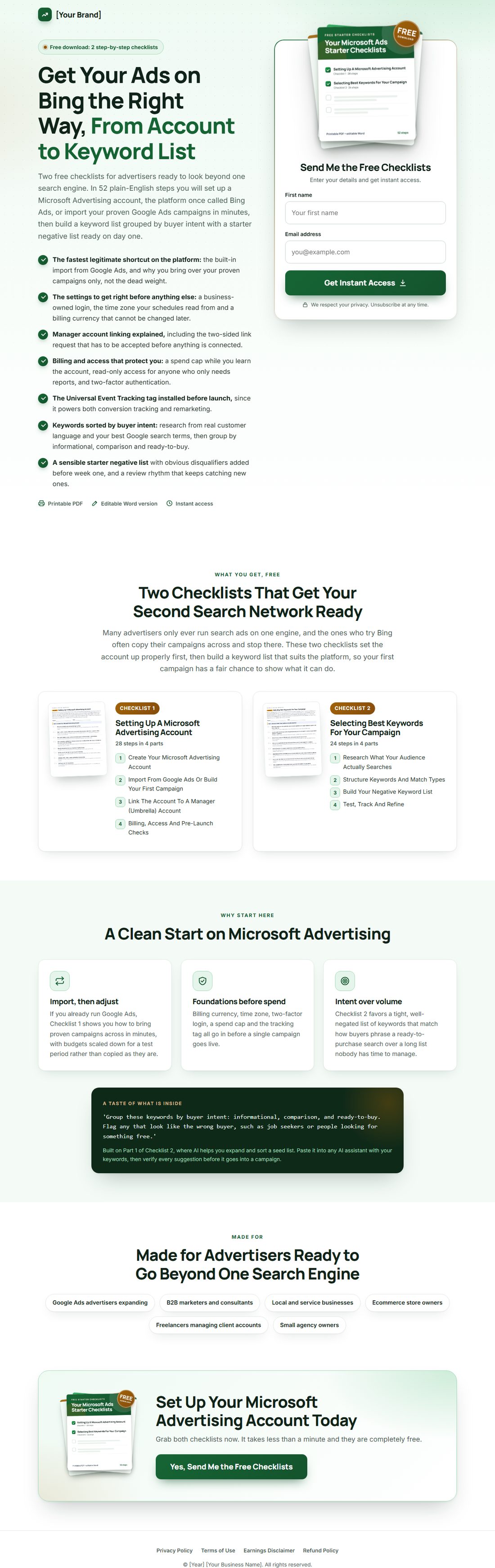
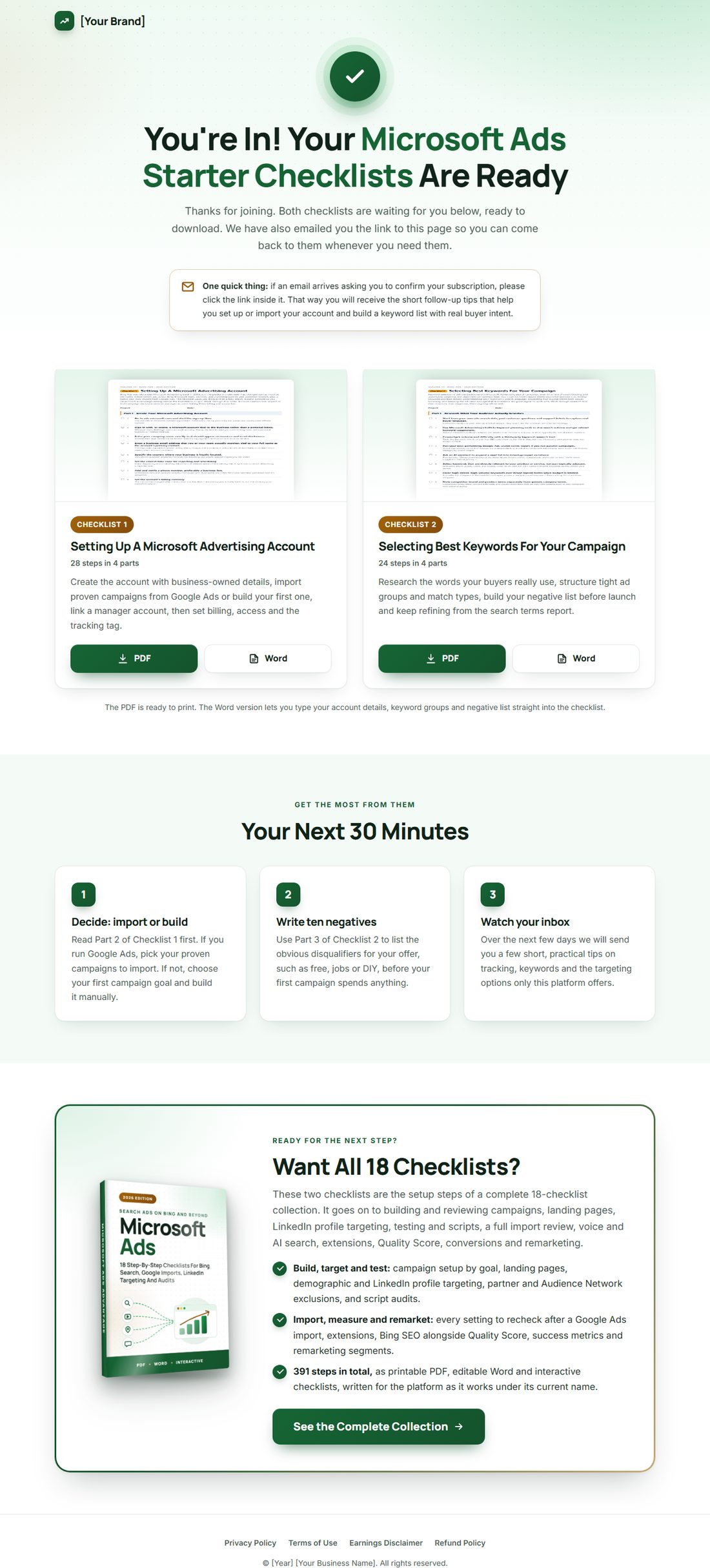
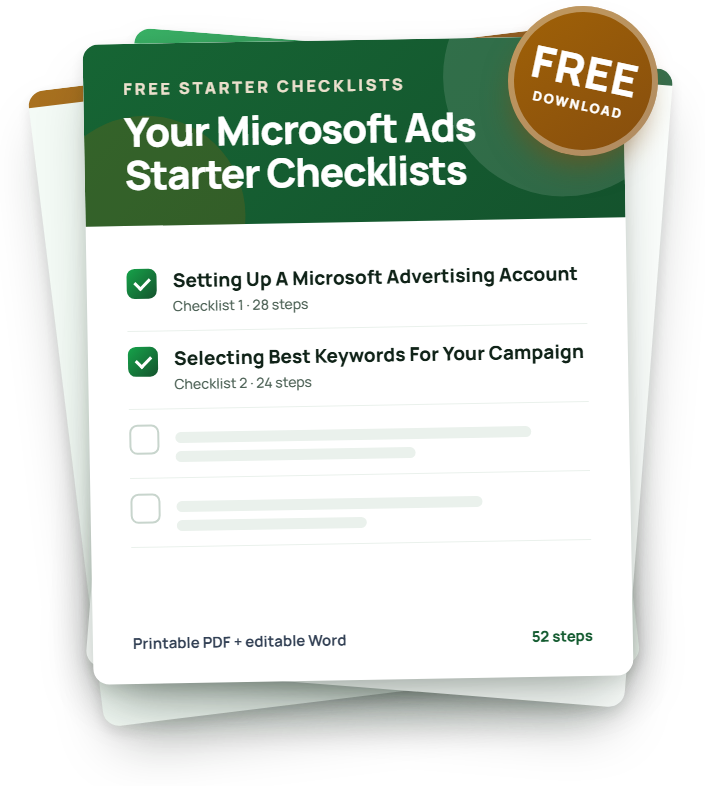
Setting Up A Microsoft Advertising Account

Bing Ads was rebranded Microsoft Advertising back in 2019, and the platform underneath has changed just as much as the name: it now serves ads across Bing, Microsoft Start, Outlook, and a growing partner and audience network, plus a native one-click import from Google Ads.

28 stepsPDFWordInteractive
2

Selecting Best Keywords For Your Campaign

Keyword selection is still the backbone of a Microsoft Advertising search campaign, even in an era of smart bidding and automated targeting: the algorithm can optimize bids, but it cannot invent buyer intent you never pointed it at.

24 stepsPDFWordInteractive
3

Creating Your Microsoft Advertising Campaign

Once your Microsoft Advertising account exists, the next job is building a campaign that actually earns its budget back. The platform now offers search, shopping and audience campaign types, smart bidding strategies that learn from conversion data, and reach into the Microsoft Audience Network alongside Bing itself.

25 stepsPDFWordInteractive
4

Reviewing Your Microsoft Advertising Account

A Microsoft Advertising account left unreviewed drifts: budgets skew toward yesterday's winners, keywords go stale, and smart bidding strategies quietly optimize toward the wrong goal.

23 stepsPDFWordInteractive
5

Developing Landing Pages For Your Microsoft Advertising Campaigns

The landing page is where a Microsoft Advertising click either turns into a customer or bounces away, and no amount of clever bidding fixes a page that fails at that one job.

22 stepsPDFWordInteractive
6

Demographic And LinkedIn Profile Targeting For Microsoft Advertising

Understanding your audience's demographics shapes not just who sees your ads but the tone, design and offer structure of the whole campaign.

20 stepsPDFWordInteractive
7

Microsoft Advertising Testing And Reviews

Testing and reviewing a Microsoft Advertising account is what separates strategies that are actually working from ones that just feel busy. Build tracking, testing and review habits in at the start of a campaign rather than bolting them on later, because retrofitting review discipline onto a messy account is far harder than starting clean.

22 stepsPDFWordInteractive
8

Auditing Your Microsoft Advertising Scripts

Microsoft Advertising scripts automate the repetitive, rule-based work that would otherwise eat hours of manual account management every week: pausing underperformers, flagging Quality Score drops, adjusting bids on a schedule.

20 stepsPDFWordInteractive
9

Importing Your Google Ads Campaign Into Microsoft Advertising

Importing an existing Google Ads campaign into Microsoft Advertising is the fastest legitimate way to get a proven account structure running on a second platform, saving the days of manual rebuilding it would otherwise take.

24 stepsPDFWordInteractive
10

Optimizing Your Microsoft Advertising Presence For Voice And AI Search

This checklist replaces an older one built around Bing's now-defunct integration as Siri's default web search provider, a partnership that no longer reflects how voice and conversational search work.

16 stepsPDFWordInteractive
11

Setting Up Your Campaign Structure And Settings

There is no single correct blueprint for a Microsoft Advertising account, but there is a clear difference between a structure that scales cleanly and one that becomes unmanageable the moment you add a fifth campaign.

24 stepsPDFWordInteractive
12

Partner Targeting And Exclusions With Microsoft Advertising

Your ads on Microsoft Advertising do not only appear on Bing itself: they can also serve across syndicated search partners and the Microsoft Audience Network, a native placement network spanning Microsoft and partner properties.

19 stepsPDFWordInteractive
13

Optimizing Your Microsoft Advertising Ad Groups And Relevance

Ad group structure and ad relevance are two sides of the same coin: a well-organized ad group makes it possible to write genuinely relevant ads, and relevant ads are what earn a strong Quality Score and a lower effective cost per click.

21 stepsPDFWordInteractive
14

Using Ad Extensions For Your Microsoft Advertising Campaigns

Ad extensions give a searcher more reason to click by adding useful information directly into the ad itself: extra links, a phone number, pricing, or real customer reviews.

22 stepsPDFWordInteractive
15

Optimizing Bing SEO And Microsoft Advertising Quality Score

Bing the search engine was never renamed, only its advertising product was, so organic visibility on Bing and Quality Score inside Microsoft Advertising remain two distinct but related goals worth optimizing together.

21 stepsPDFWordInteractive
16

Improving Your Microsoft Advertising Conversion Rates

Traffic without conversion is just spend. Improving conversion rate on Microsoft Advertising means tightening every link in the chain between the search query and the completed action: keyword intent, ad copy, landing page, and the tracking that tells you what actually happened.

22 stepsPDFWordInteractive
17

Measuring The Success Of Your Microsoft Advertising Campaigns

No single metric tells you whether a Microsoft Advertising campaign is succeeding. Traffic, cost, quality and business impact each tell part of the story, and drawing a conclusion from just one of them is how good campaigns get cancelled and bad ones get scaled.

18 stepsPDFWordInteractive
18

Optimizing Your Microsoft Advertising Remarketing Strategies

Remarketing reconnects you with people who already showed interest, which almost always converts at a lower cost than reaching a cold audience for the first time.

20 stepsPDFWordInteractive

Here's What Others Are Already Saying

★★★★★

“IM Checklists allow you to get on with making money without the worry, fear and weight on your shoulders that you may have forgotten something. EVERYTHING is there in a clear and easy to consume format that can be checked off in seconds. A must have for all serious marketers.”

Carl Picot
★★★★★

“These checklists have been a great asset in helping me set up my first launch, ensuring that I didn't miss any steps under tight time constraints. I highly recommend these checklists.”

Dominic Anderton
★★★★★

“As a customer, just wanted to say thanks for creating IM Checklist. It's all in the worry of what I may forget. You have removed that fear. Many thanks.”

Mike Holthuysen
★★★★★

“The ability for someone to follow a proven method step by step like this is tantamount to their success with marketing.”

Reed Floren

How It Works

1

Join for $3

Checkout takes under a minute and your login is emailed to you instantly.

2

Open the members area

All 84 volumes are unlocked and waiting, in PDF and Word formats.

3

Follow the checklists

Work through each process step by step and watch the overwhelm disappear.

Why Grab This Today Instead Of Bookmarking It

  • Over a decade of processes I actually use, written as follow-along steps instead of theory you have to translate into action.
  • The same systems behind our own 7-figure launches, not a repackaged version of someone else's course.
  • Every checklist rewritten for 2026, AI workflows built in where they genuinely save time.
  • Full Private Label Rights on the entire library. Resell it, rebrand it, reuse it, keep everything.
  • Three ways to work through each one: tick boxes online with a progress bar, print the PDF, or edit the Word doc.
  • New volumes land every month and they are already included. You never pay for the library twice.

Two Ways This Goes From Here

OR

You Close This Tab

Nothing changes. Same guesswork, same half-finished courses, same feeling that you are one system away from this actually working. Twelve months from now, that gap looks exactly the same, because it was never going to close on its own.

You Spend $3 Today

You get every process I run my own business on, all 84 volumes, full PLR rights to resell every one of them, and fourteen days to decide if it was worth it. This is the version of today where something actually changes.

14DAYS
100% Risk-Free

Try It For Two Weeks On My Dime

Work through the checklists for $3. If they are not worth more than that to you, tell support within 14 days and the refund is automatic. No form, no "please explain," no waiting on hold.

Join Today. Get Everything.

One membership unlocks every volume and every checklist we publish, always current, always growing.

7-Day Trial
$3 today
then $17.95 per month · cancel anytime
  • All 84 volumes unlocked instantly
  • Exactly 1,536 step-by-step checklists inside right now
  • Printable PDF, editable Word and interactive formats
  • Full Private Label Rights on everything
  • NEW checklist volumes released every month
  • New AI features inside the members area, coming soon
  • 14-day money back guarantee
Start Your $3 Trial

Full access to all 84 volumes for 7 days, then $17.95 per month. Cancel anytime. Backed by a 14-day money back guarantee.

Your Private Label Rights, In Black And White

  • [YES] Edit, add graphics and rebrand any way you wish
  • [YES] Claim full authorship and put your name on them
  • [YES] Resell them and keep 100 percent of the profits
  • [YES] Give them away to build your email list
  • [YES] Turn them into PowerPoint or webinar presentations
  • [YES] Create video training courses from them
  • [YES] Add them to paid membership sites
  • [YES] Use them as blog posts, emails or infographics
  • [YES] Translate them into other languages
  • [YES] Bundle them into your own offers and bonuses
  • [YES] Use them with clients and in coaching programs

Questions, Answered

How does the $3 trial work?

You pay $3 today and get full access to all 84 volumes for 7 days. After that it is $17.95 per month. Cancel anytime, including during the trial, and you are covered by a 14-day money back guarantee on top.

How many checklists do I actually get?

Exactly 1,536 step-by-step checklists across 84 volumes, as of today. New checklist volumes are released every month, and every one is included with your membership.

What can I do with the Private Label Rights?

Anything. Edit them, rebrand them with your name and logo, claim authorship, resell them and keep 100 percent, give them away as lead magnets and bonuses, turn them into courses, webinars, blog posts and emails, translate them, and use them with clients.

Are the checklists up to date?

Yes. The library is fully refreshed for 2026, updates are included with your membership, and new AI features are coming to the members area soon.

What formats do the checklists come in?

Three: printable PDFs, fully editable Word docs, and interactive online checklists with tickable boxes and a progress bar.

How do I get access after buying?

Instantly. Your login details arrive by email and your volumes are waiting in the members area at https://imchecklist.org.

Where do I get help?

Our support desk is one click away from every page in the members area, and replies come from a real human.

P.S. I skip to the end of long pages too, so here is the entire pitch in one breath:

$3 unlocks all 84 volumes of IM Checklist AI, 1,536 step-by-step checklists rewritten for 2026, in printable PDF, editable Word and interactive tick-box formats.

Every checklist ships with Full Private Label Rights. Rebrand it, resell it, give it away, build a product on it, whatever you want. It is yours the moment you download it.

Your trial runs 7 days at $3, then $17.95 a month, cancel whenever you like, and you have fourteen days for the guarantee to kick in if it is not what you expected.

That is the whole offer. No fine print hiding underneath it.

To your success,
Kevin Fahey

Every Reason To Say Yes. Not One Reason To Say No.

$3 gets you every one of the 1,536 checklists across all 84 volumes, starting today. Work through them for two full weeks. If they are not everything I just described, ask for a refund and you get every cent back, no argument.

Rebrand one checklist, sell it once, and it can pay for years of membership. That math only gets better from here.
Instant accessCancel anytime14-day money back guaranteeNew volumes every monthAI features coming soon

Full access to all 84 volumes for 7 days, then $17.95 per month. Cancel anytime.