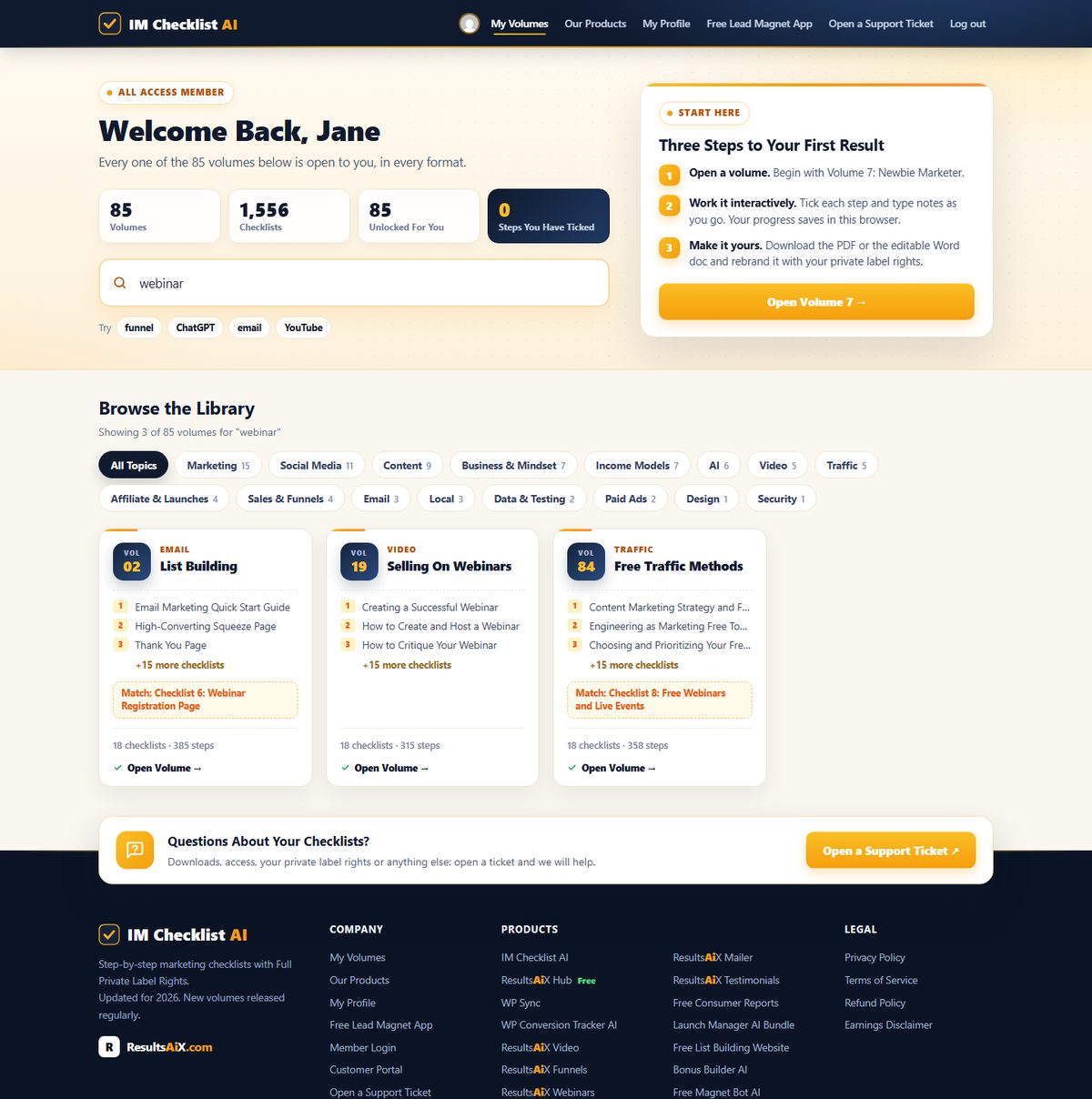
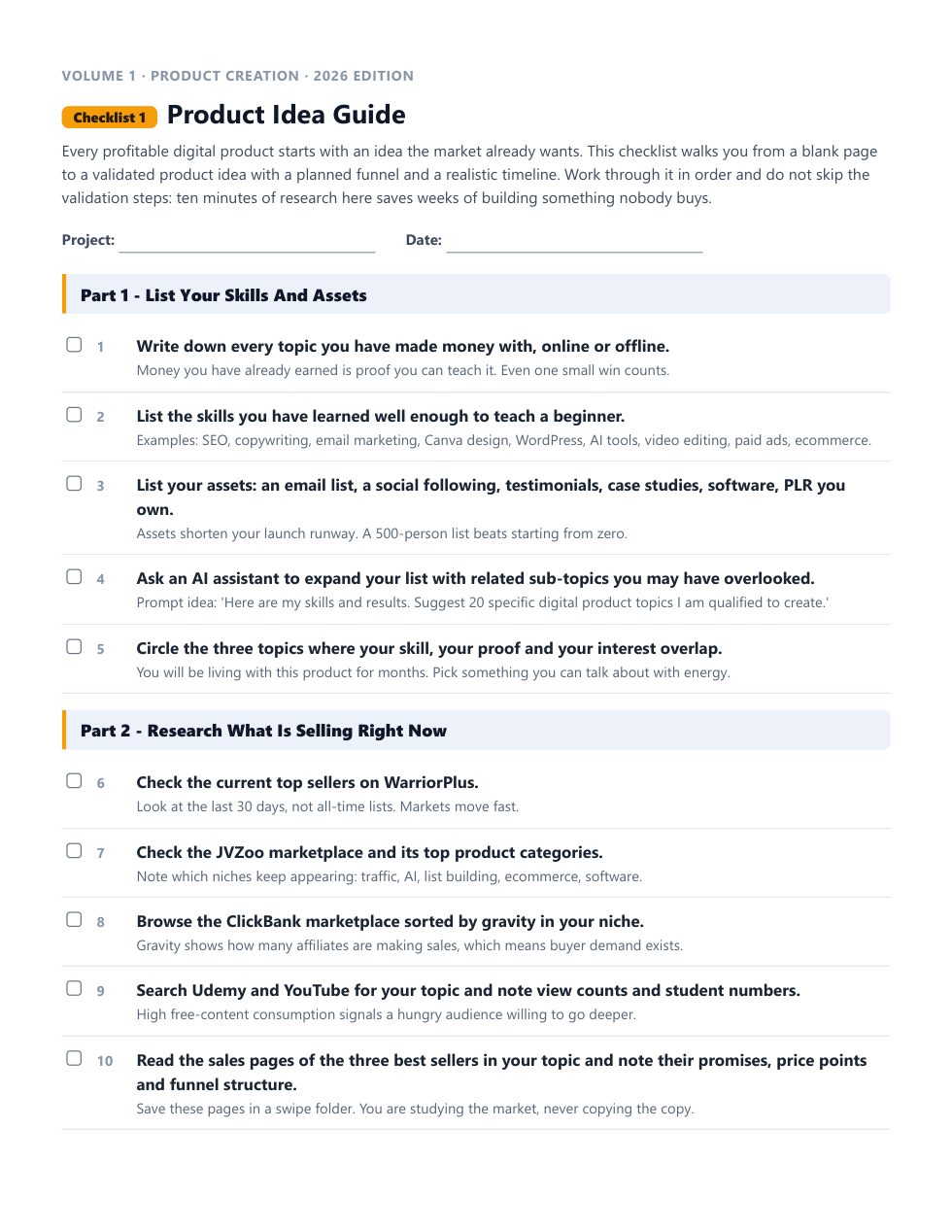
Built by 4,900+ marketers before you · Rebuilt from scratch for 2026 · New volume every month

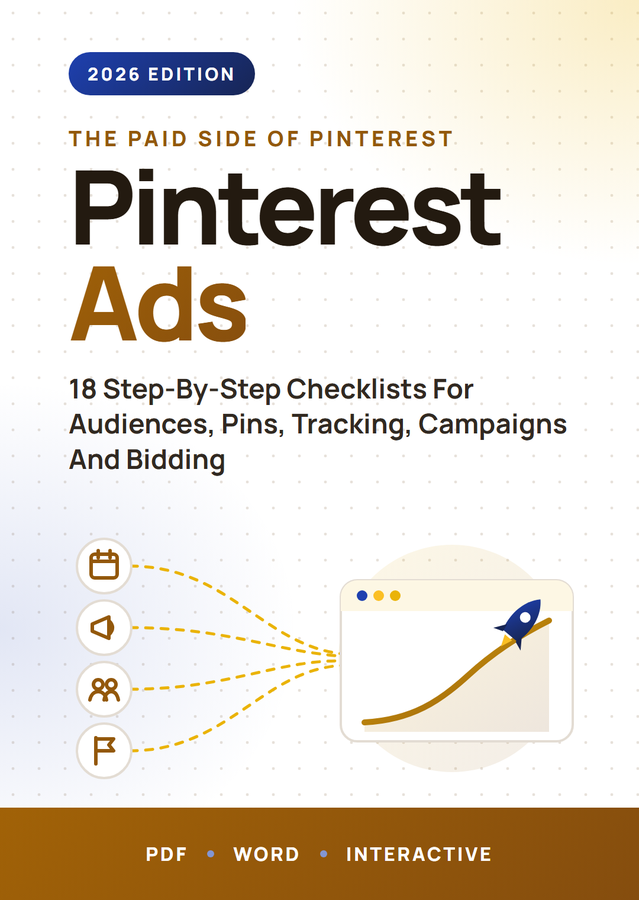
The Exact 18 Pinterest Ads Checklists Behind My 7-Figure Launches, Now Yours To Rebrand And Sell

No theory. No 40-hour course to sit through. Just the steps, in order, with the reasoning behind each one, so you stop guessing and start shipping. Your $3 trial unlocks this volume plus all 84 others: 1,536 checklists, ready to work from today.

Cuts weeks down to hoursNothing falls through the cracksRefreshed for 2026Hand it straight to your team
Full Private Label Rights included: put your name on every checklist, sell it, keep every dollar

Full access to all 84 volumes for 7 days, then $17.95 per month. Cancel anytime.

14 Backed by a 14-day, 100% money back guarantee
84
Volumes
1,536
Checklists
3
Formats
100%
PLR Rights
Monthly
New Volumes
From The Desk Of Kevin Fahey, Creator Of IM Checklist

Dear friend,

I have spent well over a decade in online marketing, and most of it has been spent doing the same unglamorous thing on repeat: watching a business struggle, finding the one broken process underneath it, and fixing that one thing.

Almost every time, it comes down to the same root cause: no real system. Just guesswork dressed up as a strategy.

The businesses that turn it around are not the ones with more hustle. They are the ones who finally get a process they can follow the exact same way every single time, and get the exact same result.

That is the whole idea behind this page. Building that process yourself is slow. Months of testing, half of it wasted. I already did that part. This hands it to you finished.

You Know The Feeling

  • Another course bought, another one half-finished, sitting in a folder you do not open anymore.
  • A strategy you know should work, but somewhere between "learn it" and "do it" the wheels come off.
  • So much conflicting advice, so many new AI tools, that picking the next step feels harder than doing the work.

If any of that sounds familiar, the problem was never you. It was never having a process specific enough to just follow.

These Are The Same Systems That Pay My Bills

I am not describing theory here. These are the processes I run my own business on.

One month, email marketing alone brought in over $30,000, using the exact sequence laid out in our List Building volume. Our membership sites clear $20,000 in profit most months, built on the same process that is laid out, step by step, in our Membership Sites volume.

Whatever I am using in my own business right now goes into IM Checklist AI. Not the version I used three years ago. The current one.

Think of it as looking over my shoulder while I work, except every step is written down for you to follow at your own pace.

Introducing IM Checklist AI: 84 Volumes, Fully Rebuilt For 2026

1,536 checklists, covering every marketing task worth doing, every one rewritten this year so it reflects how marketing actually works in 2026, AI workflows included. And it does not stop growing: a new volume lands every month, and it is already yours the day it does.

Checklists beat courses for one reason: there is nowhere to get lost. No forty-minute video to decode into three actual steps. Open it, follow it in order, tick the box, move to the next one.

And because every checklist ships with Full Private Label Rights, you are not just getting a process to follow. You are getting a finished product to sell. Rebrand it, resell it, give it away to grow your list, whatever you want. It is yours.

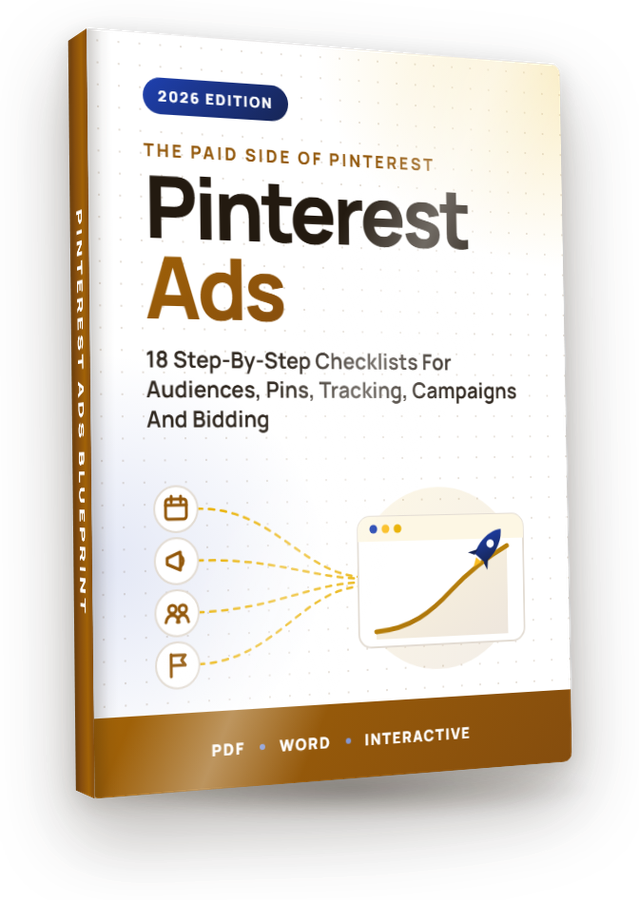
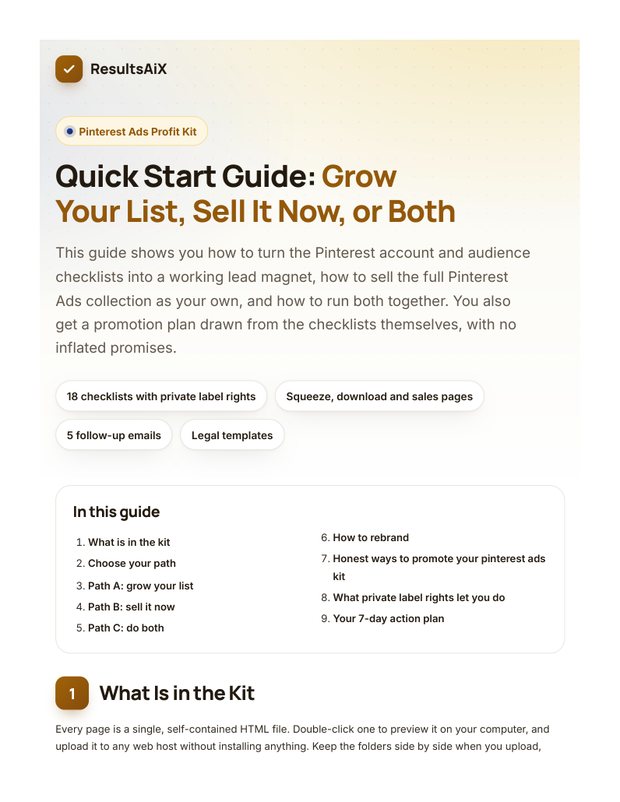
This page covers Volume 50: Pinterest Ads. But your $3 trial does not stop at this one volume. It opens every single one of the 84, starting today.

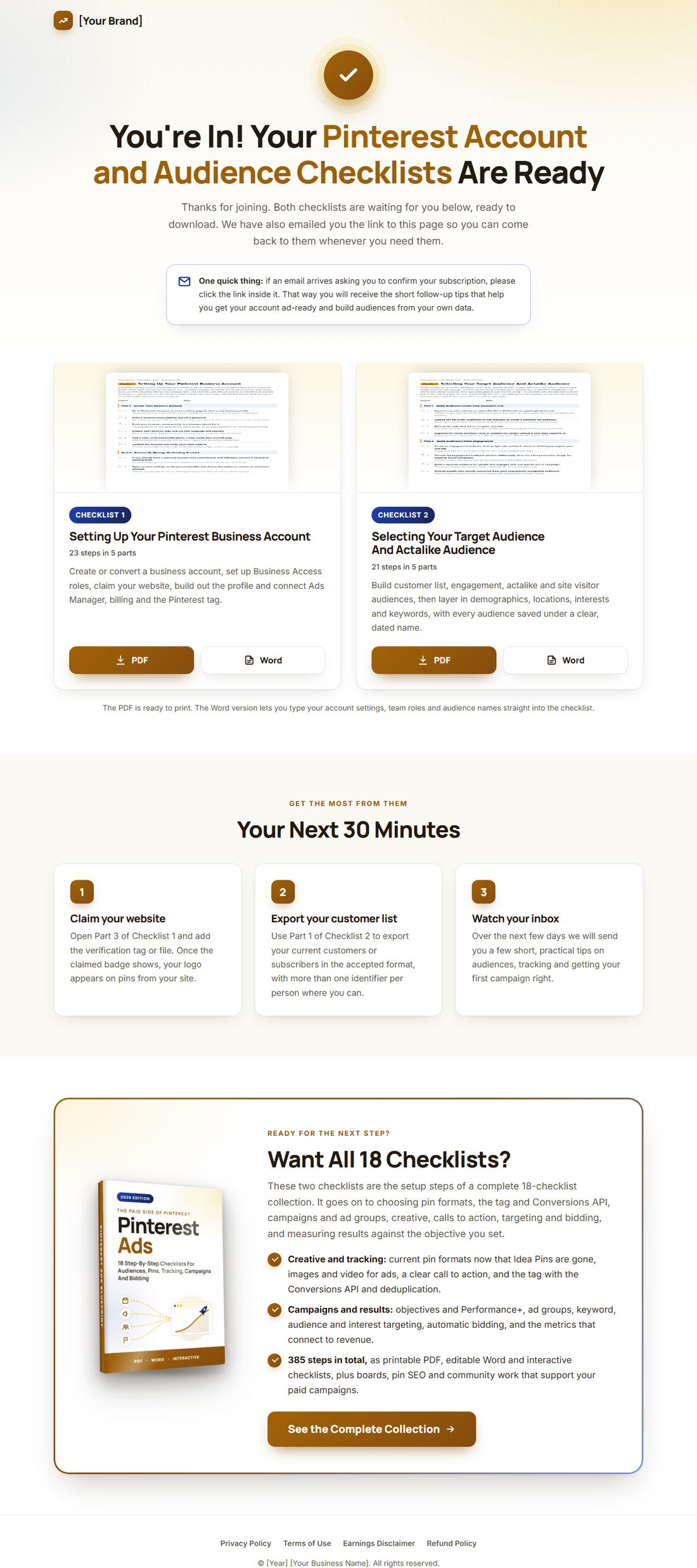
Editable Word Version
Setting Up Your Pinterest Business Account.docx
The same checklist as a fully editable Word document. Rebrand it, adapt it, make it yours.
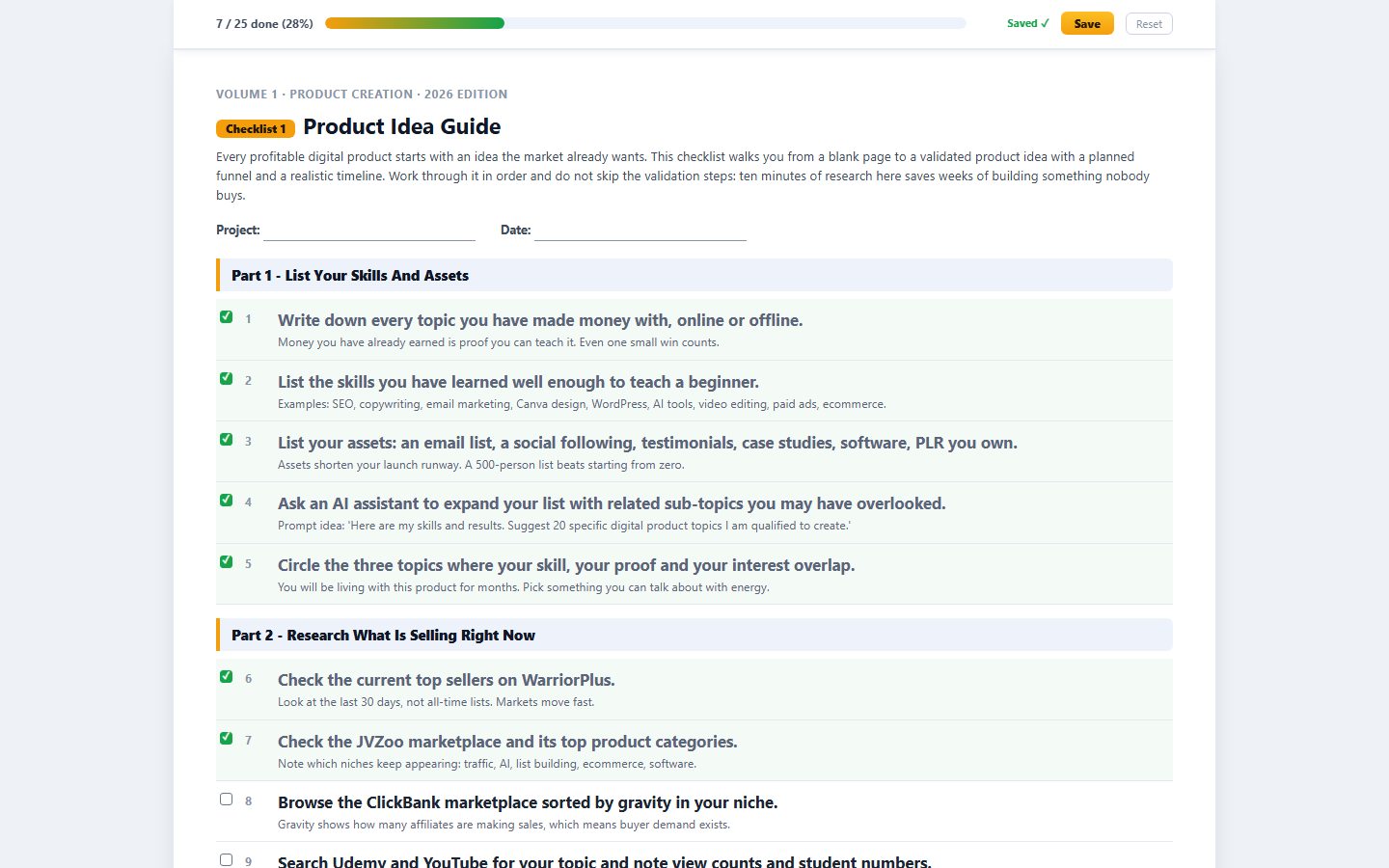
Part 1 - Create Your Business Account
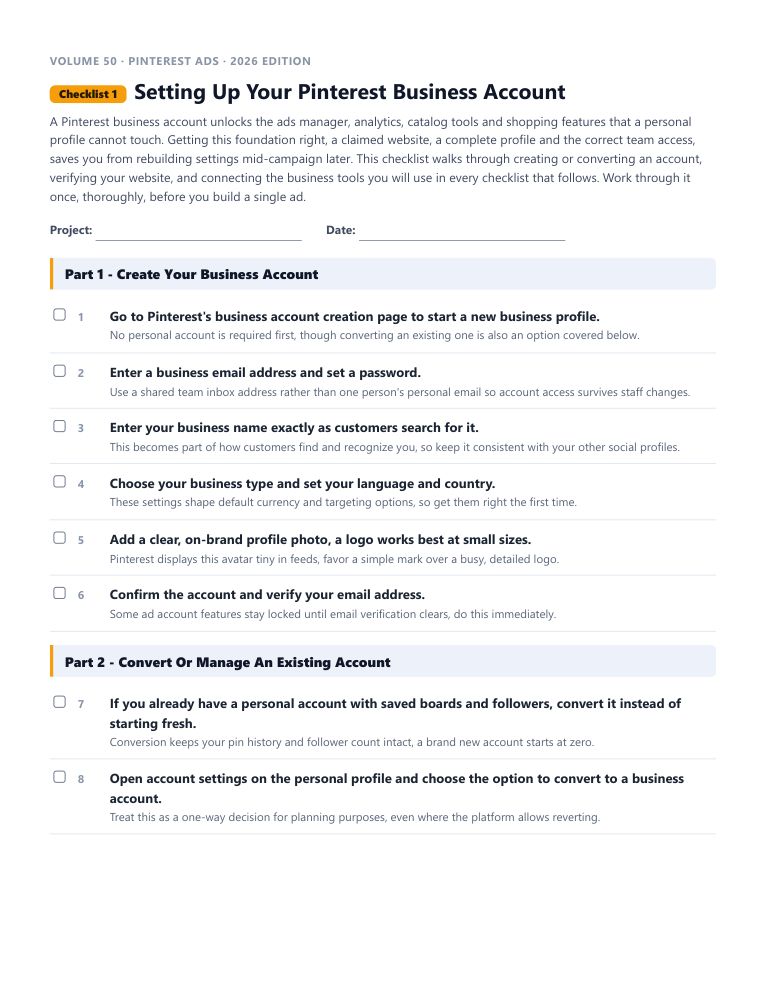
Volume 50 · Pinterest Ads · 2026 Edition
Checklist 1Setting Up Your Pinterest Business Account
A Pinterest business account unlocks the ads manager, analytics, catalog tools and shopping features that a personal profile cannot touch. Getting this foundation right, ...
Part 1 - Create Your Business Account
Go to Pinterest's business account creation page to start a new business profile.
No personal account is required first, though converting an existing one is also an option covered below.
Enter a business email address and set a password.
Use a shared team inbox address rather than one person's personal email so account access survives staff changes.
Enter your business name exactly as customers search for it.
This becomes part of how customers find and recognize you, so keep it consistent with your other social profiles.

Here Is Exactly What You Are Getting

Not a checklist app. Not fifty bullet points with no context. A real, finished document you can start using in the next five minutes.

  • A short brief before you start What this checklist gets you, and why the order matters.
  • Steps with the reasoning attached Not just what to do. Why it works, and what to watch for.
  • Pro tips at the end of every one The shortcuts that only show up after you have done it wrong once.
  • PDF to print, Word doc to rebrand One is for using it. The other is for owning it.
  • Rewritten for 2026, not recycled Every tool, platform and workflow reflects how it actually works today.

Work Through Them However You Actually Work

📄

Printable PDF

Print it, pin it above your desk, and physically tick each box as you go. Some processes stick better on paper.

✏️

Editable Word Docs

This is where the PLR rights actually happen. Open the file, swap in your name, and it is yours to sell.

Interactive Checklists

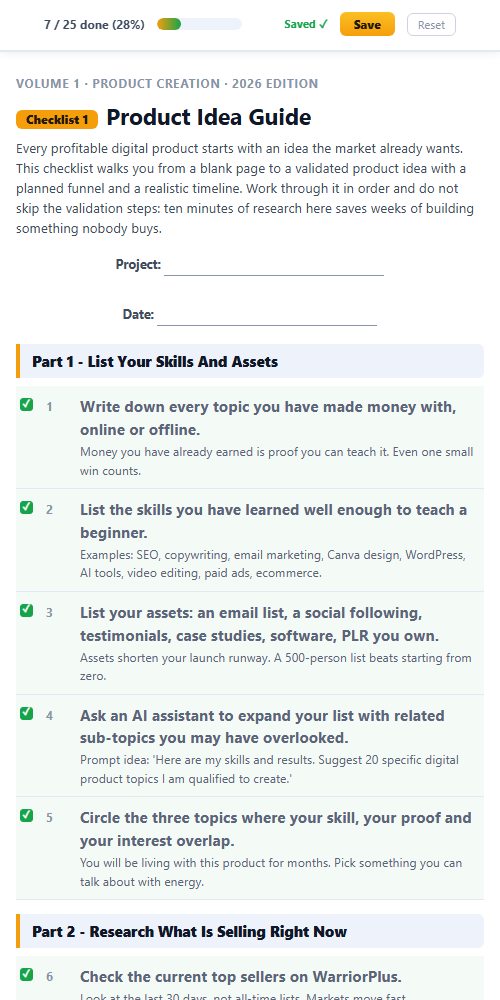
Tick boxes right in your browser and watch a progress bar fill up. No spreadsheet, no separate tracker, no losing your place.

Full Private Label Rights Included

Most products end where the download finishes. This one starts there. You do not just get to use these checklists. You get to own them.

💰

Resell Them

List them as your own product tomorrow. Every dollar is yours, no split, no royalty.

🏷️

Rebrand Them

Your name, your logo, your brand. Nobody sees IM Checklist anywhere.

✍️

Claim Ownership

You wrote these, as far as the law and your customers are concerned.

🎁

Give Them Away

The fastest lead magnet you will ever "write." Trade it for an email address.

✏️

Edit Everything

Every checklist is a real Word doc. Open it, change it, done in minutes.

📦

Repurpose Freely

One checklist becomes a blog post, an email, a video script, or a client deliverable.

Do anything you want with these. Sell them and keep every dollar. Slap your logo on them. Edit them, translate them, bundle them, give them away, build a course out of them, hand them to a client and bill for it, put your name on the cover. Nobody is checking. The Word versions make any of it a ten-minute job.

12 Smart Ways To Learn And Profit

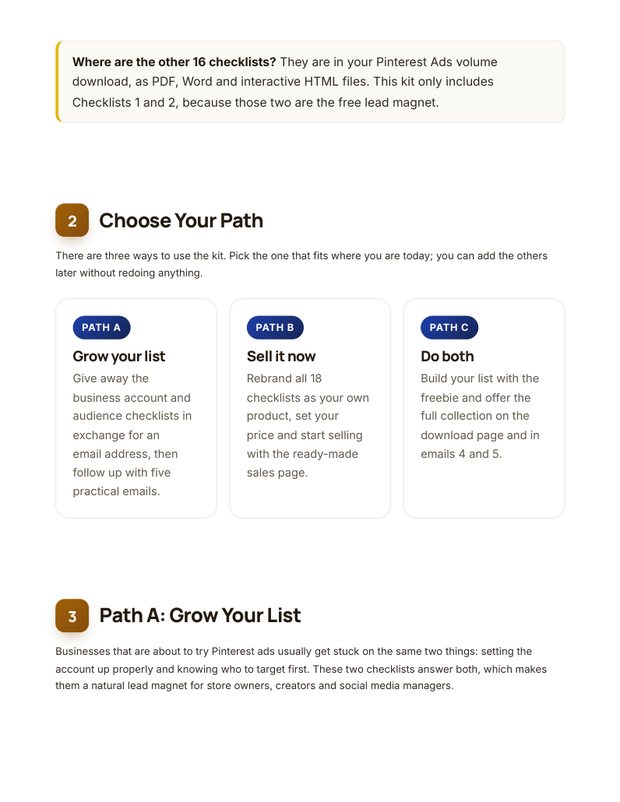
Rebrand and sell them over and over again
Turn them into a video product of your own
Rebrand and use as an upsell in your funnel
Turn them into high quality unique blog posts
Use them as bonuses for your promotions
Use them as content for your membership site
Use them to build your email list
Increase the value of your existing product
Turn them into webinar presentations
Use them in your coaching program
Translate them into different languages
Educate yourself and profit from every checklist

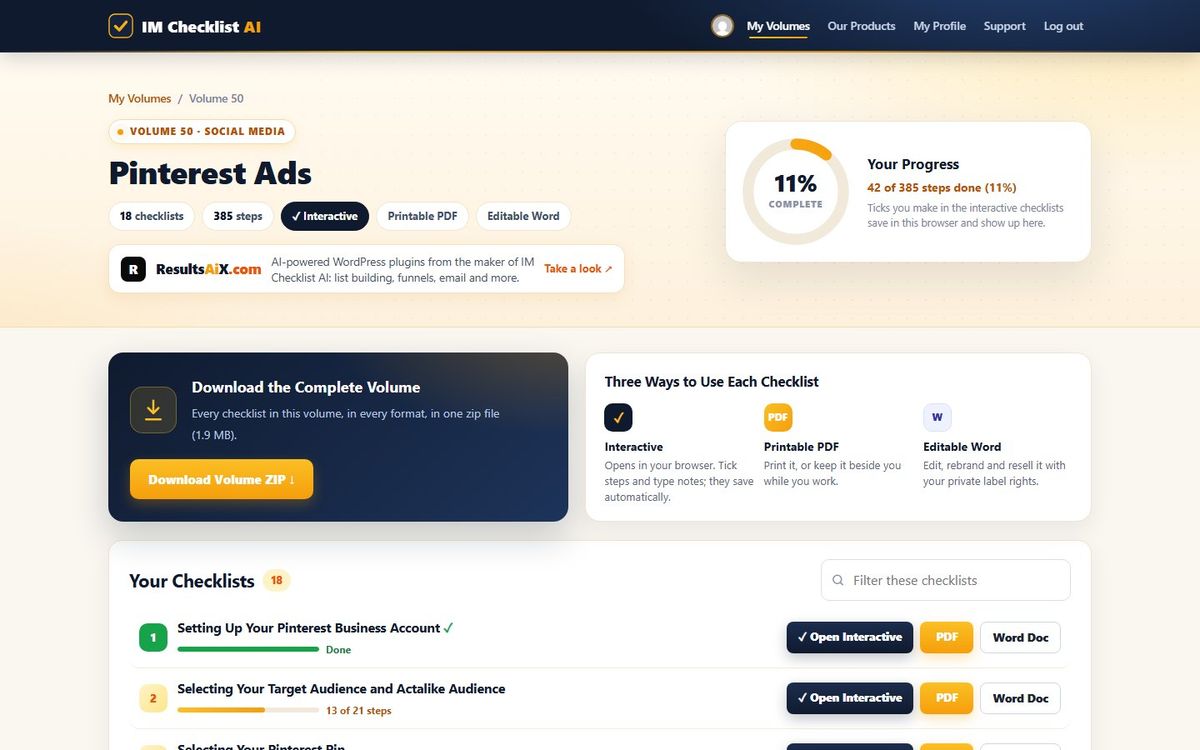
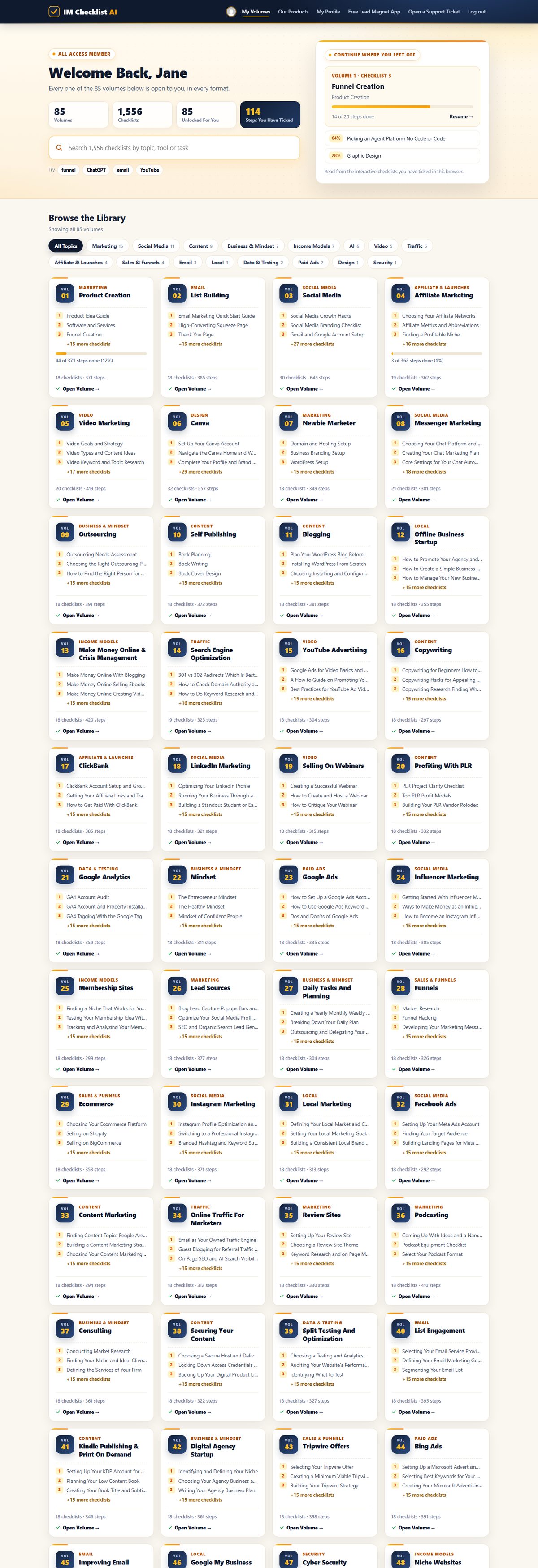
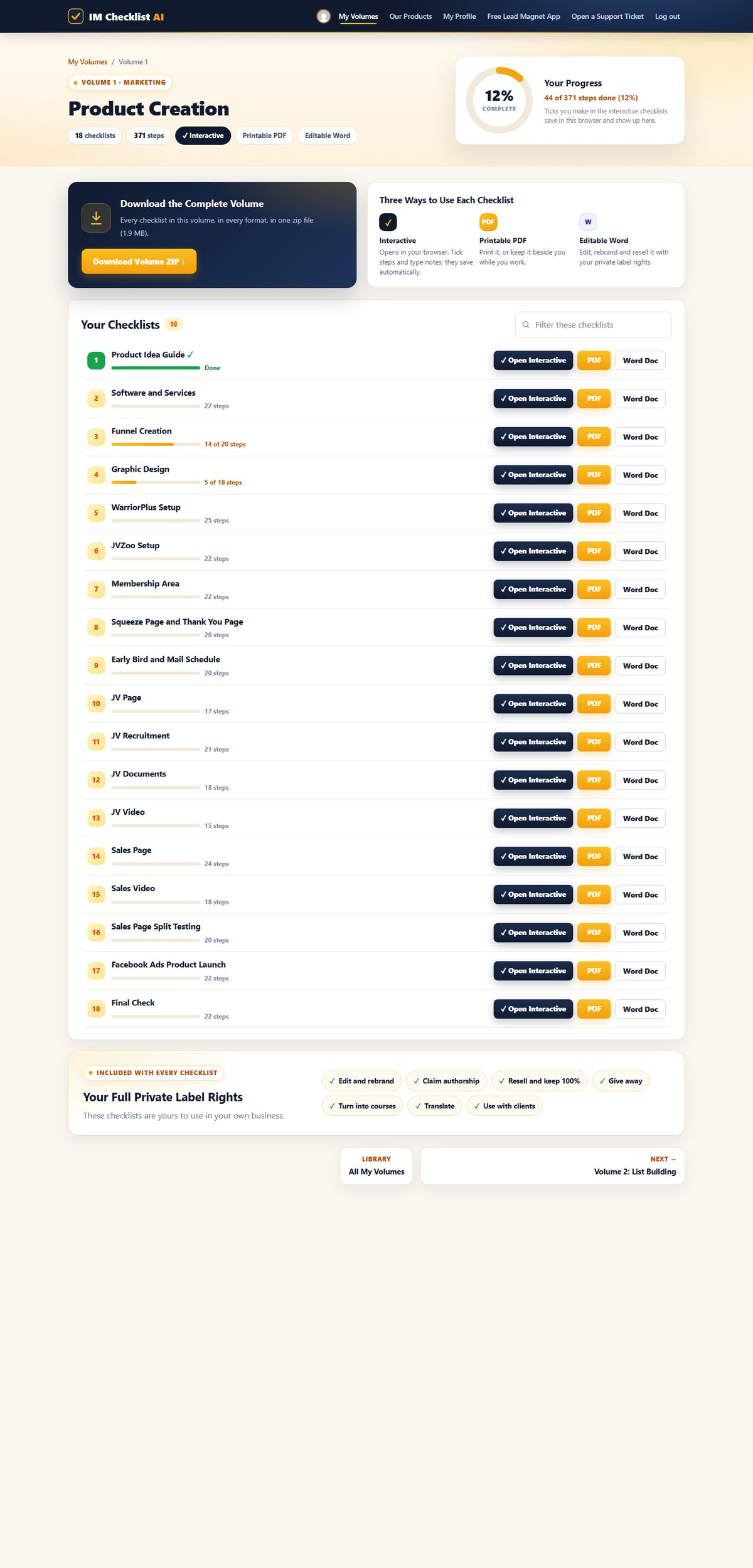
Every Checklist In Volume 50 (Pinterest Ads)

Each one is a complete, follow-along process. Open it, work through it, tick it off.

1

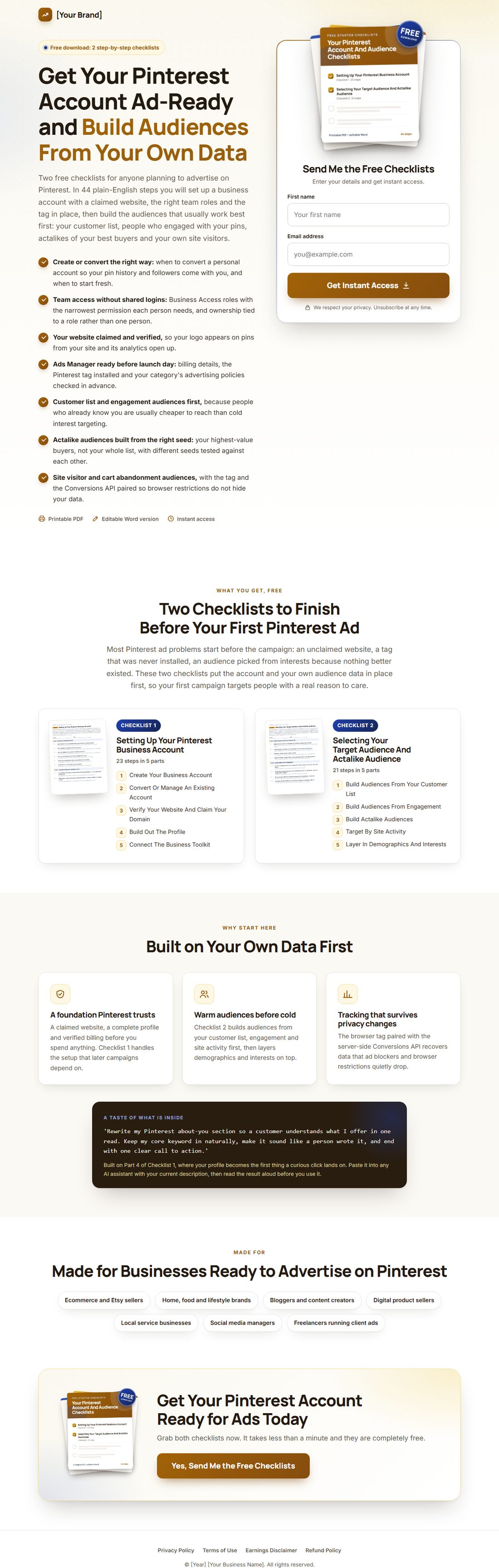
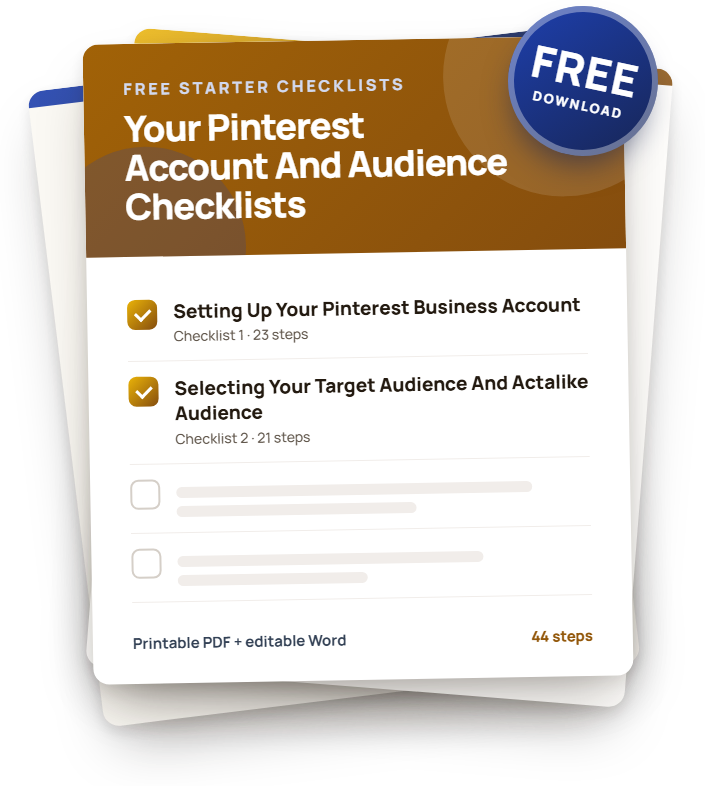
Setting Up Your Pinterest Business Account

A Pinterest business account unlocks the ads manager, analytics, catalog tools and shopping features that a personal profile cannot touch. Getting this foundation right, a claimed website, a complete profile and the correct team access, saves you from rebuilding settings mid-campaign later.

23 stepsPDFWordInteractive
2

Selecting Your Target Audience And Actalike Audience

Audience selection is the first real decision in Pinterest advertising, and it shapes everything that follows: creative angle, budget efficiency and message.

21 stepsPDFWordInteractive
3

Selecting Your Pinterest Pin

The pin is still the core creative unit of every Pinterest ad, but the format lineup has changed since older versions of this checklist. Idea Pins, the multi-page storytelling format, were retired in 2024, and the working set now centers on standard static pins, video pins, carousels, collections and product pins pulled from your catalog.

25 stepsPDFWordInteractive
4

Selecting Board Topics And Content

Boards are still how Pinterest organizes and surfaces your content by topic, and a well-structured set of boards makes every pin you publish easier to find.

18 stepsPDFWordInteractive
5

Installing The Pinterest Tag And Conversions API On Your Website

Tracking what happens after someone clicks a pin is the foundation every other optimization decision rests on. The Pinterest tag, the piece of code that reports visitor activity back to your ad account, now works alongside the Conversions API, a server-side connection that recovers data lost to browser privacy restrictions and ad blockers.

21 stepsPDFWordInteractive
6

Creating A Schedule And Content Calendar

Once your pins, boards and campaigns exist, a real content calendar is what keeps posting consistent instead of sporadic. A calendar built from your own goals, your own analytics and your actual business dates works far better than one copied from generic best-practice advice.

18 stepsPDFWordInteractive
7

Optimizing Your Pins

A pin can keep earning saves, clicks and traffic long after the day you published it, which makes ongoing optimization worth real time. This checklist covers the hygiene basics every pin needs, the on-pin and on-board details that carry real SEO weight, and the maintenance habits, refreshing, retiring and testing, that keep a pin library performing instead of quietly going stale.

20 stepsPDFWordInteractive
8

Driving Referrals And Traffic To Your Pinterest Account

Pinterest's high domain authority means the platform can drive meaningfully more traffic per follower than most social networks, but only if your foundation, targeting and creative are all pulling in the same direction.

21 stepsPDFWordInteractive
9

Growing An Engaged Community On Pinterest

Pin and board optimization builds discoverability, but real relationships are what turn casual viewers into a genuinely engaged community. Continued, authentic interaction, replying to comments, running compliant contests, featuring real customers, is what creates the kind of buzz that optimization alone cannot manufacture.

21 stepsPDFWordInteractive
10

Creating Pinterest Campaigns

Every Pinterest ad lives inside the same three-level structure: campaign, ad group, and ad, with the campaign objective at the top setting the tone for everything below it.

21 stepsPDFWordInteractive
11

Optimizing Your Images For Pinterest Ads

Pinterest is a visual-first platform, so image and video quality directly drives how far your ads reach and how well they convert. This checklist covers getting the technical specs right, choosing and preparing visuals that genuinely stand out, using AI generation tools responsibly, and maintaining quality across your creative library over time.

22 stepsPDFWordInteractive
12

SEO Tips For Pinterest

Pinterest functions as much like a visual search engine as it does a social platform, and its high domain authority rewards accounts that take SEO seriously.

23 stepsPDFWordInteractive
13

Creating Ads And Measuring Ads Success On Pinterest

Pinterest reaches a large, active audience that is routinely in a planning or purchasing mindset, which makes it a genuinely different kind of ad platform from feed-scrolling social networks.

22 stepsPDFWordInteractive
14

Creating A Clear CTA For Your Pinterest Ads

A call to action is the single line or button that turns interest into action, and a weak or vague one leaves genuine demand on the table. Pinterest's native CTA buttons, such as Shop Now, Learn More and Install Now, give you a proven, platform-optimized option that usually outperforms a CTA baked only into the image.

19 stepsPDFWordInteractive
15

Targeting And Bidding Strategies For Your Pinterest Ads

Targeting decides who sees your ad, and bidding decides how you pay for the actions you actually care about, so both deserve deliberate strategy rather than defaults left untouched.

23 stepsPDFWordInteractive
16

Pinterest Best Practices

Pinterest remains a competitive platform where brands, sellers and creators all fight for the same discovery real estate, and consistent best practices are what separate accounts that grow from accounts that stall.

24 stepsPDFWordInteractive
17

Optimizing Pinterest Ad Performance

Pinterest continues to expand its ad tools, but the fundamentals of ad performance, strong creative, disciplined bidding, and genuine platform-native signals, still drive the actual results.

20 stepsPDFWordInteractive
18

Creating Your Ad Groups

Ad groups sit between the campaign and the individual ad, and they are where the real targeting, budget and placement decisions get made. A well-built ad group consolidates spend around one clear audience and message instead of spreading budget thin across a dozen loosely related ads.

23 stepsPDFWordInteractive

Here's What Others Are Already Saying

★★★★★

“IM Checklists allow you to get on with making money without the worry, fear and weight on your shoulders that you may have forgotten something. EVERYTHING is there in a clear and easy to consume format that can be checked off in seconds. A must have for all serious marketers.”

Carl Picot
★★★★★

“These checklists have been a great asset in helping me set up my first launch, ensuring that I didn't miss any steps under tight time constraints. I highly recommend these checklists.”

Dominic Anderton
★★★★★

“As a customer, just wanted to say thanks for creating IM Checklist. It's all in the worry of what I may forget. You have removed that fear. Many thanks.”

Mike Holthuysen
★★★★★

“The ability for someone to follow a proven method step by step like this is tantamount to their success with marketing.”

Reed Floren

How It Works

1

Join for $3

Checkout takes under a minute and your login is emailed to you instantly.

2

Open the members area

All 84 volumes are unlocked and waiting, in PDF and Word formats.

3

Follow the checklists

Work through each process step by step and watch the overwhelm disappear.

Why Grab This Today Instead Of Bookmarking It

  • Over a decade of processes I actually use, written as follow-along steps instead of theory you have to translate into action.
  • The same systems behind our own 7-figure launches, not a repackaged version of someone else's course.
  • Every checklist rewritten for 2026, AI workflows built in where they genuinely save time.
  • Full Private Label Rights on the entire library. Resell it, rebrand it, reuse it, keep everything.
  • Three ways to work through each one: tick boxes online with a progress bar, print the PDF, or edit the Word doc.
  • New volumes land every month and they are already included. You never pay for the library twice.

Two Ways This Goes From Here

OR

You Close This Tab

Nothing changes. Same guesswork, same half-finished courses, same feeling that you are one system away from this actually working. Twelve months from now, that gap looks exactly the same, because it was never going to close on its own.

You Spend $3 Today

You get every process I run my own business on, all 84 volumes, full PLR rights to resell every one of them, and fourteen days to decide if it was worth it. This is the version of today where something actually changes.

14DAYS
100% Risk-Free

Try It For Two Weeks On My Dime

Work through the checklists for $3. If they are not worth more than that to you, tell support within 14 days and the refund is automatic. No form, no "please explain," no waiting on hold.

Join Today. Get Everything.

One membership unlocks every volume and every checklist we publish, always current, always growing.

7-Day Trial
$3 today
then $17.95 per month · cancel anytime
  • All 84 volumes unlocked instantly
  • Exactly 1,536 step-by-step checklists inside right now
  • Printable PDF, editable Word and interactive formats
  • Full Private Label Rights on everything
  • NEW checklist volumes released every month
  • New AI features inside the members area, coming soon
  • 14-day money back guarantee
Start Your $3 Trial

Full access to all 84 volumes for 7 days, then $17.95 per month. Cancel anytime. Backed by a 14-day money back guarantee.

Your Private Label Rights, In Black And White

  • [YES] Edit, add graphics and rebrand any way you wish
  • [YES] Claim full authorship and put your name on them
  • [YES] Resell them and keep 100 percent of the profits
  • [YES] Give them away to build your email list
  • [YES] Turn them into PowerPoint or webinar presentations
  • [YES] Create video training courses from them
  • [YES] Add them to paid membership sites
  • [YES] Use them as blog posts, emails or infographics
  • [YES] Translate them into other languages
  • [YES] Bundle them into your own offers and bonuses
  • [YES] Use them with clients and in coaching programs

Questions, Answered

How does the $3 trial work?

You pay $3 today and get full access to all 84 volumes for 7 days. After that it is $17.95 per month. Cancel anytime, including during the trial, and you are covered by a 14-day money back guarantee on top.

How many checklists do I actually get?

Exactly 1,536 step-by-step checklists across 84 volumes, as of today. New checklist volumes are released every month, and every one is included with your membership.

What can I do with the Private Label Rights?

Anything. Edit them, rebrand them with your name and logo, claim authorship, resell them and keep 100 percent, give them away as lead magnets and bonuses, turn them into courses, webinars, blog posts and emails, translate them, and use them with clients.

Are the checklists up to date?

Yes. The library is fully refreshed for 2026, updates are included with your membership, and new AI features are coming to the members area soon.

What formats do the checklists come in?

Three: printable PDFs, fully editable Word docs, and interactive online checklists with tickable boxes and a progress bar.

How do I get access after buying?

Instantly. Your login details arrive by email and your volumes are waiting in the members area at https://imchecklist.org.

Where do I get help?

Our support desk is one click away from every page in the members area, and replies come from a real human.

P.S. I skip to the end of long pages too, so here is the entire pitch in one breath:

$3 unlocks all 84 volumes of IM Checklist AI, 1,536 step-by-step checklists rewritten for 2026, in printable PDF, editable Word and interactive tick-box formats.

Every checklist ships with Full Private Label Rights. Rebrand it, resell it, give it away, build a product on it, whatever you want. It is yours the moment you download it.

Your trial runs 7 days at $3, then $17.95 a month, cancel whenever you like, and you have fourteen days for the guarantee to kick in if it is not what you expected.

That is the whole offer. No fine print hiding underneath it.

To your success,
Kevin Fahey

Every Reason To Say Yes. Not One Reason To Say No.

$3 gets you every one of the 1,536 checklists across all 84 volumes, starting today. Work through them for two full weeks. If they are not everything I just described, ask for a refund and you get every cent back, no argument.

Rebrand one checklist, sell it once, and it can pay for years of membership. That math only gets better from here.
Instant accessCancel anytime14-day money back guaranteeNew volumes every monthAI features coming soon

Full access to all 84 volumes for 7 days, then $17.95 per month. Cancel anytime.